15
15-12 d-Color MF552/452/362/282/222
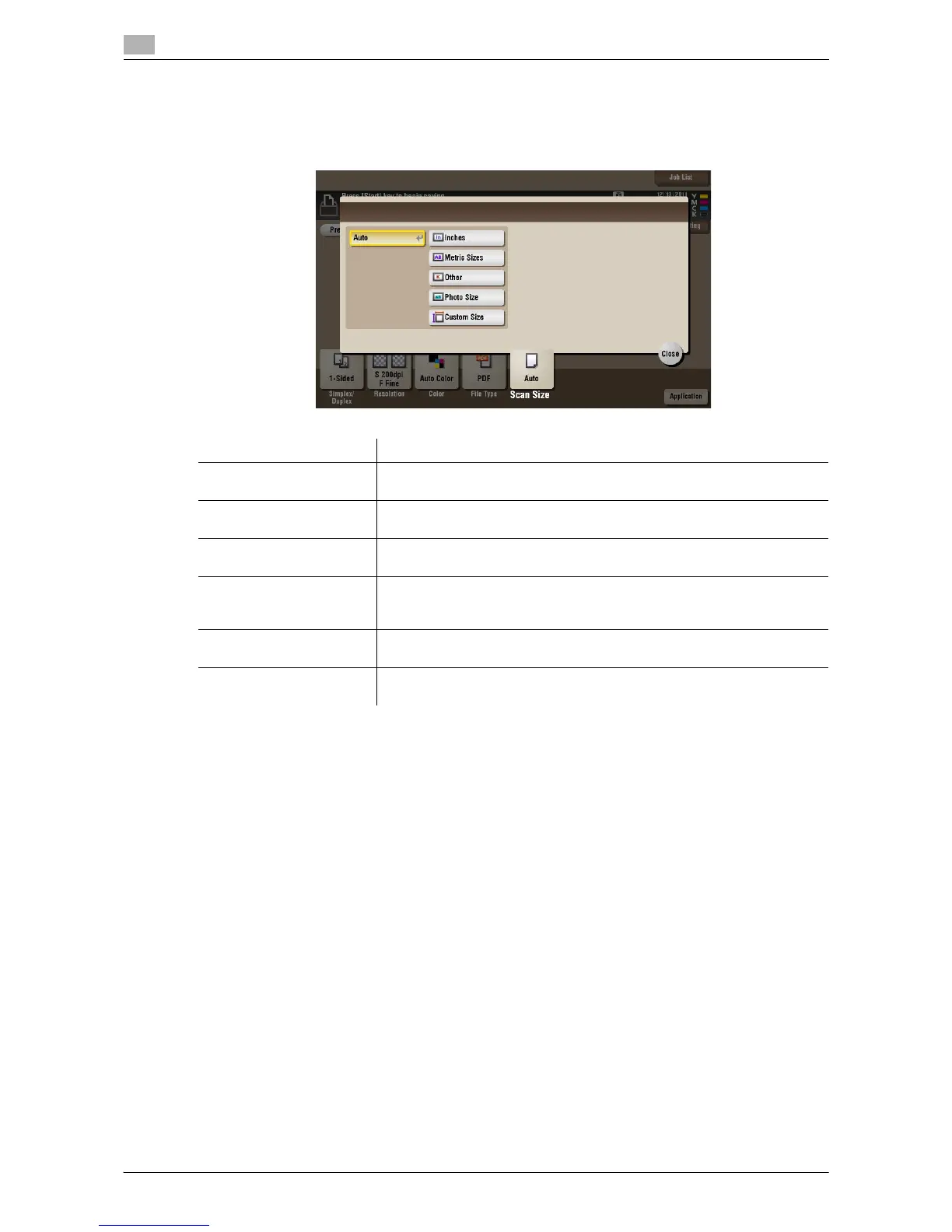
[Scan Size] ([Public]/[Personal]/[Group]) ([Save])
To display: [Box] - Select a User Box to save the file - [Save] - [Scan Size]
Select the size of original to be scanned.
Settings Description
[Auto] Selects a scan size automatically according to the original, and scans the
original.
[Inches] Select this option to scan an inch-size original. Tap [Inches], and select a
standard inch size.
[Metric Sizes] Select this option to scan a metric-size original. Tap [Metric Sizes], and se-
lect the standard metric size respectively.
[Other] Select this option to scan a postcard (4 e 6, or A6 Card) or an original other
than an inch- or metric- size original. Tapping [Other] allows you to select
each standard size.
[Photo Size] Select this option to scan photos or originals in photo size. Tap [Photo
Size], and select a standard size.
[Custom Size] Select this option to scan originals in custom size. Tap [Change Size], and
enter vertical and horizontal values.



 To Next Page
 Loading...





