15
15-90 d-Color MF552/452/362/282/222
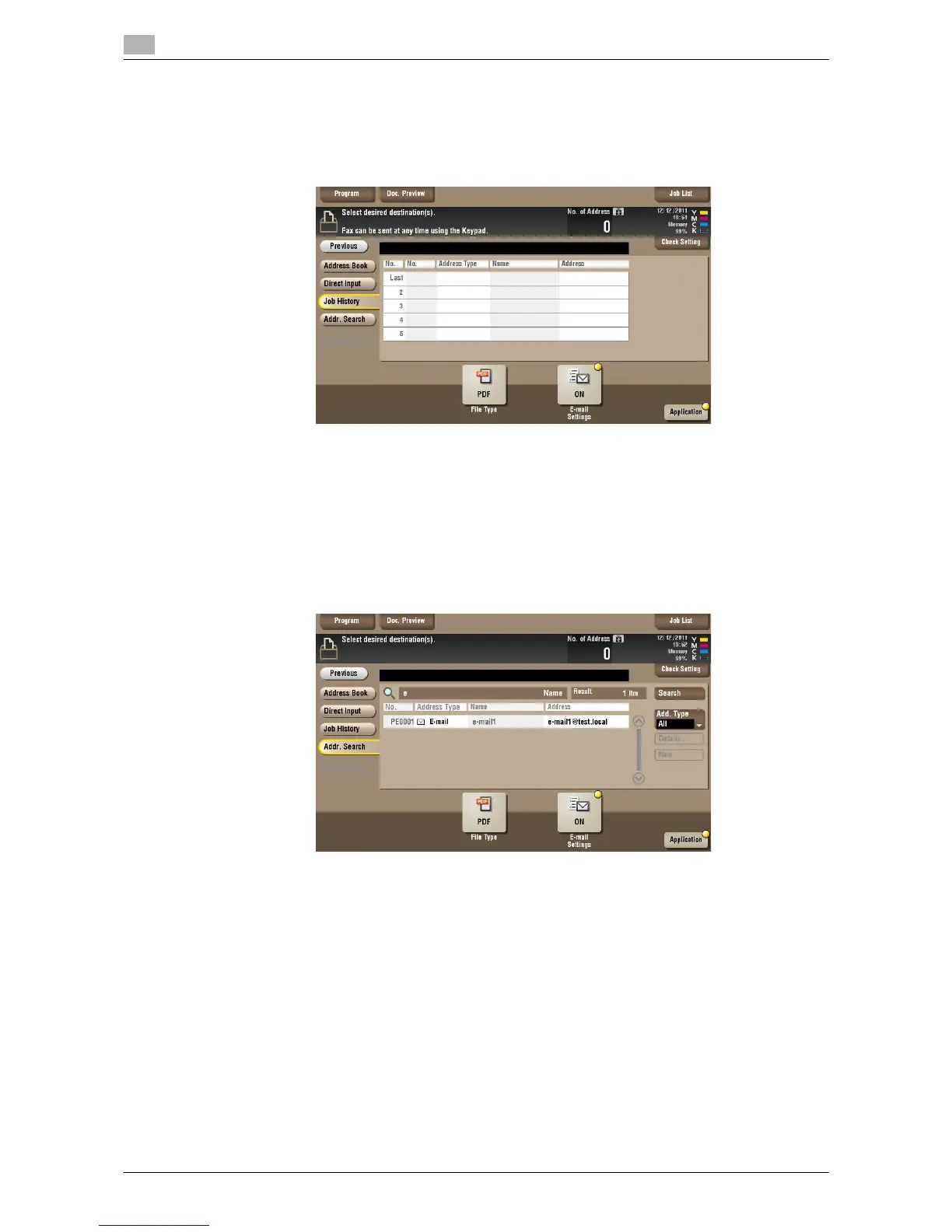
[Job History] ([Public]/[Personal]/[Group]) ([Combine TX])
To display: [Box] - Select a User Box - [Open] - Select multiple files - [Other] - [Combine TX] - [Job History]
Press [Job History], and you can select a destination from the scan or fax history. The latest jobs (up to five)
are displayed for history purposes. You can also select multiple destinations from the history.
Tips
- If you have edited a destination, you have edited a User Box, or you have turned the power supply Off
and On again, the history data is deleted or lost.
[Addr. Search] ([Public]/[Personal]/[Group]) ([Combine TX])
To display: [Box] - Select a User Box - [Open] - Select multiple files - [Other] - [Combine TX] - [Addr. Search]
Press [Search] to display the search results. Select a destination from the list.



 To Next Page
 Loading...





