d-Color MF552/452/362/282/222 15-13
15
[Application] ([Public]/[Personal]/[Group]) ([Save])
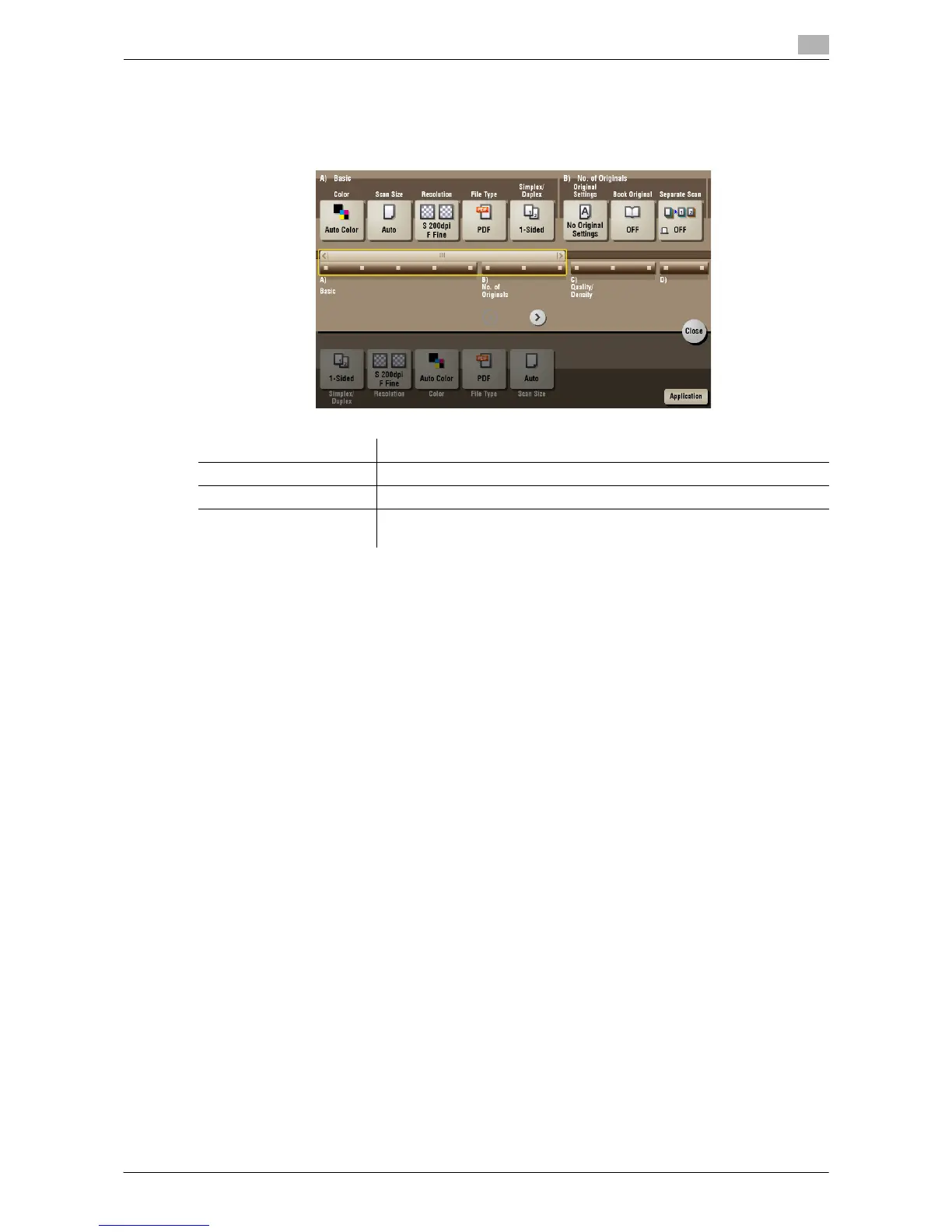
To display: [Box] - Select a User Box to save the file - [Save] - [Application]
Set the Application options to store files in a User Box.
Settings Description
[No. of Originals] Set the original scan options.
[Quality/Density] Adjust the image quality and density according to the original.
[App] Sets application options to erase shadows that are produced when scan-
ning an original and to enhance edges of the image.



 To Next Page
 Loading...





