d-Color MF552/452/362/282/222 15-213
15
[Delete] ([File Re-TX])
To display: [Box] - [System] - [File Re-TX] - Select the file - [Delete]
Delete the selected file.
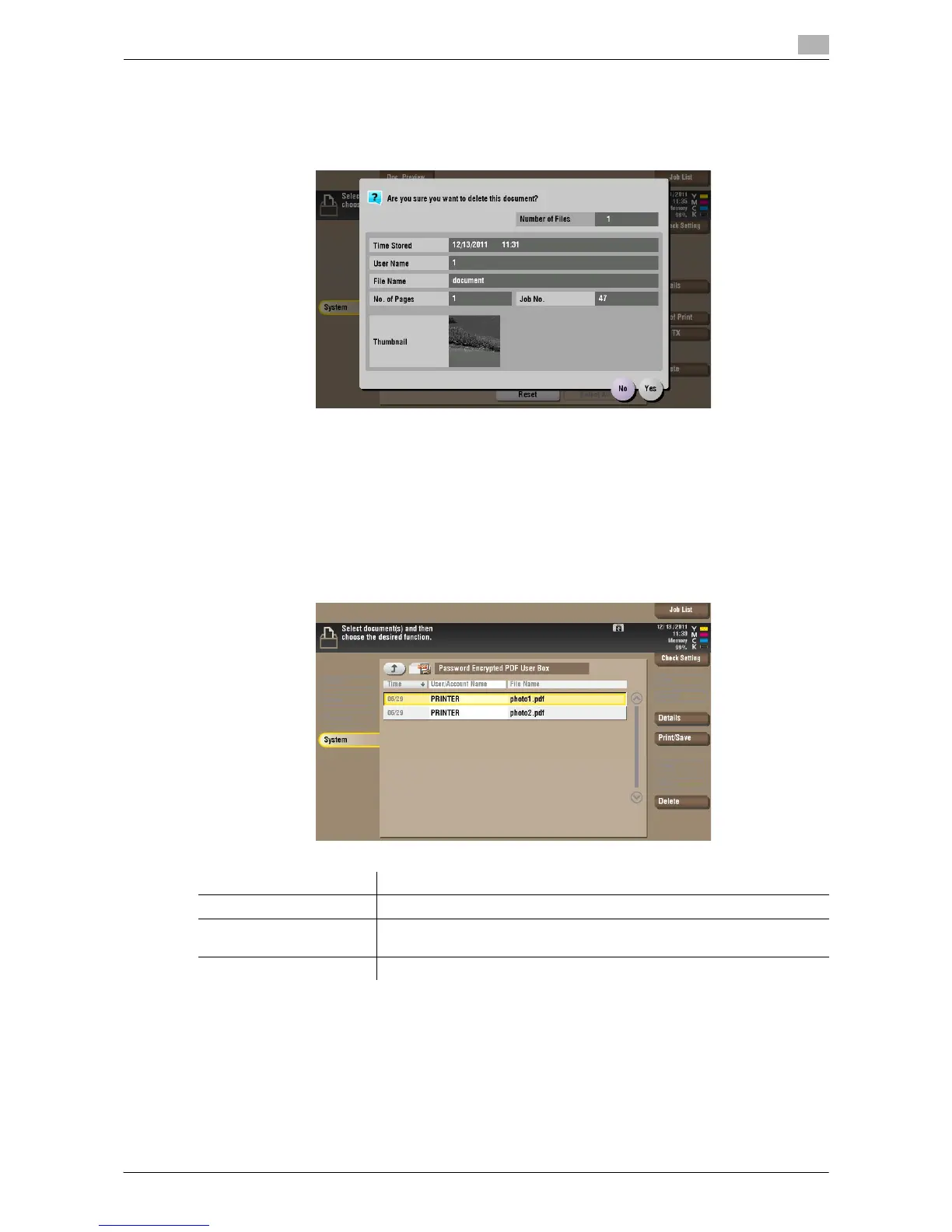
[Password Encrypted PDF]
To display: [Box] - [System] - [Password Encrypted PDF]
When a password protected PDF file is printed out or stored in the User Box by using the Direct Print function
or from a USB memory or a Bluetooth device, the file is stored in the Password Encrypted PDF User Box.
Once you have opened the User Box, you can select a PDF file stored in the User Box to preview and print
it out. Also, you can store the file in or delete it from the User Box.
When printing or saving a PDF file, you will need to enter a password that was set for the file.
Settings Description
[Details] You can check the file registration information.
[Print/Save] You can enter the password for the PDF file, and print the file or save it in
a User Box.
[Delete] Deletes a file.



 To Next Page
 Loading...





