15
15-190 d-Color MF552/452/362/282/222
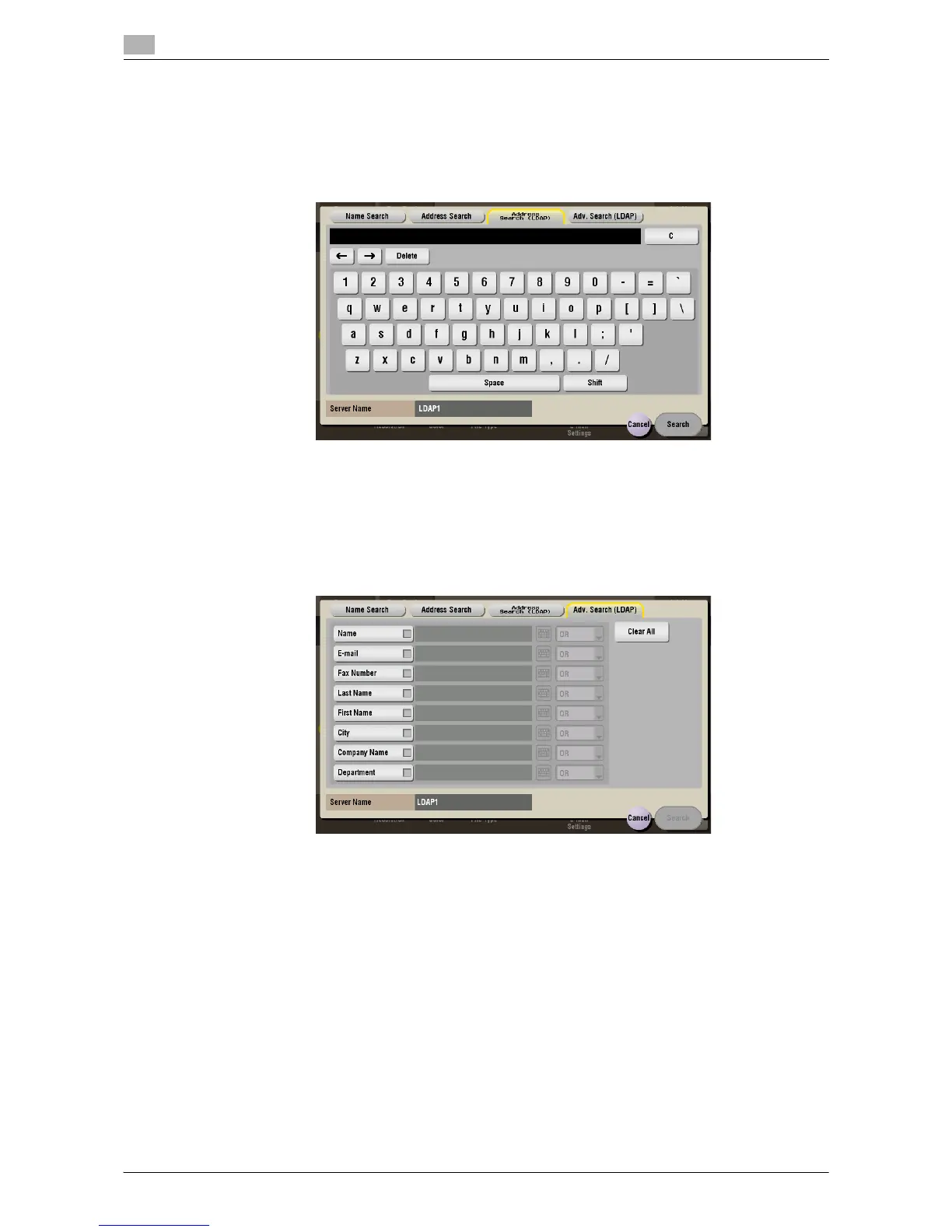
[Address Search (LDAP)] ([Annotation]) ([Send])
To display: [Box] - [System] - [Annotation] - Select a User Box - [Open] - Select the file - [Send] - [Addr.
Search] - [Search] - [Address Search (LDAP)]
In the LDAP server or Windows Server Active Directory is used, specify a single keyword to search for an E-
mail address or fax number.
[Adv. Search (LDAP)] ([Annotation]) ([Send])
To display: [Box] - [System] - [Annotation] - Select a User Box - [Open] - Select the file - [Send] - [Addr.
Search] - [Search] - [Adv. Search (LDAP)]
Using the LDAP server or Active Directory of Windows Server, combine keywords by category to search for
an E-mail address or fax number.



 To Next Page
 Loading...





