d-Color MF552/452/362/282/222 15-45
15
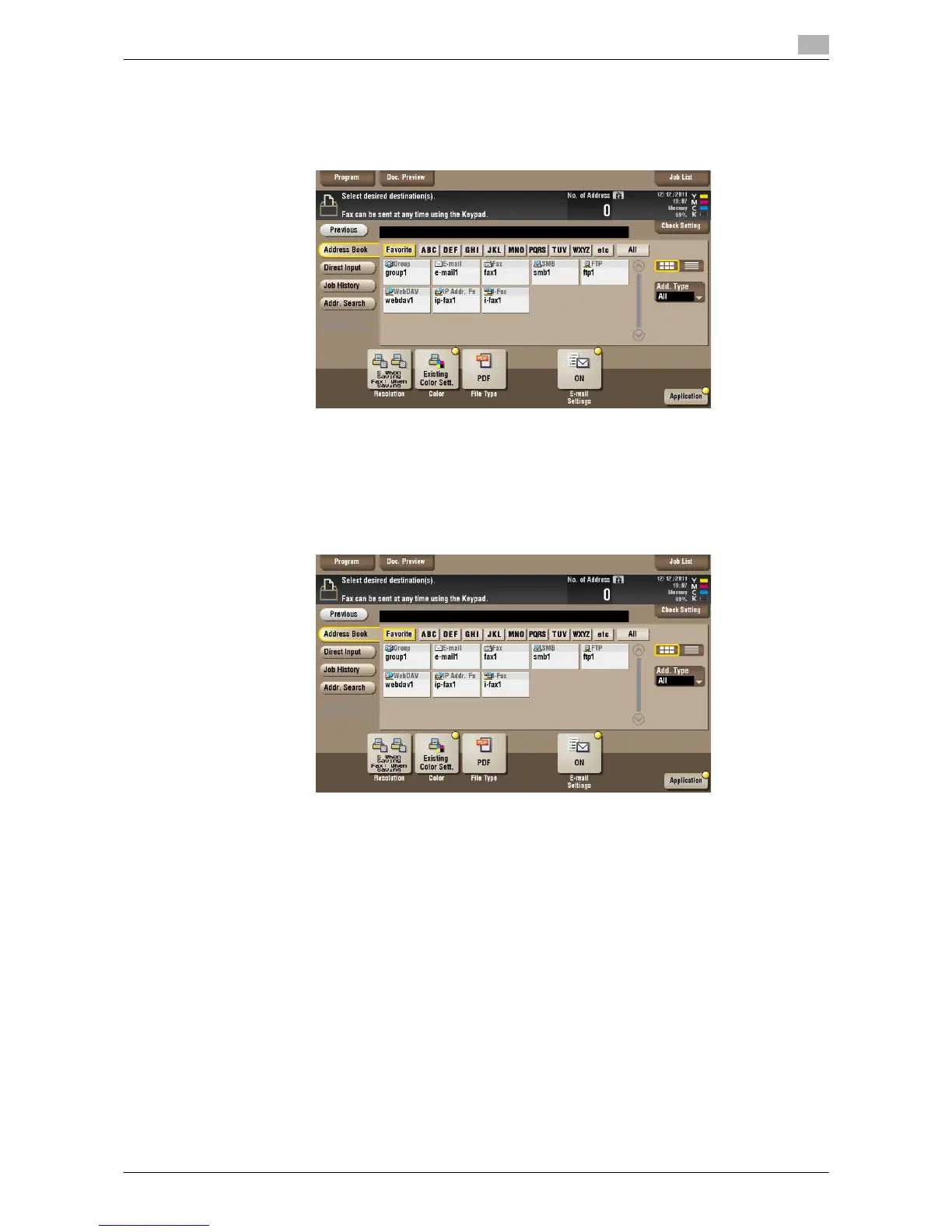
[Send] ([Public]/[Personal]/[Group])
To display: [Box] - Select a User Box - [Open] - Select the file - [Send]
Specify the destination and other settings to send a file from the User Box.
[Address Book] ([Public]/[Personal]/[Group]) ([Send])
To display: [Box] - Select a User Box - [Open] - Select the file - [Send] - [Address Book]
Select a destination from the Address Book. You can broadcast files by selecting multiple destinations.
You can also search for a destination using destination type and furigana key.



 To Next Page
 Loading...





