d-Color MF552/452/362/282/222 15-67
15
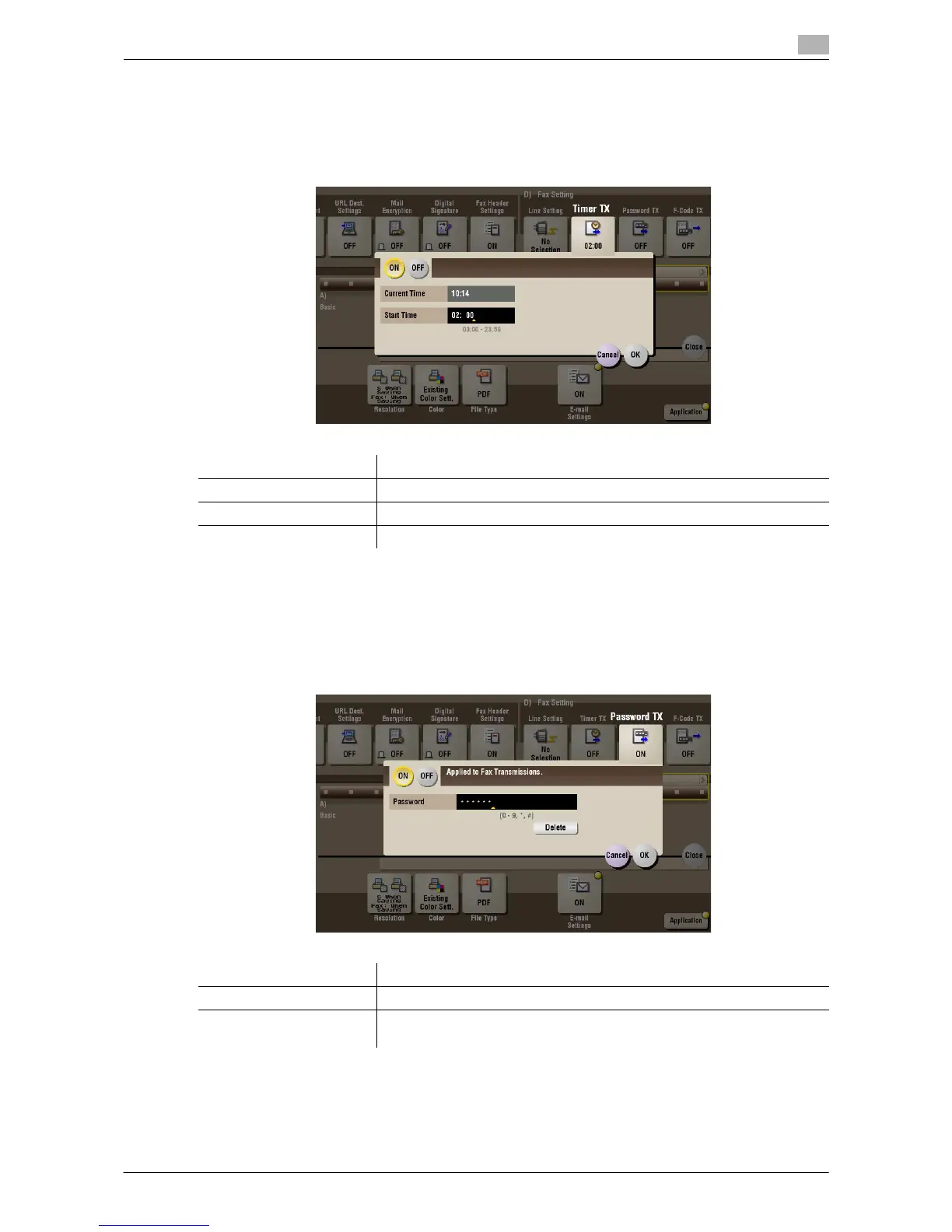
[Timer TX] ([Public]/[Personal]/[Group]) ([Send])
To display: [Box] - Select a User Box - [Open] - Select the file - [Send] - [Application] - [Fax Setting] - [Timer
TX]
Specify when to start fax transmission. The fax is automatically sent at the specified time.
[Password TX] ([Public]/[Personal]/[Group]) ([Send])
To display: [Box] - Select a User Box - [Open] - Select the file - [Send] - [Application] - [Fax Setting] - [Pass-
word TX]
A fax is sent with a password to a device for which fax destinations are restricted by passwords (Closed Net-
work RX enabled).
Settings Description
[ON]/[OFF] Select [ON] to specify Timer RX.
[Current Time] Shows the current time.
[Start Time] Specify when to start fax transmission using the Keypad.
Settings Description
[ON]/[OFF] Select [ON] to specify Password TX.
[Password] Enter the password for Closed area RX programmed for the destination us-
ing the Keypad.



 To Next Page
 Loading...





