d-Color MF552/452/362/282/222 15-97
15
[Application] ([Public]/[Personal]/[Group]) ([Combine TX])
To display: [Box] - Select a User Box - [Open] - Select multiple files - [Other] - [Combine TX] - [Application]
Set the advanced file send options.
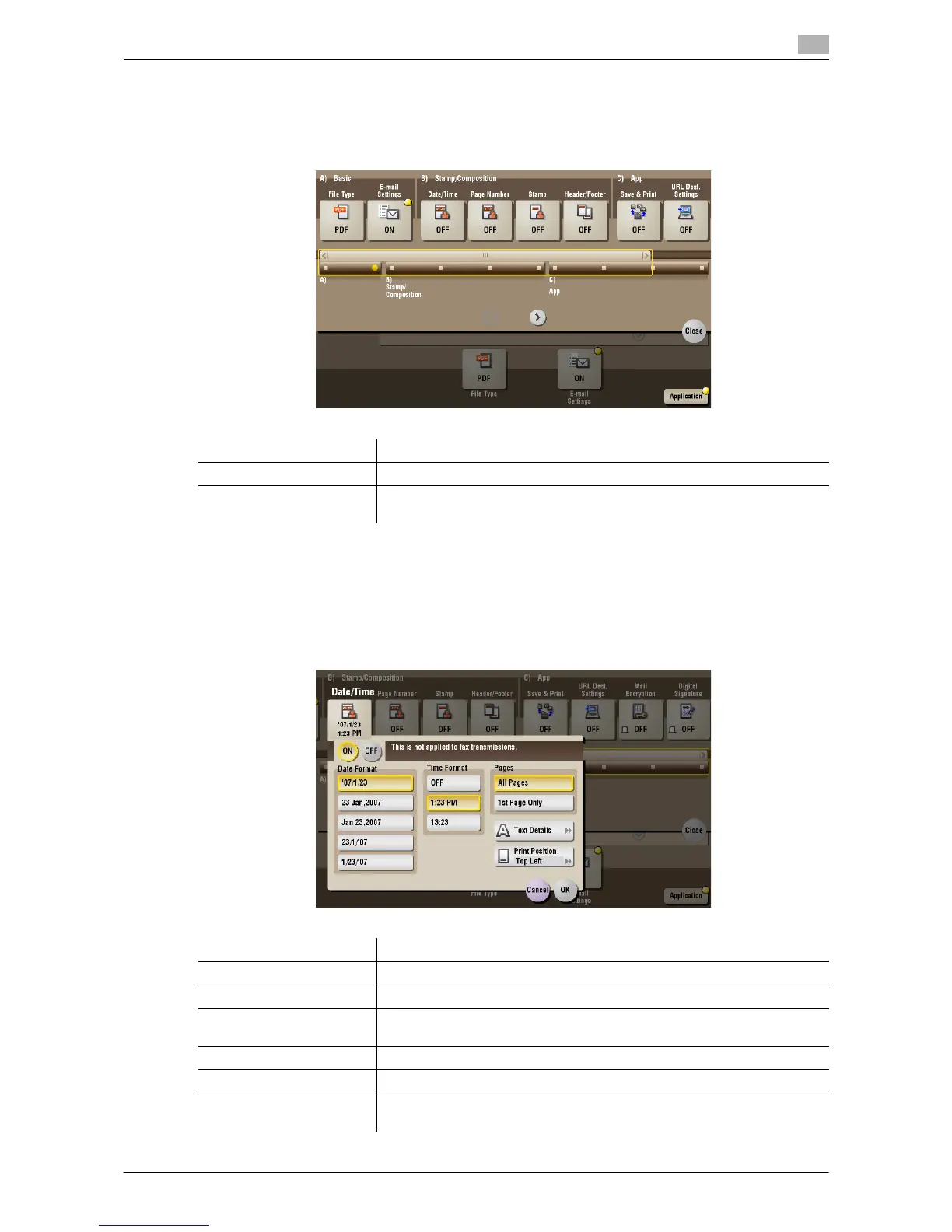
[Date/Time] ([Public]/[Personal]/[Group]) ([Combine TX])
To display: [Box] - Select a User Box - [Open] - Select multiple files - [Other] - [Combine TX] - [Application]
- [Date/Time]
You can select a print position and format, and add the date and time. The date and time can be printed either
on all pages or only on the first page.
Settings Description
[Stamp/Composition] Adds a page number and a stamp to the file.
[Application] Sets application options to notify the storage of file data by E-mail, to
change the FAX sender information and others.
Settings Description
[ON]/[OFF] Select [ON] to print the date/time.
[Date Format] Select the date/time format.
[Time Format] Select the time format. When you do not want to print the time, select
[OFF].
[Pages] Select the range of pages to print.
[Text Details] If necessary, select the print size, font, and text color.
[Print Position] If necessary, select the print position of the text. You can adjust the print
position in [Adjust Position] more finely.



 To Next Page
 Loading...





