15
15-48 d-Color MF552/452/362/282/222
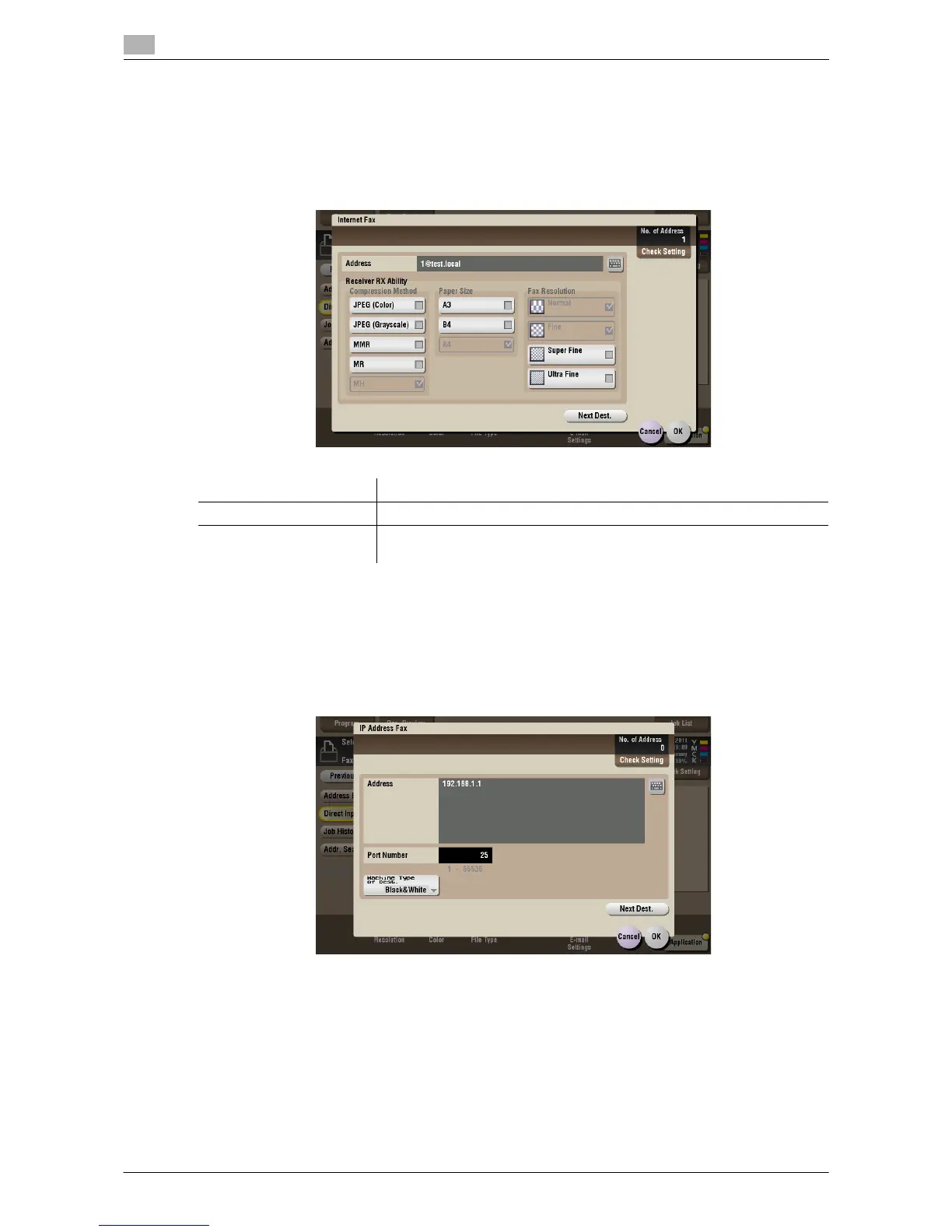
[Internet Fax]
To display: [Box] - Select a User Box - [Open] - Select the file - [Send] - [Direct Input] - [Internet Fax]
Enter the destination mail address to send an Internet fax to. Also, select the properties of original data that
the recipient machine can receive.
Tap [Next Dest.] to add a destination.
[IP Address Fax]
To display: [Box] - Select a User Box - [Open] - Select the file - [Send] - [Direct Input] - [IP Address Fax]
Enter the IP address or mail address of destination to send an IP address fax to. Also, select whether the
recipient machine supports color print.
When specifying multiple destinations, tap [Next Dest.] to add destinations.
Settings Description
[Address] Enter the destination mail address.
[Receiver RX Ability] Sets the [Compression Method], [Paper Size], and [Fax Resolution] prop-
erties of original data that the destination machine can receive.










 To Next Page