d-Color MF552/452/362/282/222 15-233
15
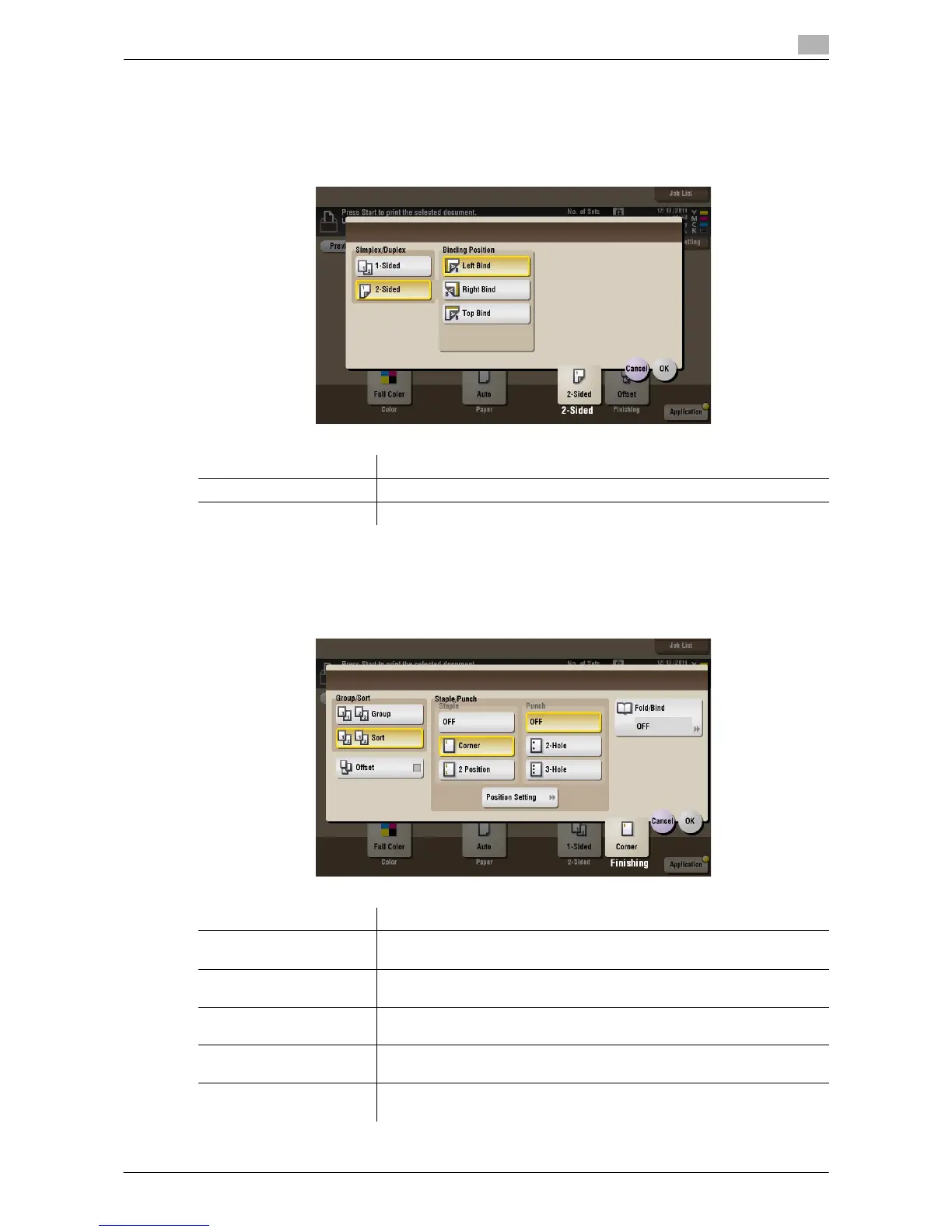
[2-Sided] ([External Memory]) ([Print])
To display: [Box] - [System] - [External Memory] - Select the file - [Print] - [2-Sided]
The original is printed either on a single side or on both sides of paper. Select the binding position when using
the 2-sided printing.
[Finishing] ([External Memory]) ([Print])
To display: [Box] - [System] - [External Memory] - Select the file - [Print] - [Finishing]
Specify how to feed out printed sheets of paper.
Settings Description
[Simplex/Duplex] The original is printed either on a single side or on both sides of paper.
[Binding Position] Select the binding position if [Simplex/Duplex] is set to [2-Sided].
Settings Description
[Group/Sort] Select the output method when printing multiple sets of copies.
For details, refer to page 15-234.
[Offset] Select this item when sorting by copies or by page to feed out paper.
For details, refer to page 15-235.
[Staple] Select the binding positions for stapling the sheets.
For details, refer to page 15-235.
[Punch] Select binding positions when punching sheets.
For details, refer to page 15-236.
[Fold/Bind] Select how to fold or bind paper.
For details, refer to page 15-236.










 To Next Page