15
15-114 d-Color MF552/452/362/282/222
[Print] ([Secure Print])
To display: [Box] - [System] - [Secure Print] - Select the file - [Print]
Set the options to print a file from the User Box.
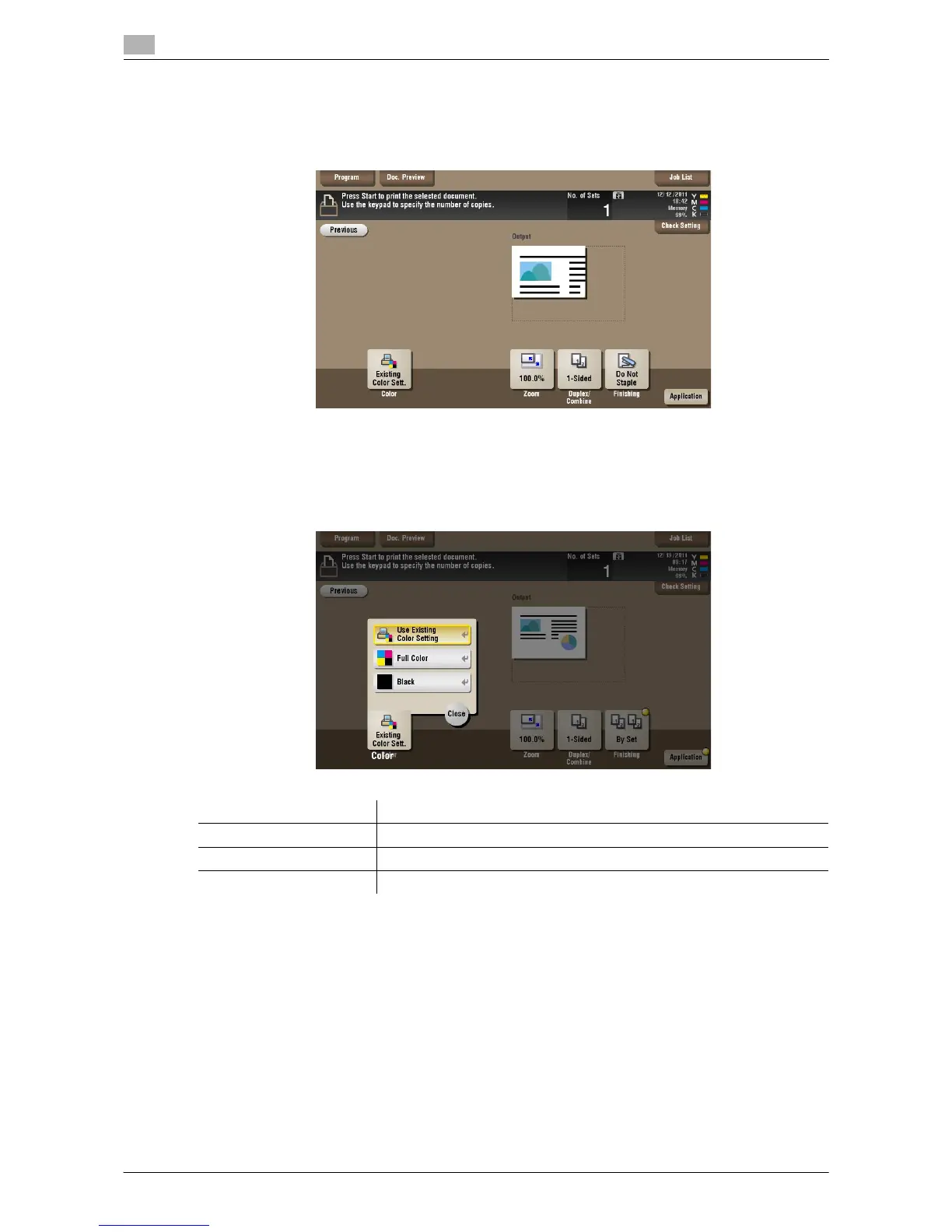
[Color] ([Secure Print]) ([Print])
To display: [Box] - [System] - [Secure Print] - Select the file - [Print] - [Color]
Select a Color mode to use to print files.
Settings Description
[Use Existing Color Setting] Prints a file in the same color mode as used during storage.
[Full Color] Prints a file in full colors regardless of the mode selected for saving.
[Black] Prints a file in gray scale regardless of the color mode selected for saving.



 To Next Page
 Loading...





