d-Color MF552/452/362/282/222 15-65
15
[Digital Signature] ([Public]/[Personal]/[Group]) ([Send])
To display: [Box] - Select a User Box - [Open] - Select the file - [Send] - [Application] - [App] - [Digital Sig-
nature]
Add a digital signature to an E-mail when it is sent from this machine using S/MIME.
Tips
- If you cannot change the [ON] or [OFF] status, this indicates whether or not to fix a digital signature has
been set by the administrator.
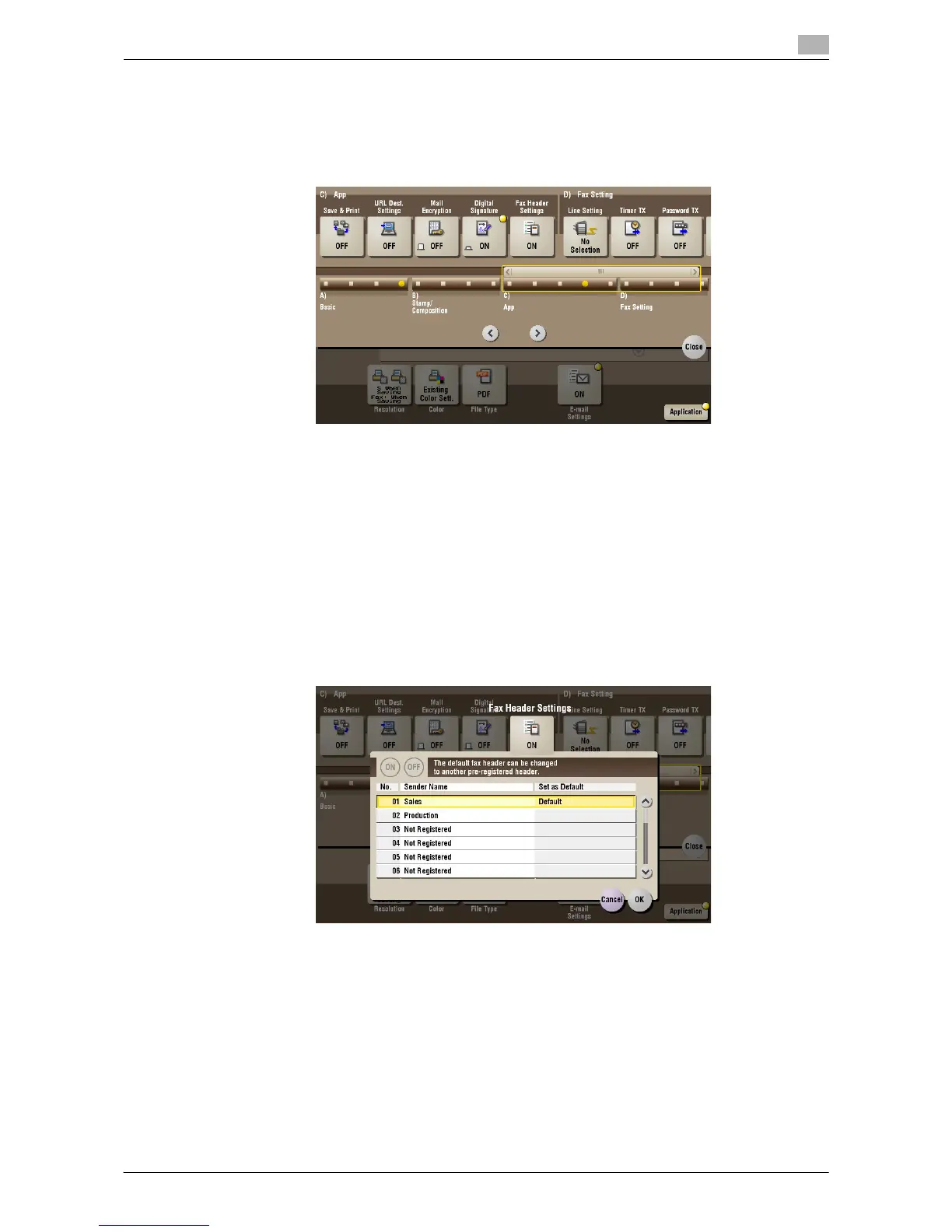
[Fax Header Settings] ([Public]/[Personal]/[Group]) ([Send])
To display: [Box] - Select a User Box - [Open] - Select the file - [Send] - [Application] - [App] - [Fax Header
Settings]
Normally, the default sender name is added. However, you can use different sender names depending as
necessary.
If you want to use a sender name that is different from the default name, select a new sender name you want
to use, then tap [OK].



 To Next Page
 Loading...





