Print file in a User Box
2
2-12 d-Color MF552/452/362/282/222
2.5
2.5 Print file in a User Box
Print (Basic operation flow)
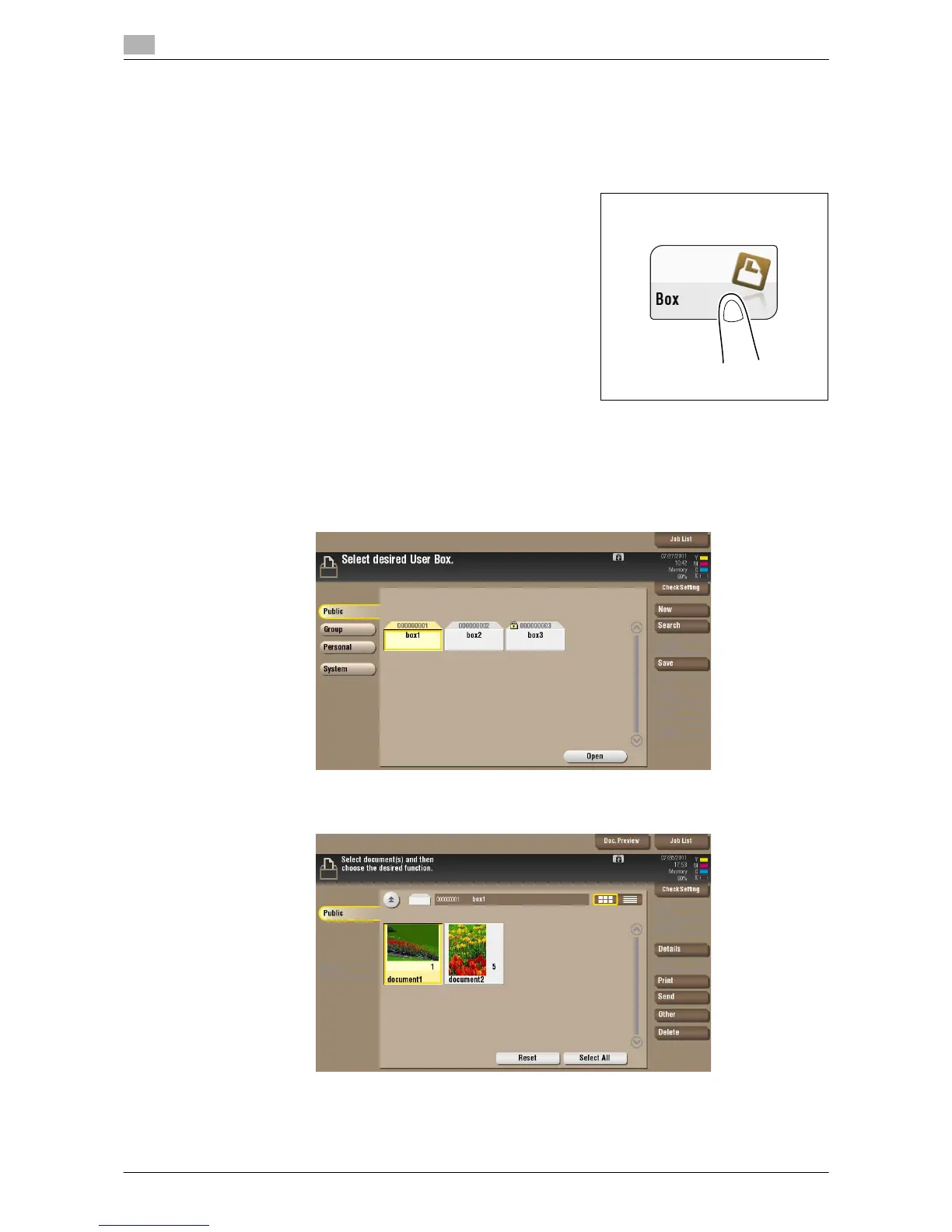
1 Tap [Box].
2 Select the desired User Box, then tap [Open].
% This example uses the Public User Box for explanatory purposes. To use a Personal User Box or a
Group User Box, tap [Personal] or [Group] and select the desired box.
% If the box is password protected, tap [Open] and enter the password.
% You can also open the desired User Box by tapping it twice.
3 Select a file to print, then tap [Print].



 To Next Page
 Loading...





