129
F3SG-R
User’s Manual
Chapter4 Cascade Connection
Wiring/Installation
E
4-2. Cascade Connection
The F3SG-RE cannot be used in cascade connection.
4-2-1. Overview
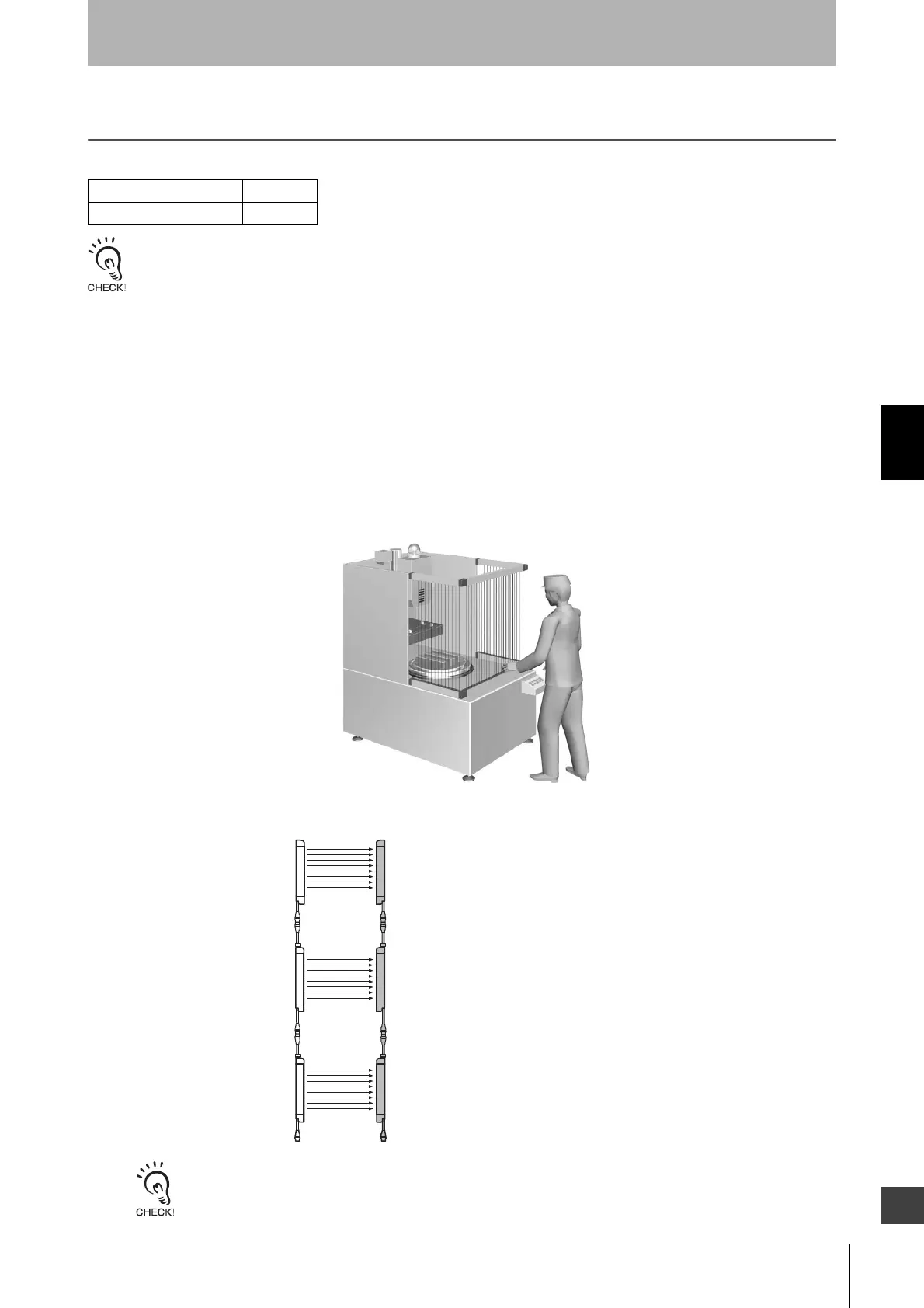
Up to 3 sets of F3SG-RA can be series-connected. Cascade connection allows them to be used as a a
safety light curtain, requiring only 1 set to be wired to a controller and preventing mutual interference.
If any 1 set of series-connected F3SG-RA is blocked, both of the safety outputs turn OFF.
• Number of connections: Up to 3 sets
• Total number of beams: Up to 255 beams
• Cable length between sensors: Up to 10 m
Example: Configuring an U-shaped detection zone
The sensor segments in a cascade connection are called as follows:
The cascaded segments operate according to the DIP Switch settings of the primary sensor. The DIP Switch settings of
the primary sensor do not affect the operation.
F3SG-RA Series X
F3SG-RE Series
Secondary
sensor 2 (Channel 3)
Secondary
sensor 1 (Channel 2)
Primary
sensor (Channel 1)



 To Next Page
 Loading...








