Cover Interposer Tray (B704)
SM 2-79 D062/D063/D065/D066
Installation
Use the two small tapping screws that are supplied, and not the machine
screws removed from the finisher guide plate.
6. Release the lock lever [D] (
x 1).
7. Attach the pad [E]. (This pad is provided with the finisher.)
8. Slowly push the finisher against the side of the machine until the brackets [F] go into
the slots.
Move the finisher carefully, or you will bend the entrance guide plates.
9. Attach the lock lever [D] (
x 1).
10. Connect the connector [G] to the copier.
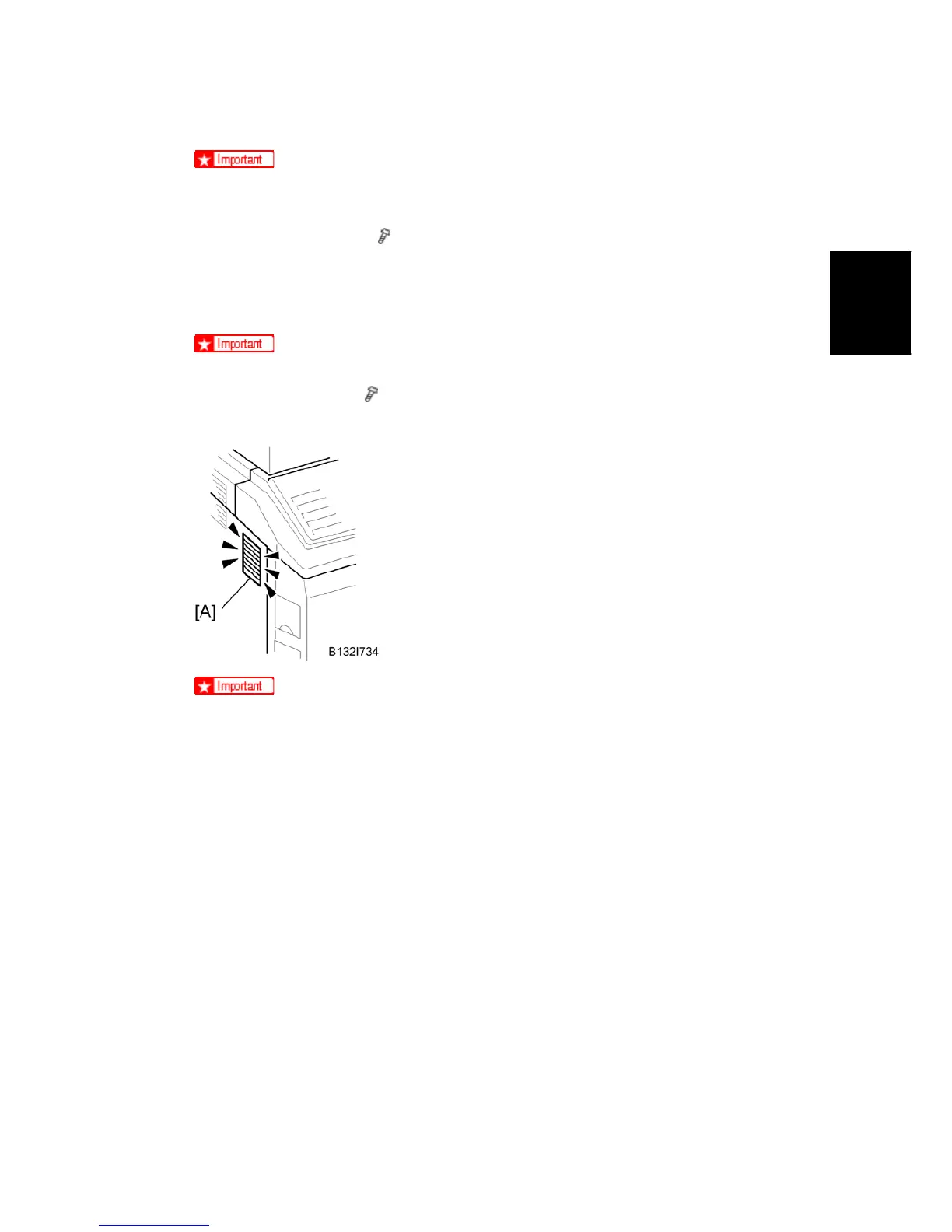
Check the duct [A] on the left side of the machine.
Make sure that the sponge does not prevent air flow through this duct.



 To Next Page