USB2.0/SD Slot Type C (D464)
SM 2-103 D062/D063/D065/D066
Installation
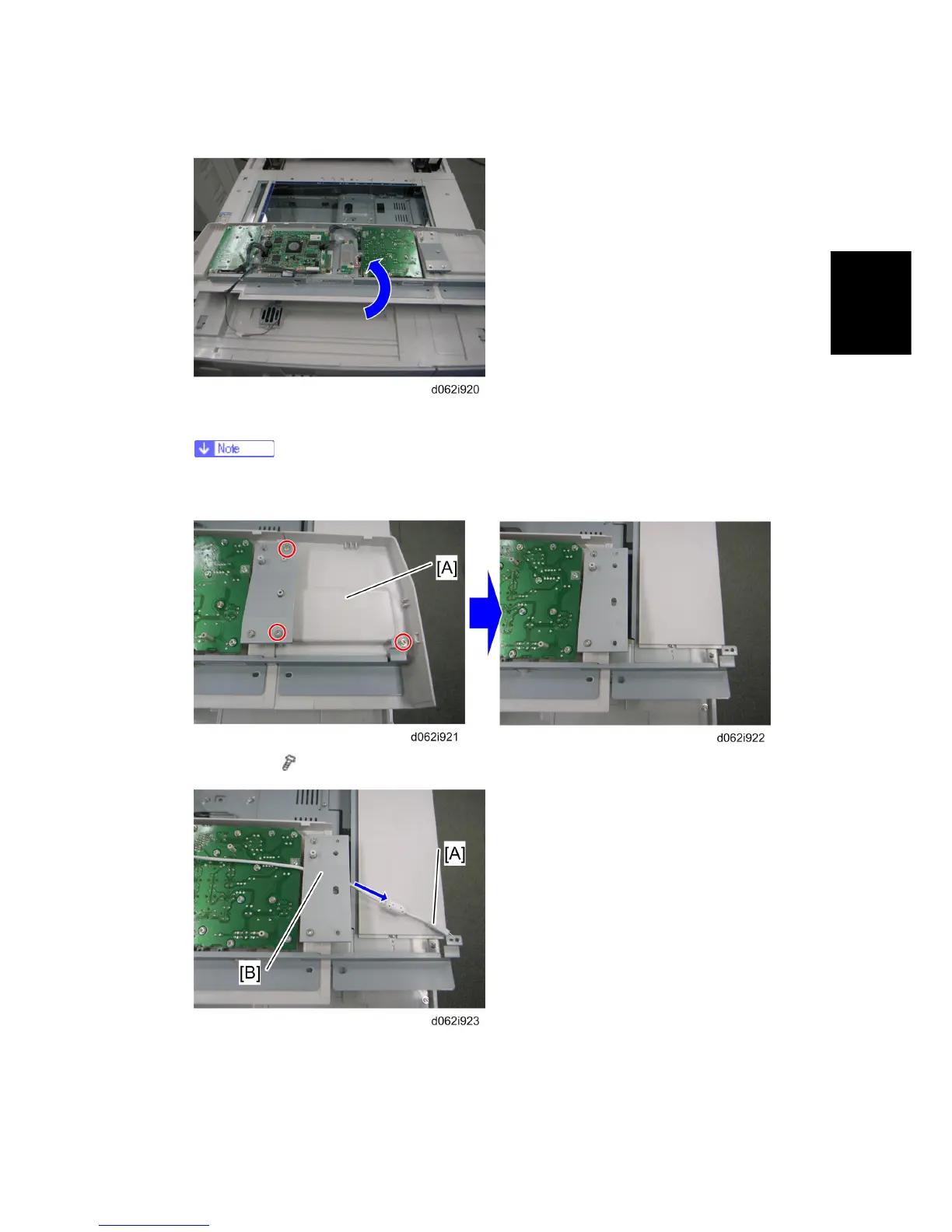
5. Turn the operation panel over and put it on the machine.
Put some cloths or sheets of paper between the machine and the operation
panel, so as not to scratch the exposure glass.
6. Clip tray [A] ( x 3)
7. Pass the USB cable [A] under the bracket [B].
Rev. 08/03/2009



 To Next Page