USB2.0/SD Slot Type C (D464)
D062/D063/D065/D066 2-104 SM
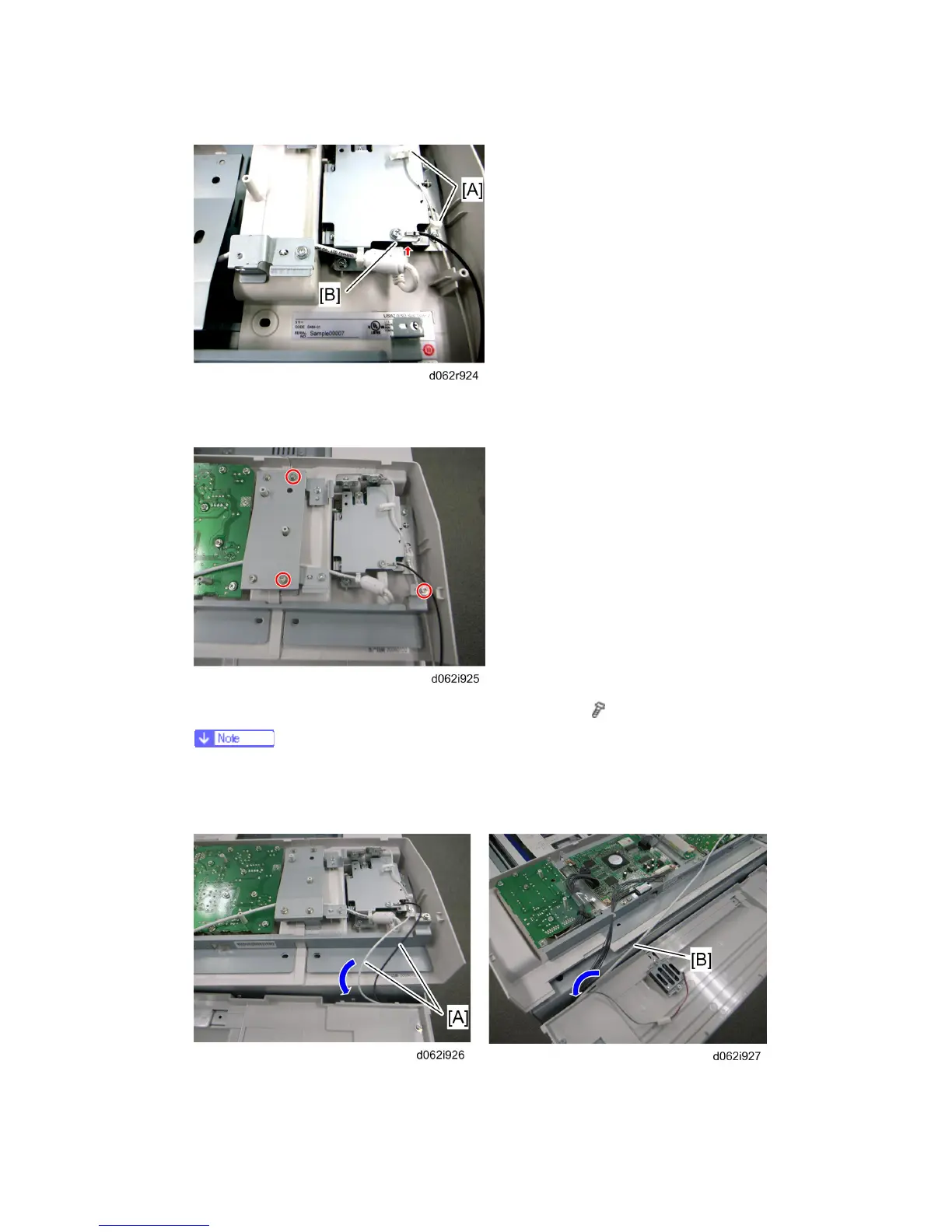
8. Secure the white ground wire with two clamps [A], and insert the USB Cable in the slot
[B] on the USB2.0/SD Slot Type C.
9. Install the USB2.0/SD Slot Type C on the operation panel (
x 3)
Use three screws provided with this kit. Tapping screws must be used to
attach the USB2.0/SD Slot Type C to bracket [A] of the operation panel. The
other screw must be installed on the right side [B].
10. Put the ground wires [A] and the USB Cable [B] into the machine as shown in the
Rev. 08/03/2009



 To Next Page