USB2.0/SD Slot Type C (D464)
D062/D063/D065/D066 2-106 SM
16. Re-install the left upper cover ( p.4-8 "Left Covers")
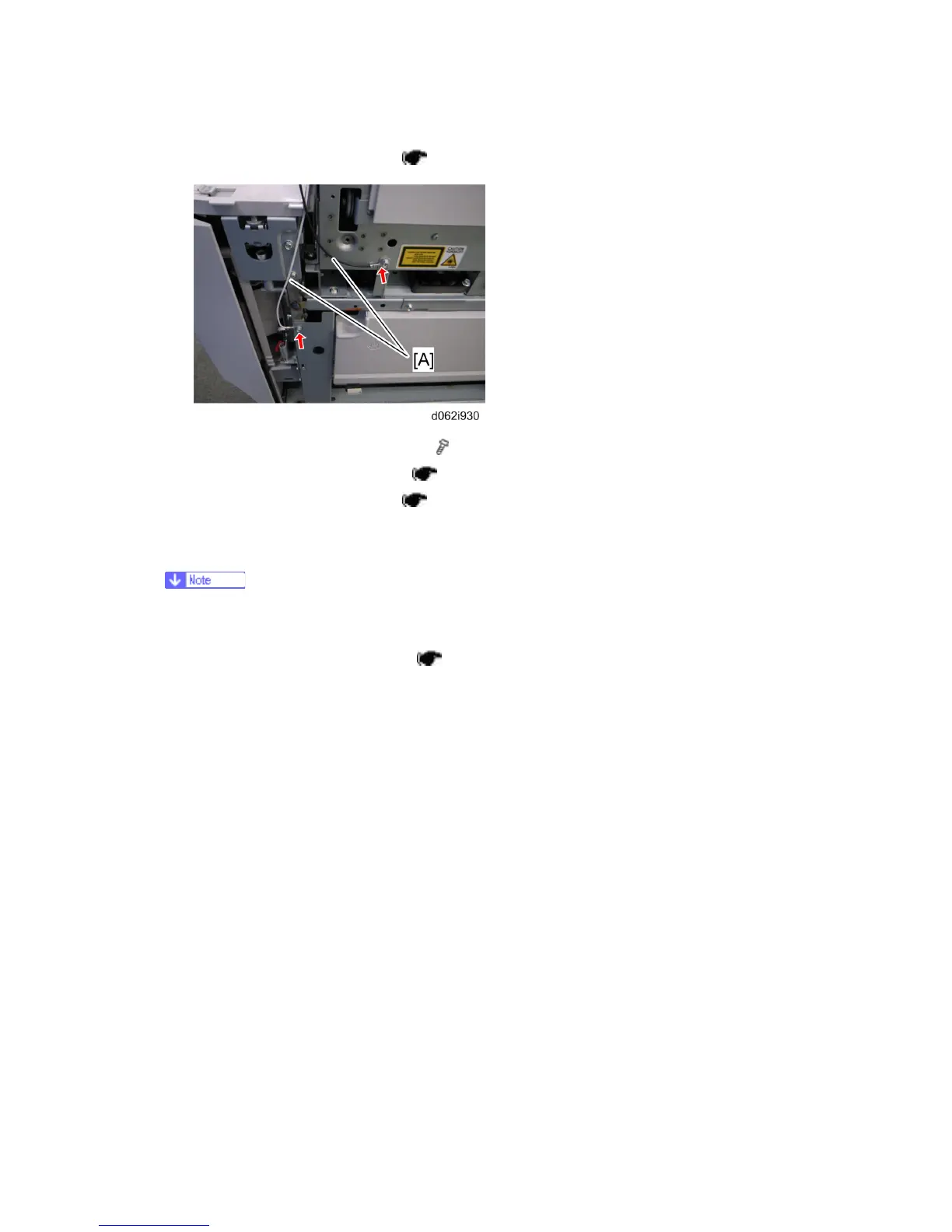
17. Secure two ground wires [A] (each
x 1) on the right side of the machine.
18. Re-install the right upper cover (
p.4-7 "Right Covers").
19. Re-install the operation panel (
p.4-6).
20. Plug in and power on the machine.
21. Enter Scanner SP Mode and change SP1013-001 from “0” to “1”.
If SP1013-001 is not set to “1” “Incompatible USB device connected” will be
displayed.
22. Perform SD Card/USB Slot test (
p.2-126 Testing the SD Card/USB Slot).
Rev. 08/03/2009



 To Next Page