Paper Feed
SM 4-89 D062/D063/D065/D066
Replacement
and
Adjustment
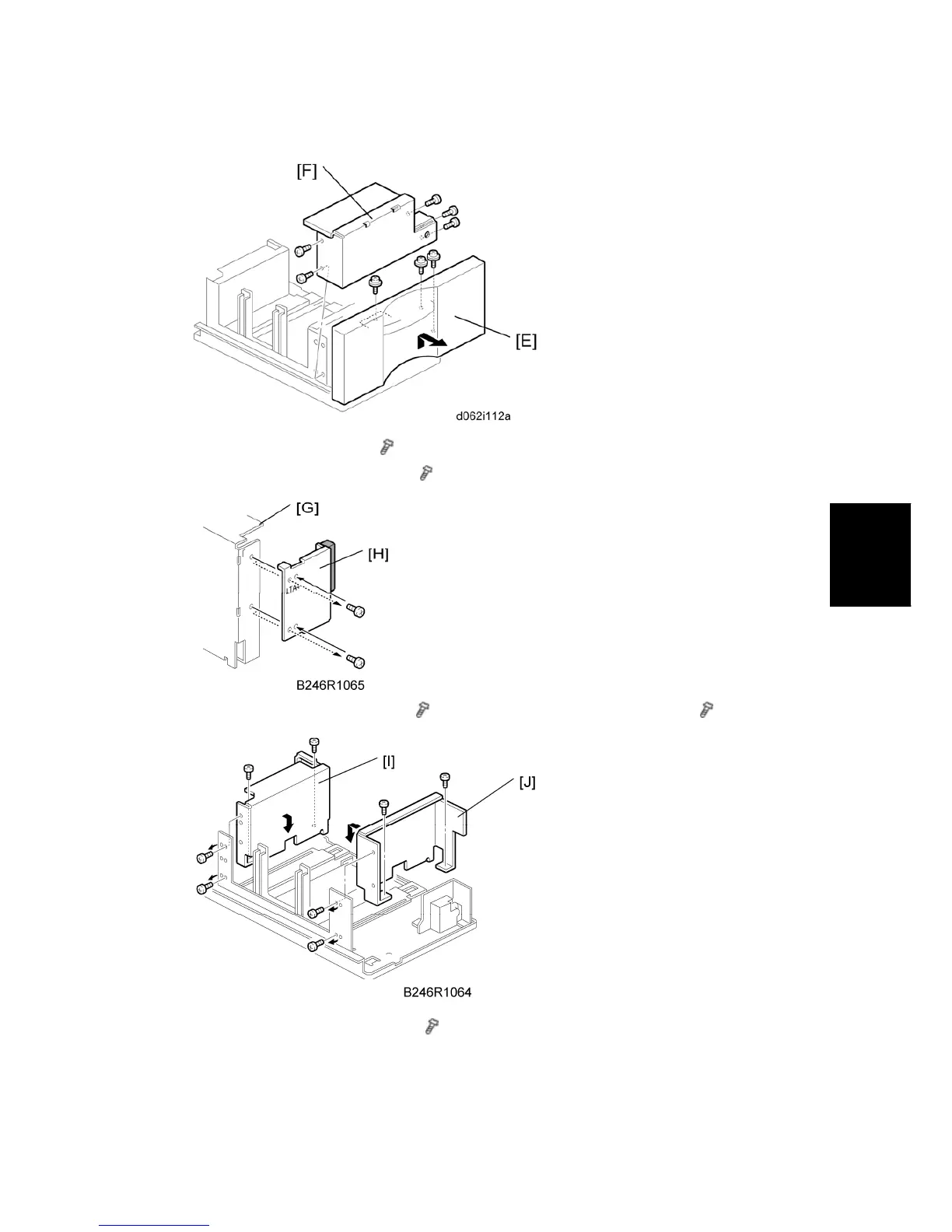
6. Remove the tray cover [E] ( x 3).
7. Remove the DC motor cover [F] (
x 5).
8. Remove the rear side fence [G] (
x 4) and re-position the rear cover [H] ( x 2).
9. Re-position the side fences [I] [J] (
x 4).
A4: Outer slot position
LT: Inner slot position



 To Next Page