Main Machine
SM 2-13 D062/D063/D065/D066
Installation
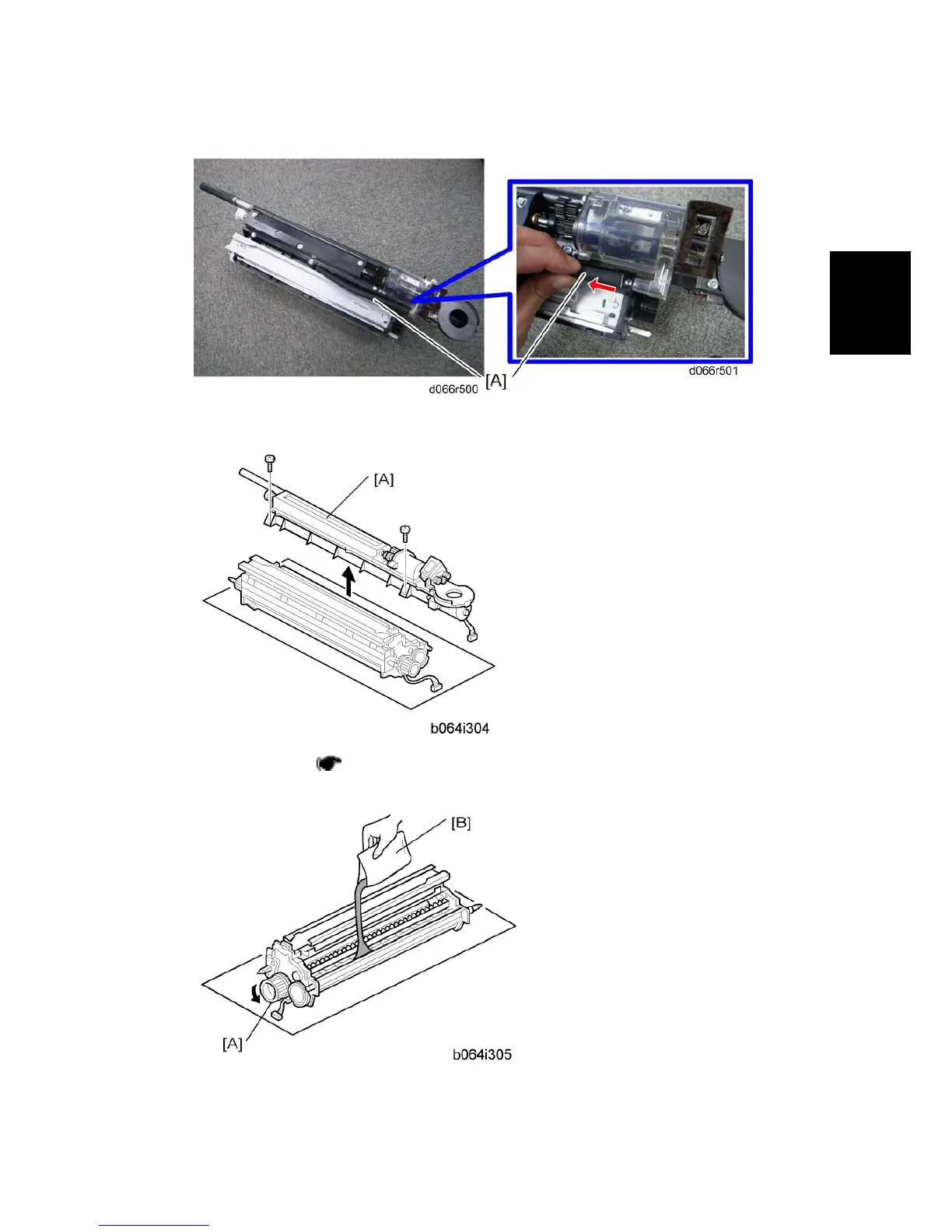
10. For D066 only, remove the pressure release tube [A].
11. Toner hopper [A] (
p.4-43 "Developer Replacement").
12. Rotate the toner hopper slightly 10° to 20° as you slide it up to remove it.
13. While turning the knob [A] slowly, pour in one pack of developer [B] from one end of the



 To Next Page