LCT (B473)
SM 2-29 D062/D063/D065/D066
Installation
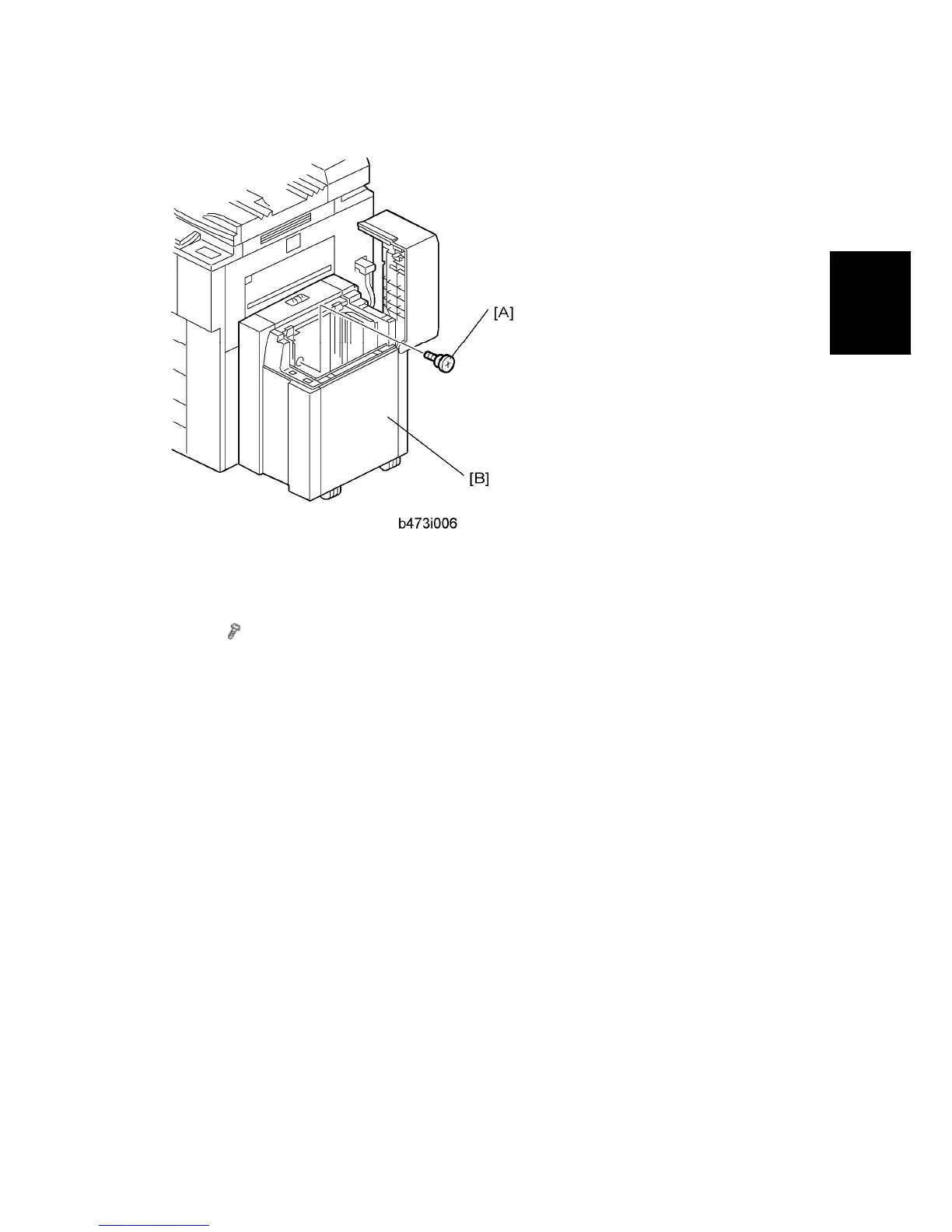
1. Insert the flat-head shoulder screw [A] into the hole and fasten it to lock the release
lever in place.
For easier access to the hole for the screw [A], you can remove the right panel [B]
(
x 2).
2. Switch the machine on and execute SP5959 005 (Paper Size – Tray 4 (LCT)) to select
the paper size. For details, see SP5959 in “Service Tables.”



 To Next Page