Functions for Master-Making
Cutting the Top Margin of the Original and Printing [Top Margin]
105
4
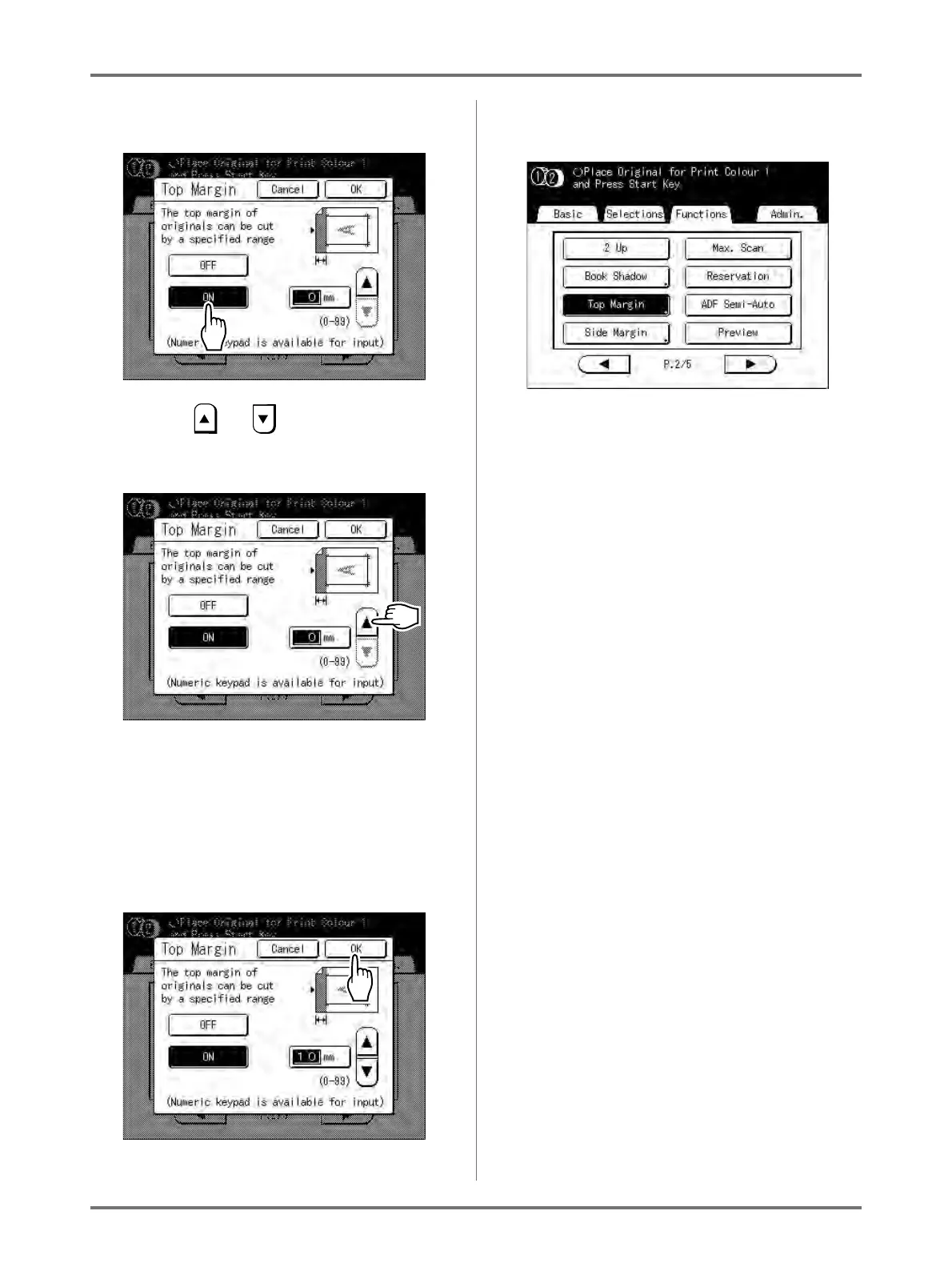
Touch [ON].
5
Touch or to specify the cut
width.
You can set from 0 to 99 mm.
Note:
• Print Quantity Keys can also be used to enter a
value.
6
Touch [OK].
Returns to the Functions screen. Top Margin set-
ting is updated.



 To Next Page