Functions for Master-Making
Switching Masters of Just One Drum [OneSide MasterMake]
97
Switching Masters of Just One Drum
[OneSide MasterMake]
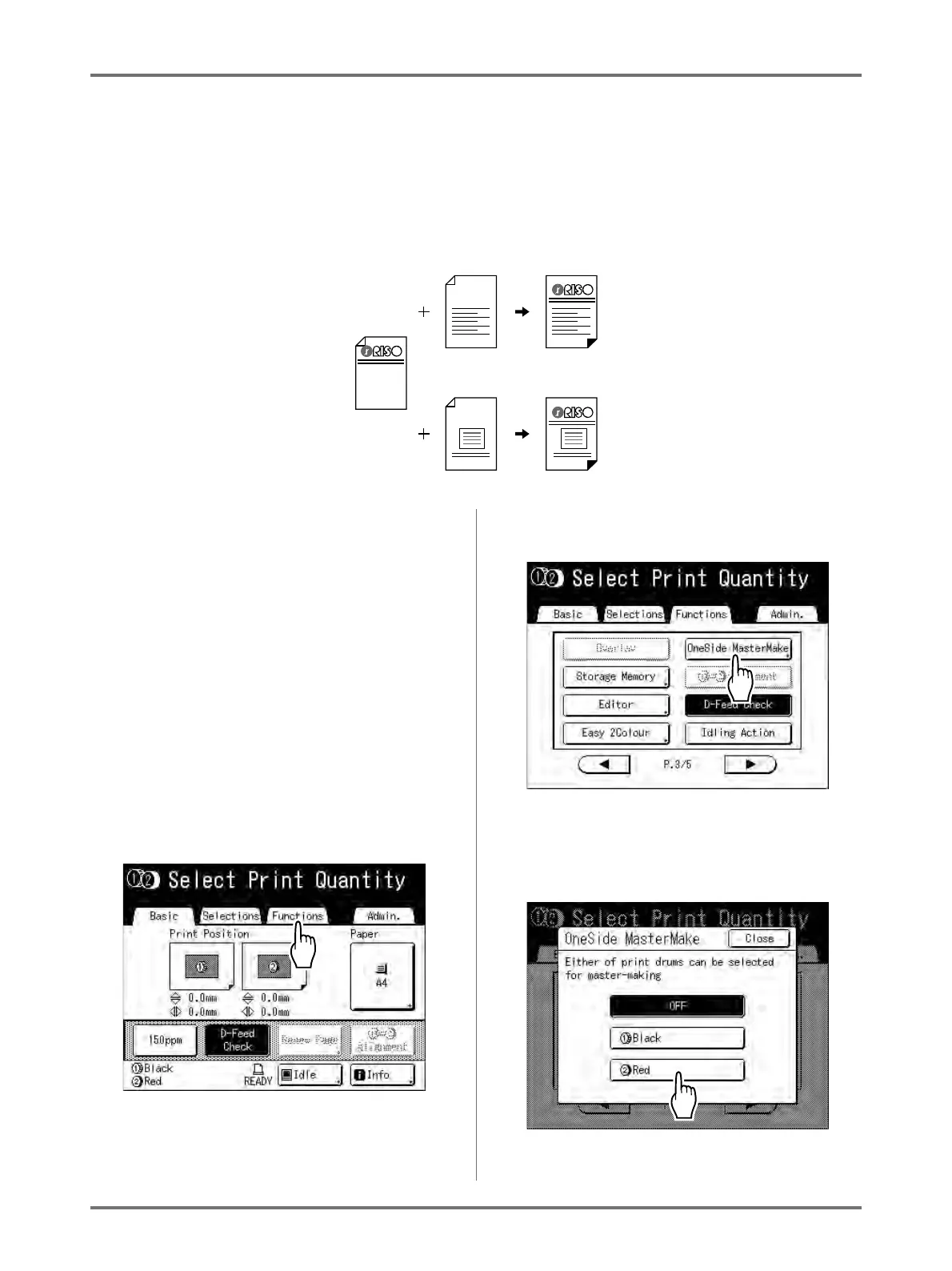
When 2-Colour printing, you can switch just one of the two originals and print.
This is a handy function when printing different letters using the same letterhead. Simply create another master for
the text, retaining the original master for the letterhead.
1
The first of the 2-Colour print is exe-
cuted.
“2-Colour Printing with 2 Originals” ()p.40)
Note:
• If you are connecting the printer with a compu-
ter, we recommend that you set “Reservation” .
The master in use will be discarded if data is
received from the computer during a print job.
You can prevent this type of interruption from
occurring.
)p.159
2
Once the initial printing is com-
pleted, touch [Functions] on the
Print Basic Screen.
3
Touch [OneSide MasterMake].
4
Touch the button of the drum for
which you are changing the original.
-1-
-2-
-1-
-2-



 To Next Page