Basic Operations
2-Colour Printing with 1 Original [Easy 2Colour]
51
Operating Procedures for Easy 2Colour
1
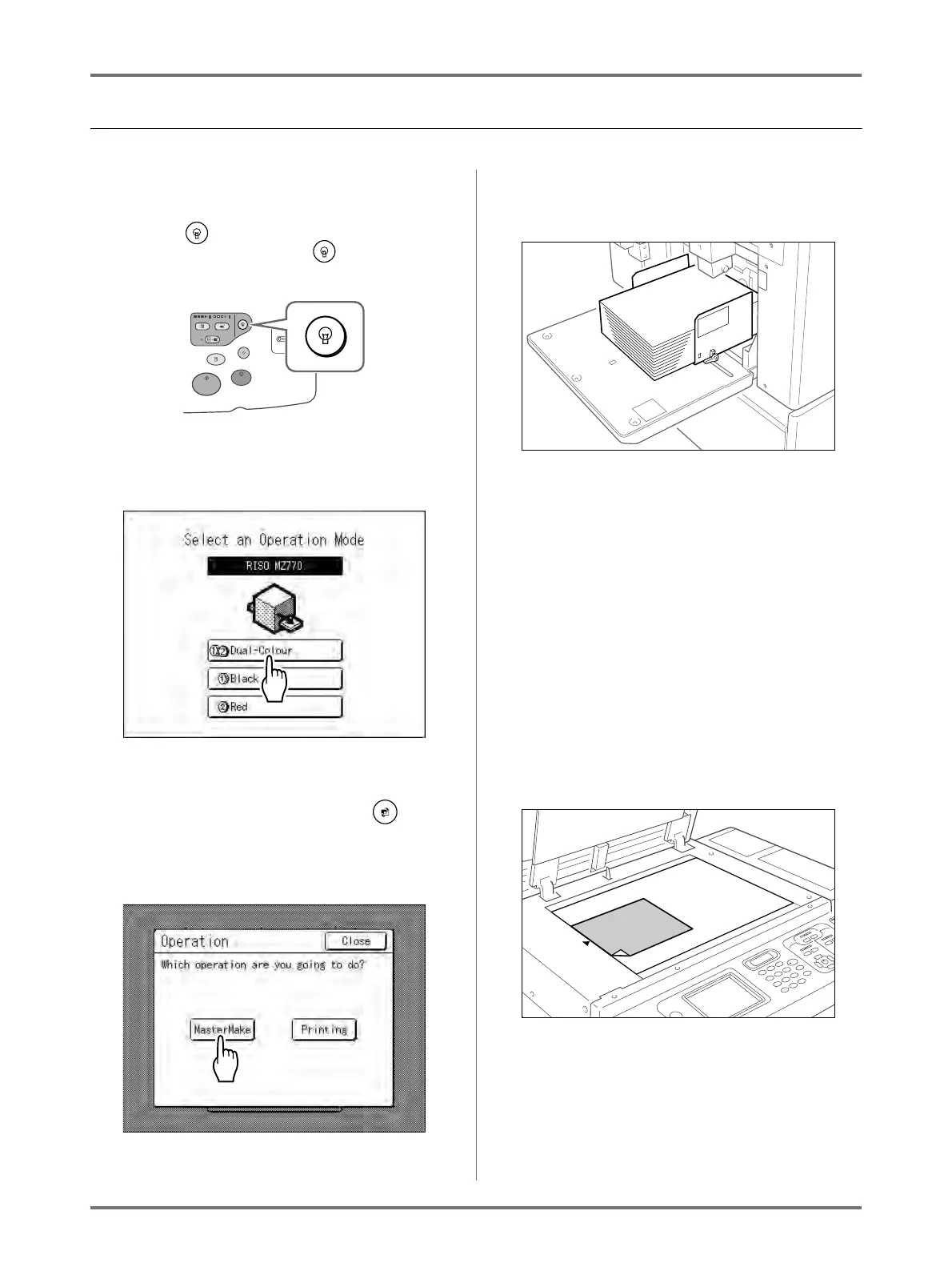
Turn the power ON.
Note:
• If the key is lit, the machine is in Energy
Saving mode. Press the key to cancel
Energy Saving mode.
2
Select Dual-Colour Printing.
1) Touch [Dual-Colour].
Note:
• If a basic screen other than the Mode
Screen is showing, press the key to
display the Mode Screen.
2) Touch [MasterMake] on the Operation
Selection Screen.
The Master Making Basic Screen appears.
3
Load paper.
See )p.33 for details on how to load the paper.
4
Set up the Paper Receiving Tray.
See )p.35 for details on how to set up the Paper
Receiving Tray.
5
Place the original.
Note:
• The procedures for “Separation Sheet” are dif-
ferent.
See )p.56 for details.
When placing on the Platen Glass
Place the original face down on Platen Glass.
Align centre on the top edge, and close Platen
Cover.
Important!:
• Do not remove the original until a 2-Colour
proof copy has been printed (step 9).
Note:
• Scrap books, etc. should be placed on
Platen Glass.



 To Next Page