Functions for Master-Making
Cutting the Top Margin of the Original and Printing [Top Margin]
104
Cutting the Top Margin of the Original and
Printing
[Top Margin]
You can cut the top portion of the margin to between 0 to 99 mm and make a master.
This feature enables you to skip the registration marks
*
on the original and print on the finish-sized paper without any
of these marks.
* About the Registration Mark
In the field of commercial printing, it is normal to print on paper that is larger than the finished size and then cut down
to the finished size afterwards. The symbol that indicates the position to cut in this event is known as the registration
mark.
Important!:
• When you are setting the “Size”, magnify/reduce using the area that skips the set value.
Do not use “Auto”.
Note:
• This function cannot be used with “2 Up”.
Drum 1 is used for the “Top Margin” when 2-Colour printing. You can set Drum 2 to be used for individual originals.
Multiple settings are available depending upon the drum's ink colour and print aim. For example, you can set both
originals or just one original.
1
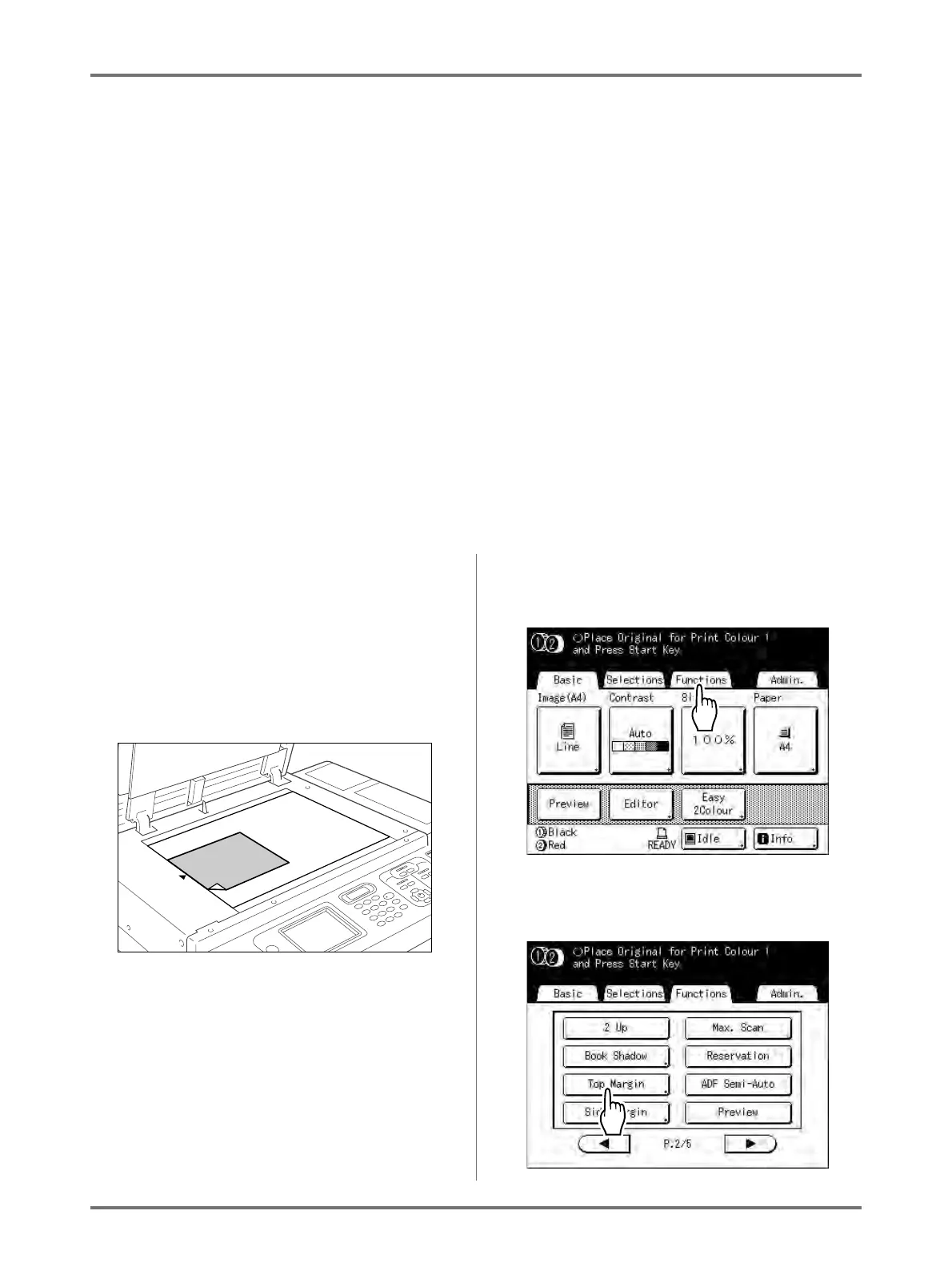
Place an original and load paper.
Place the original face down on the Platen Glass.
Align centre on the top edge, and close Platen
Cover.
Important!:
• An ADF unit (option) cannot be used with “Top
Margin”.
2
Touch [Functions] on the Master
Making Basic Screen.
3
Touch [Top Margin].



 To Next Page