Basic Operations
Preparing to Print
34
Adding or Replacing Paper
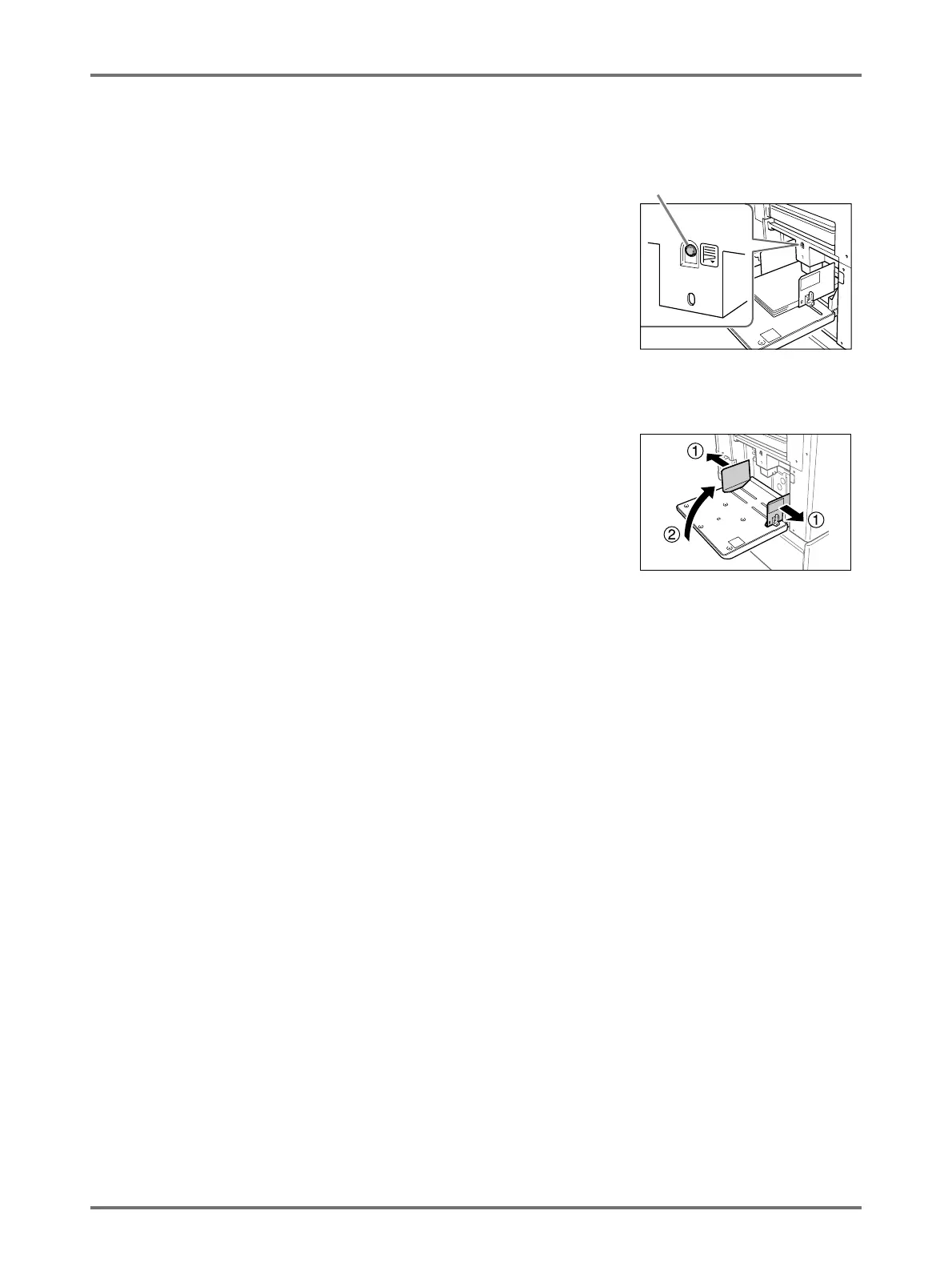
When you add paper or replace with paper of a different size at the time of printing, press the Feed Tray Descent But-
ton to lower the Paper Feed Tray.
If you press and hold the button, the Paper Feed Tray will be lowered until you
depress the button.
Important!:
• When changing to a different paper size, remember to readjust the Receiving
Tray Paper Guides and Paper Stopper.
• When changing to a different quality paper, remember to adjust the Paper
Feed Pressure Adjustment Lever.
Closing the Paper Feed Tray
Before closing the Paper Feed Tray, remove the paper and widen the Feed Tray Paper Guides to the limits. Then
close the Paper Feed Tray.
Feed Tray Descent Button



 To Next Page