Storage and Scan Modes (Option)
Retrieving Stored Data and Printing [Storage Memory]
207
Changing the Data Order
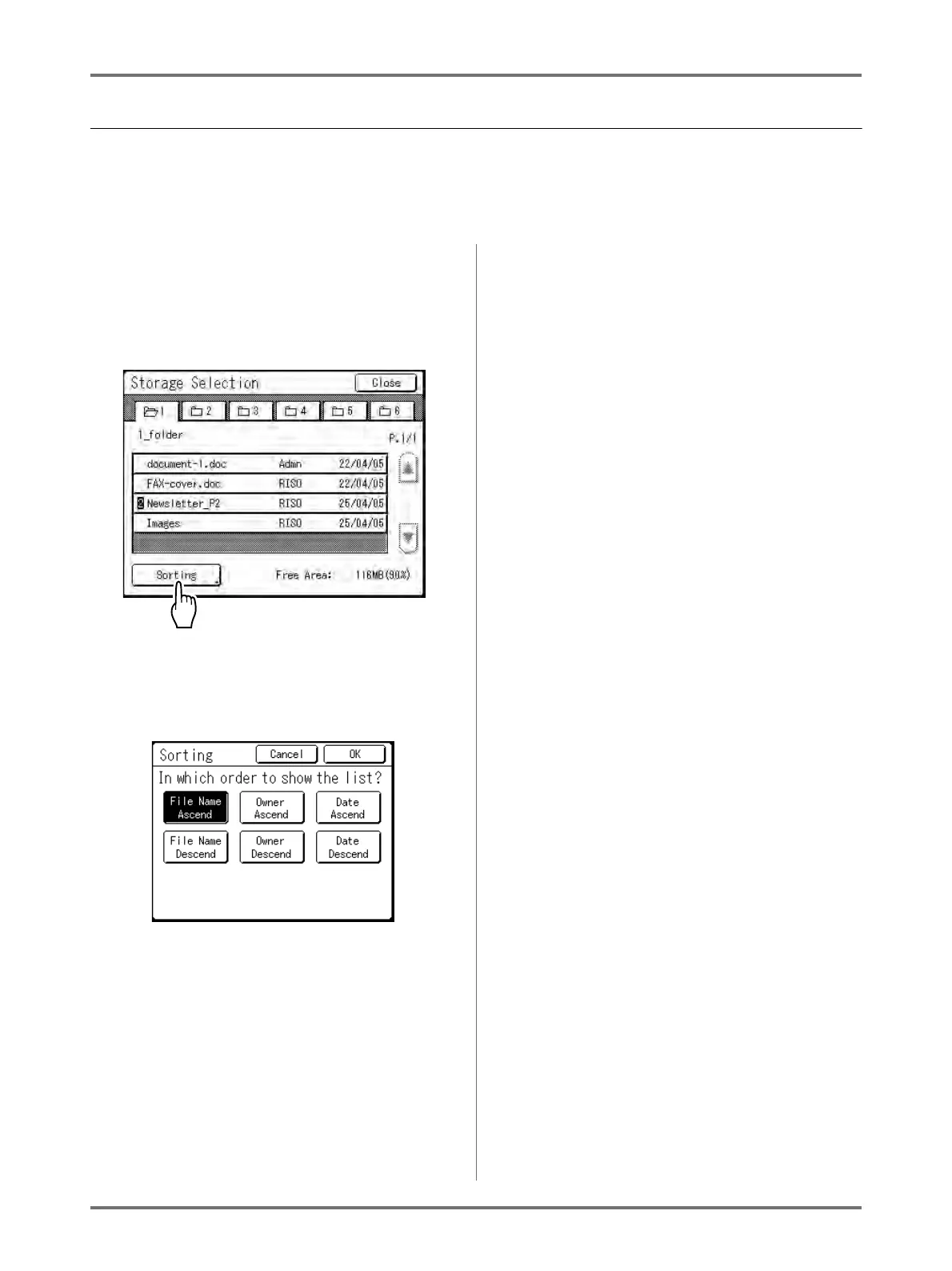
You can change the order of the storage data displayed on the storage data selection screen.
Note:
• The factory setting is “Date - Ascend”.
1
Touch [Sorting].
Note:
• [Sorting] is inactive if there is no storage data
or only one stored item.
2
On the Sorting screen, touch the but-
ton of the order you want.
3
Touch [OK].
Returns to the Storage Retrieve screen.



 To Next Page