Advanced Features
Automatic Sorting Into Groups [Programme]
145
Making changes to Stored Programmes
1
Retrieve a programme to modify.
Follow steps 1 and 3 in “Retrieving a Programme”
()p.144).
2
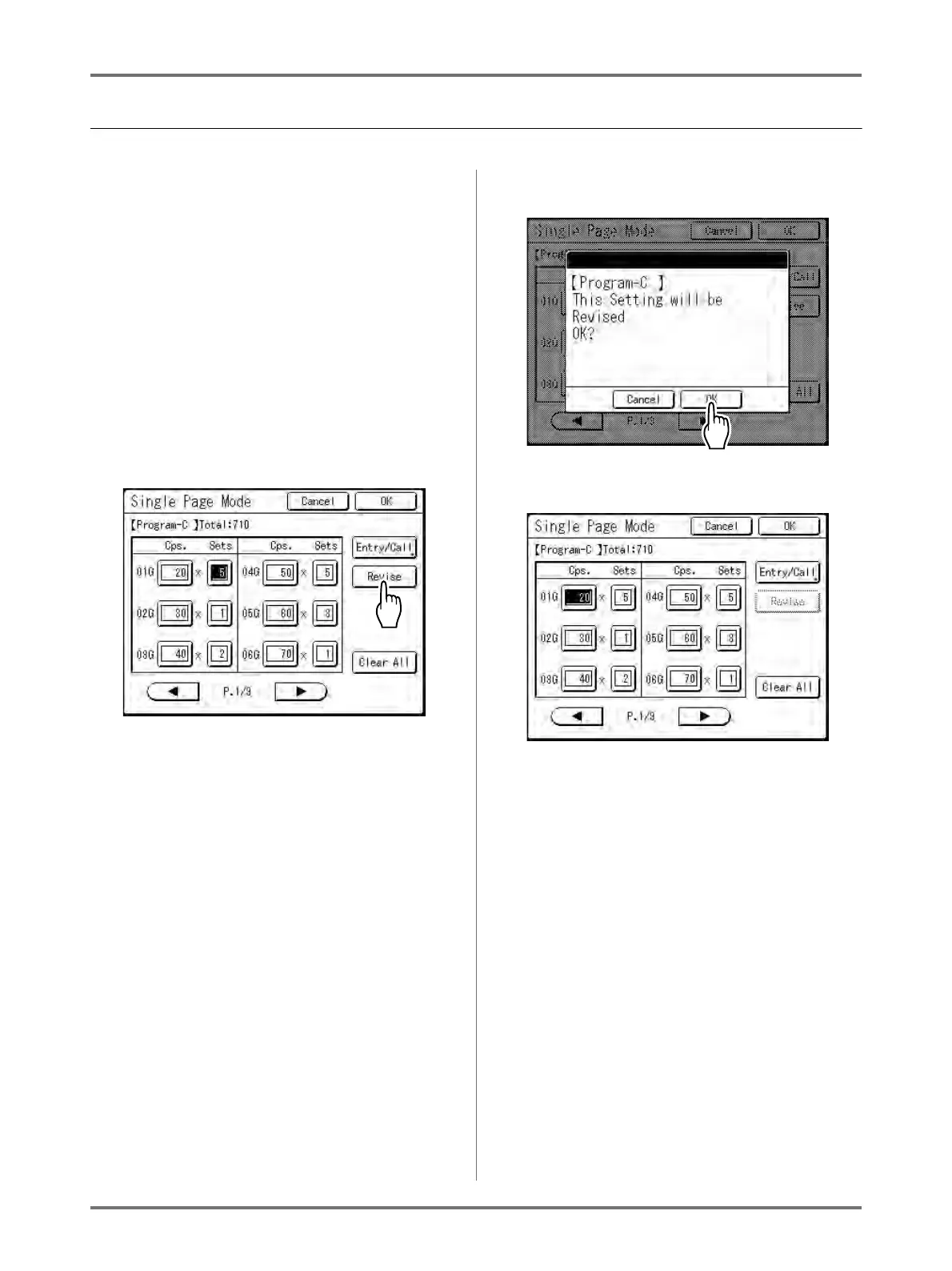
Make changes to the Programme.
Modify number of copies or sets in the current
screen.
Note:
• See “Setting Up for Programmed Printing”
()p.136) for details on how to set up a pro-
gramme.
3
Touch [Revise].
4
Touch [OK].
The following screen appears.
Returns to the Programme screen. Programme
settings are updated (overwritten).



 To Next Page