Automatic Sorting Into Groups [Programme]
132
Advanced Features
Automatic Sorting Into Groups [Programme]
You can use “Programme” to divide one original into several groups and programme each group to print a different
number of copies or sets. For multiple originals, you can change the number of copies for each original and then print.
“Programme” consists of three types: “Single Page”, “Multi-Page”, and “Combination”.
Once a setting has been programmed, it can be registered to the Programme List and can be retrieved and repeat-
edly used (up to 12 programmes of the combined 3 groups can be stored)
Note:
• After printing with “Programme”, press the key to deactivate “Programme”.
Single Page Mode
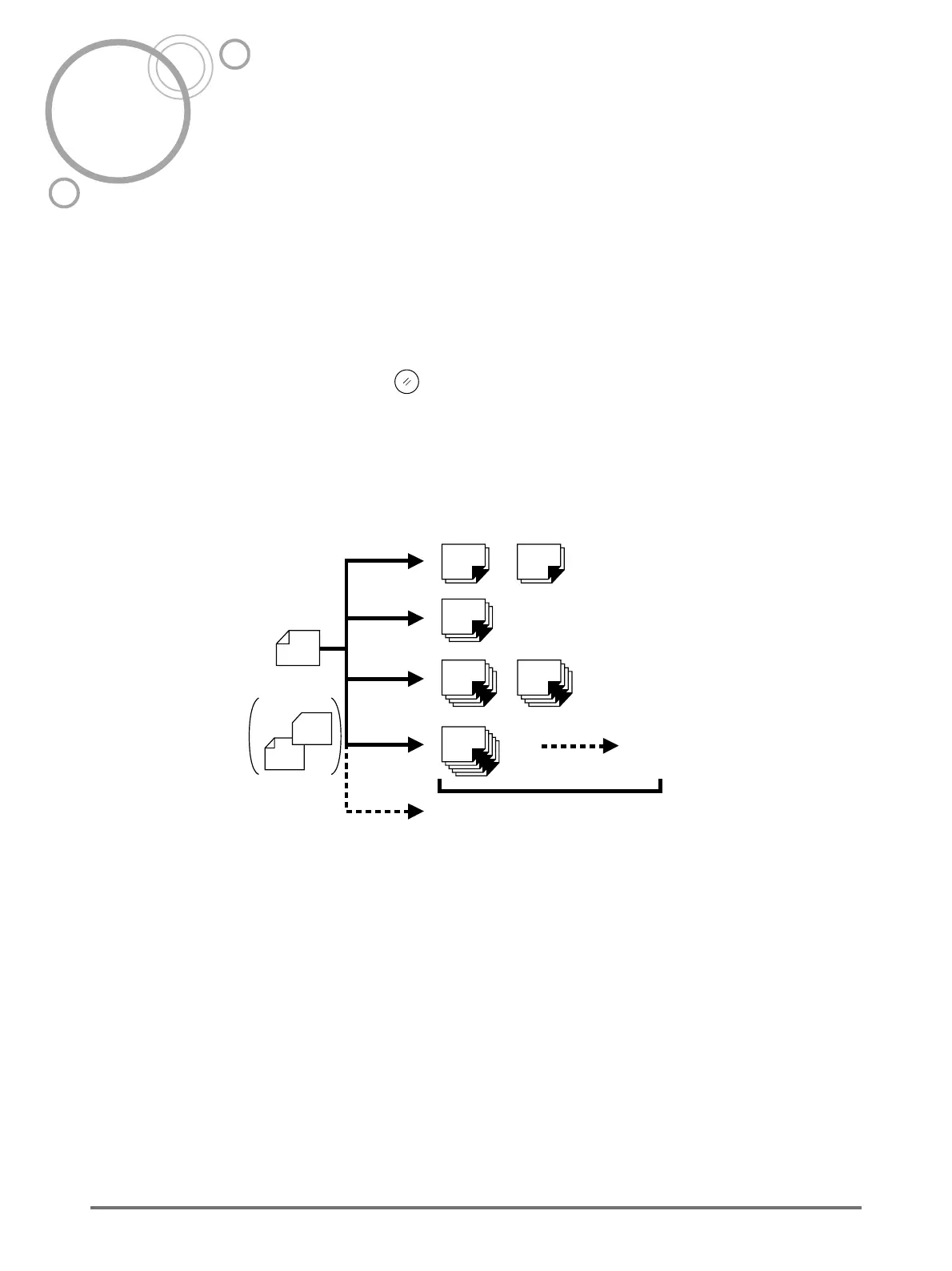
From a single original document, print into multiple groups of sets.
A maximum of 50 groups can be created, each having up to 99 sets. Each set can be up to 9999 copies.
The machine can be configured to specify how many copies (sheets) per set, then how many sets are to be cre-
ated for each group.
Important!:
• If you are printing multiple originals with “Single Page” programme, place multiple originals (up to 50) in the ADF
unit (option), and as long as “Auto Process” is “ON”, the set programme can be repeated and all the originals
are divided into groups to print the various number of copies specified.
Original
2-Colour Printing
for
Drum 1
for
Drum 2
1st group
2nd group
3rd group
4th group
A maximum of
50 groups
A maximum of
99 sets
20 sheets 20 sheets
40 sheets40 sheets
50 sheets
30 sheets
2 sets
2 sets
1 set
1 set
A maximum of
9999 sheets



 To Next Page