Before Starting to Use
Connection with a Computer
13
Connection with a Computer
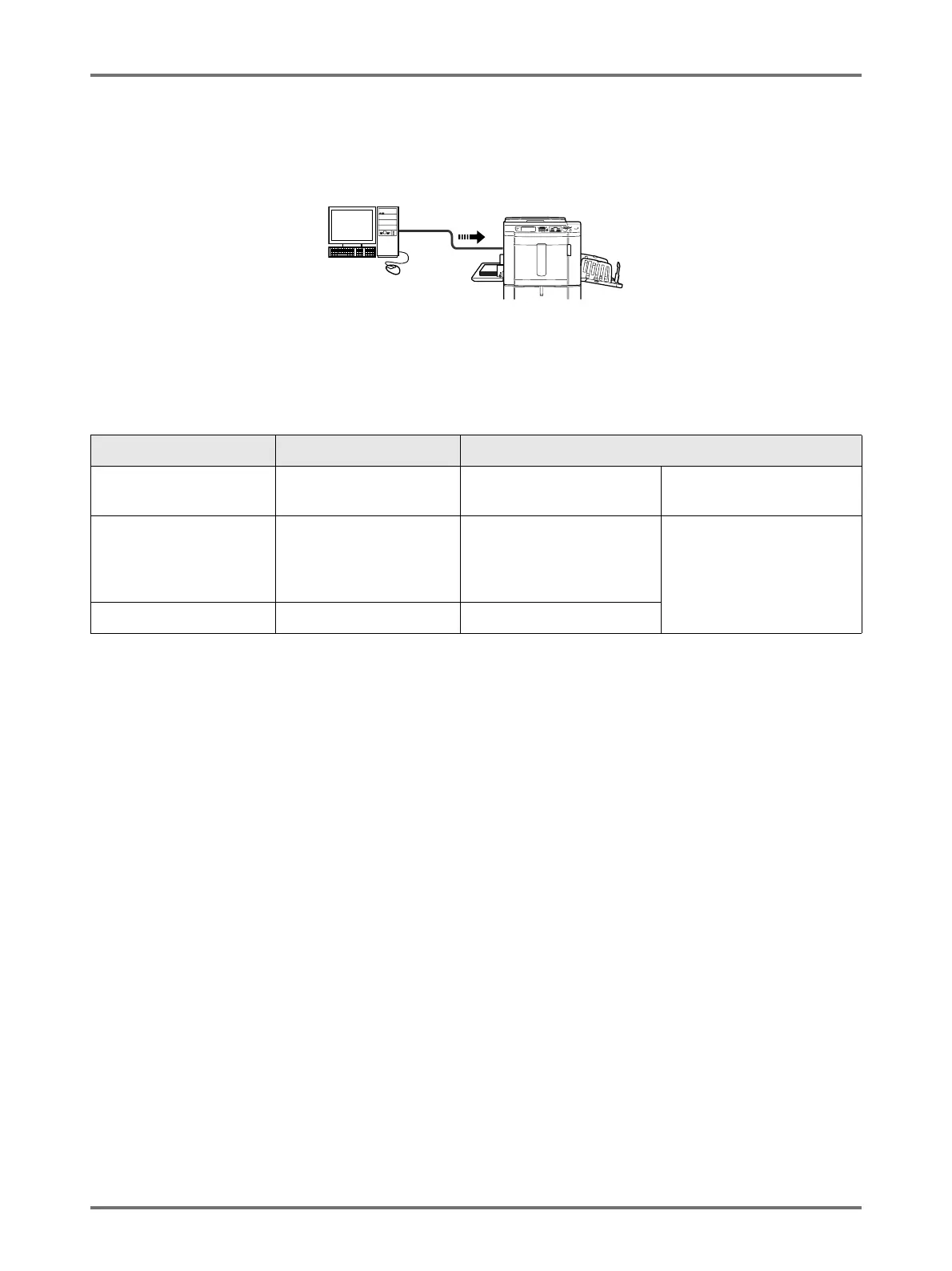
You can directly send data from a connected computer to the machine as an original for printing. Because digital data
itself is used for making a master, the finish of prints becomes outstanding.
Important!:
• Before making the connections, turn off both the machine and computer.
• The maximum allowable voltage for USB connector input and output is 5 V.
*1 For installation procedure via USB cable, refer to “Installation Guide” in the CD-ROM.
Connection Method Option Needed Cable
One-to-one connection
with a Windows PC
—
USB cable
*1
3m Hi-Speed USB
One-to-one connection
with a Macintosh
(Windows PC also
acceptable)
RISORINC-NET Ethernet cable (cross) Shielded cable that
supports 10BASE-T or
100BASE-TX
Network connections RISORINC-NET Ethernet cable (straight)



 To Next Page