Getting Acquainted
Display
24
Display
The Screens and their Various Stages
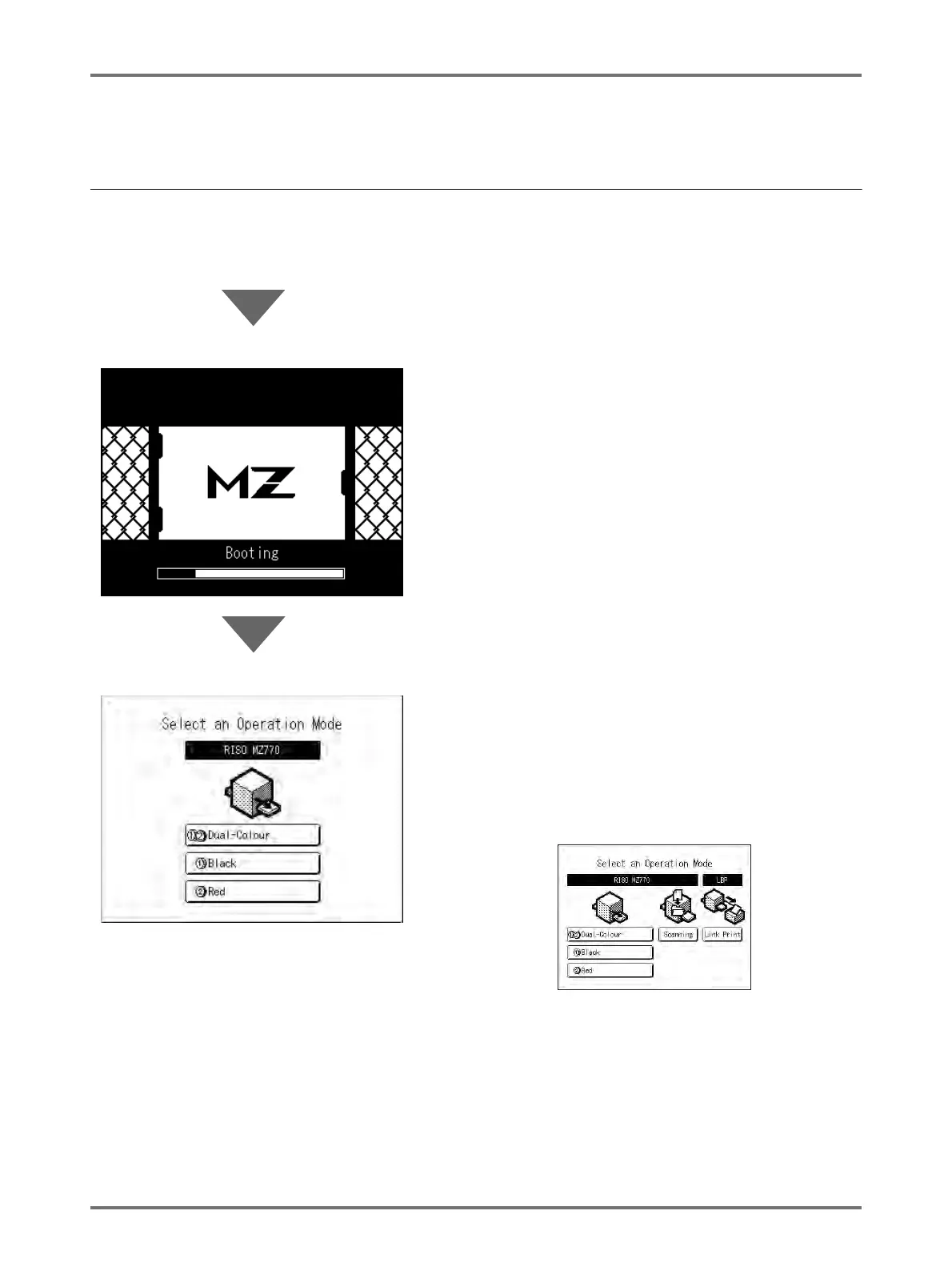
When the power is turned on, after a brief display of the start-up screen, the initial screen appears.
Power ON
Start-Up Screen (Ex.)
Note:
• Start-Up Screen settings
Select [Start-Up Screen] on the Admin. screen.
Initial Screen (Ex.) The Mode Screen is normally displayed as shown in the
diagram on the left.
Note:
• When the optional Document Storage Card DM-128CF or
RISO Controller PS7R is installed and a Linked Printer
(sold separately) is connected, the Mode Screen is
displayed as shown below.



 To Next Page