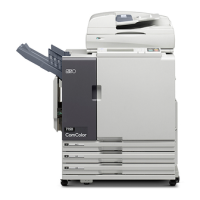
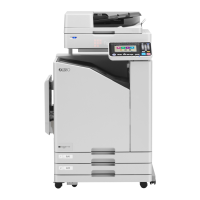
When using a Linked Printer (sold separately)
Using Optional Functions on a Linked Printer
231
Using Optional Functions on a Linked
Printer
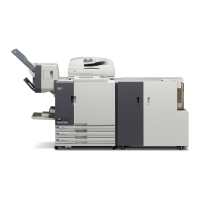
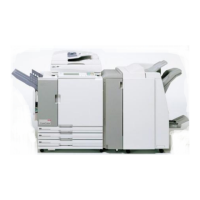
Steps for setting up optional functions are shown below. These are available when the Linked Printer has an optional
device such as a sorter or a duplex unit installed.
Note:
• See Linked Printer User’s Guide for further details on each function.
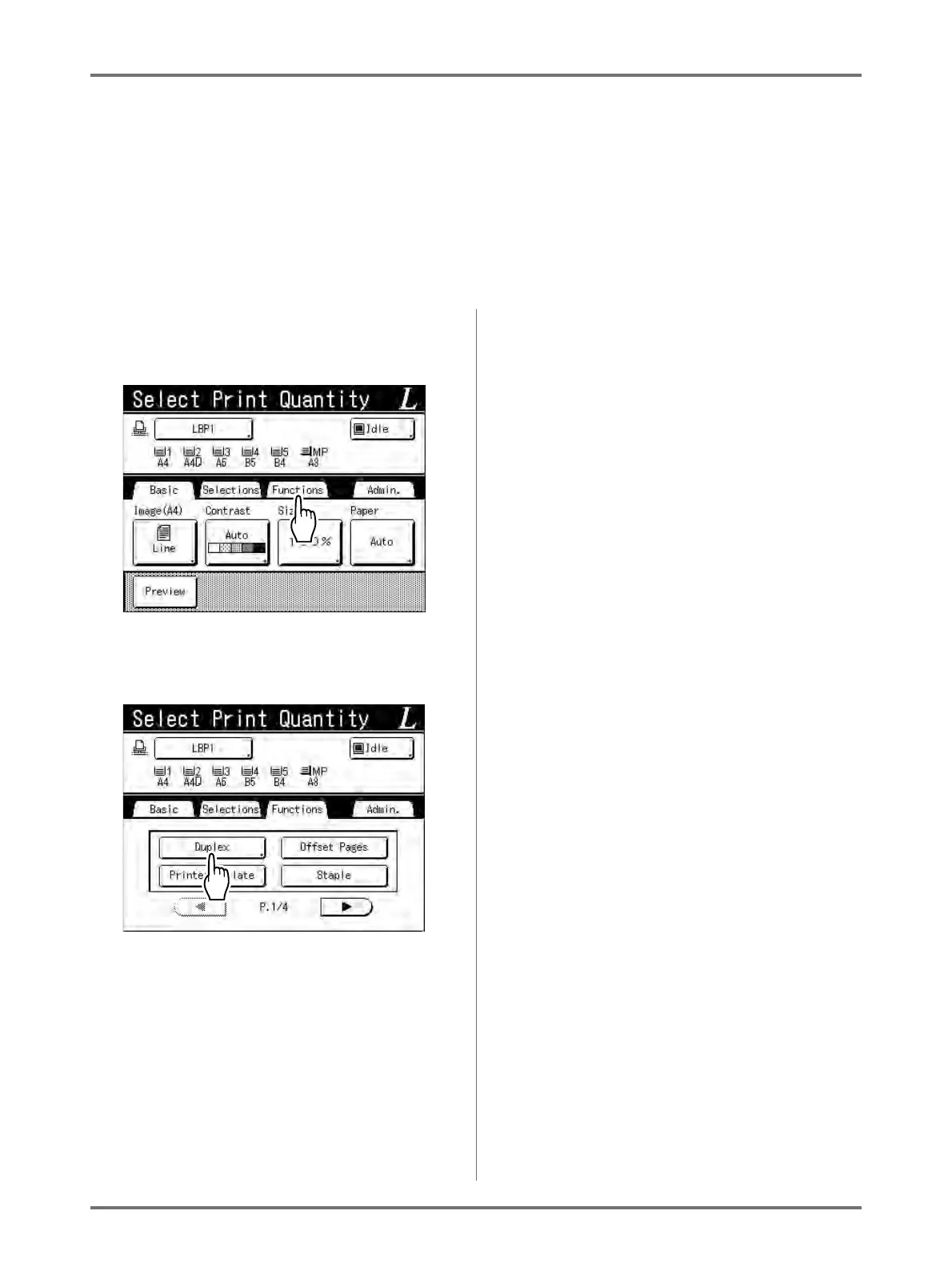
1
Touch [Functions] in the Link Basic
Screen.
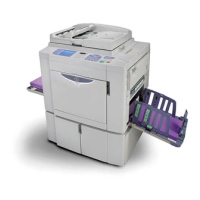
2
Select a function to modify.
3
Make changes as needed.
See “Configurable Functions” ()p.232) to select
correct settings.


 To Next Page