Functions for Master-Making
Saving Ink [Ink Saving]
86
Saving Ink [Ink Saving]
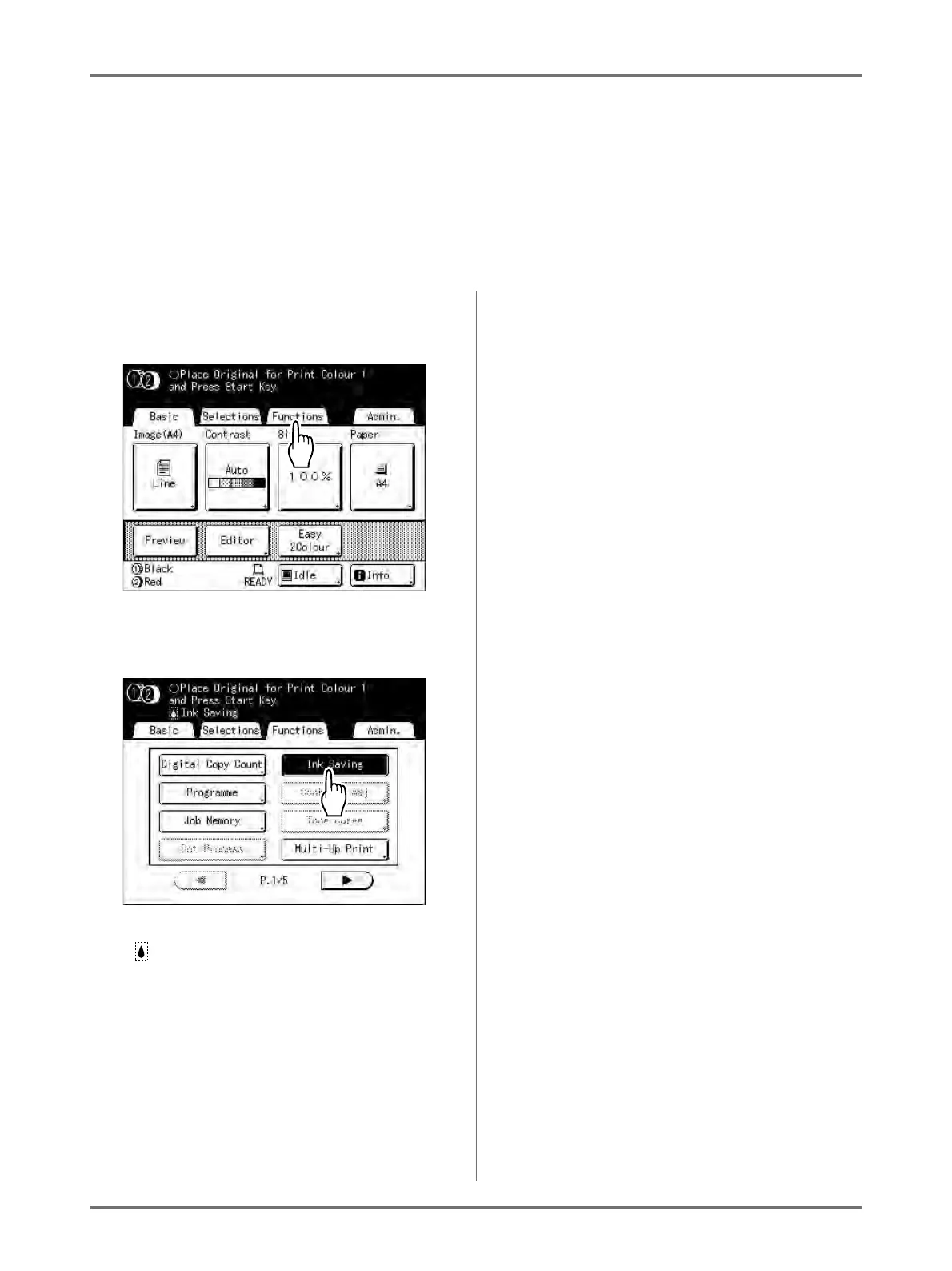
Selecting “Ink Saving” makes a master that requires less ink when printing.
Important!:
• The ink conservation process may result in lighter prints than usual.
• “Contrast” and “Print Density Adjustment” functions are not available when [Ink Saving] is selected.
• This function is not available when printing the data from a computer.
1
Touch [Functions] on the Master
Making Basic Screen.
2
Touch [Ink Saving].
“Ink Saving” is set.
“ Ink Saving” will appear in the message area.



 To Next Page