Advanced Features
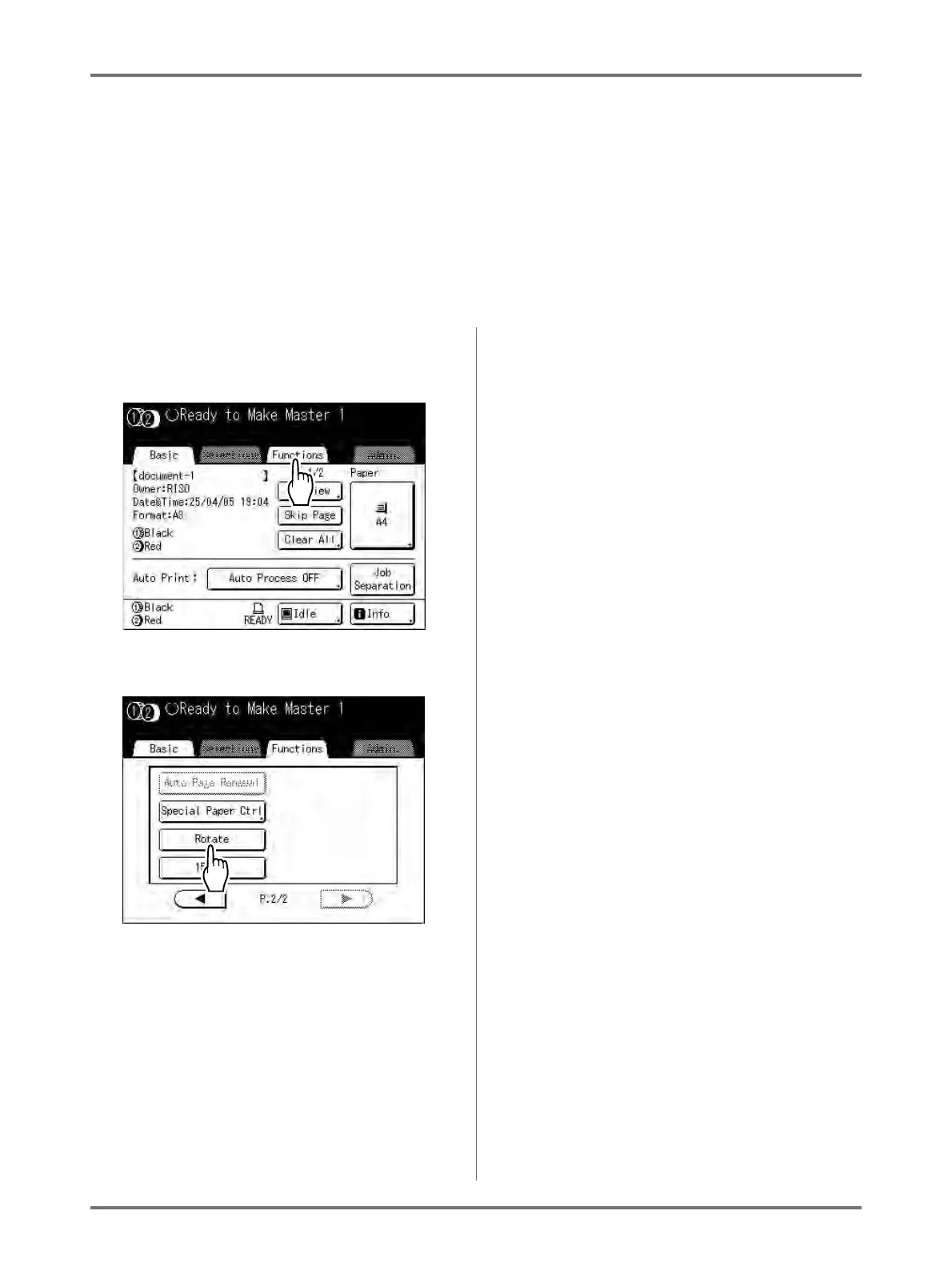
Rotating the Original 180 Degrees to Make a Master [Rotate]
170
Rotating the Original 180 Degrees to Make a
Master
[Rotate]
When you are direct printing, you can rotate the original data received from a computer 180 degrees to make a mas-
ter.
Important!:
• “Rotate” can also be set from the printer driver, but if it is set on both the machine and printer driver, the job will print
without rotating.
1
Touch [Functions] on the Master
Make Basic Screen.
2
Touch [Rotate].
Rotate setting is updated.



 To Next Page