Storage and Scan Modes (Option)
2-Colour Printing with the Original and Storage Data [Stamp]
210
2-Colour Printing with the Original and
Storage Data
[Stamp]
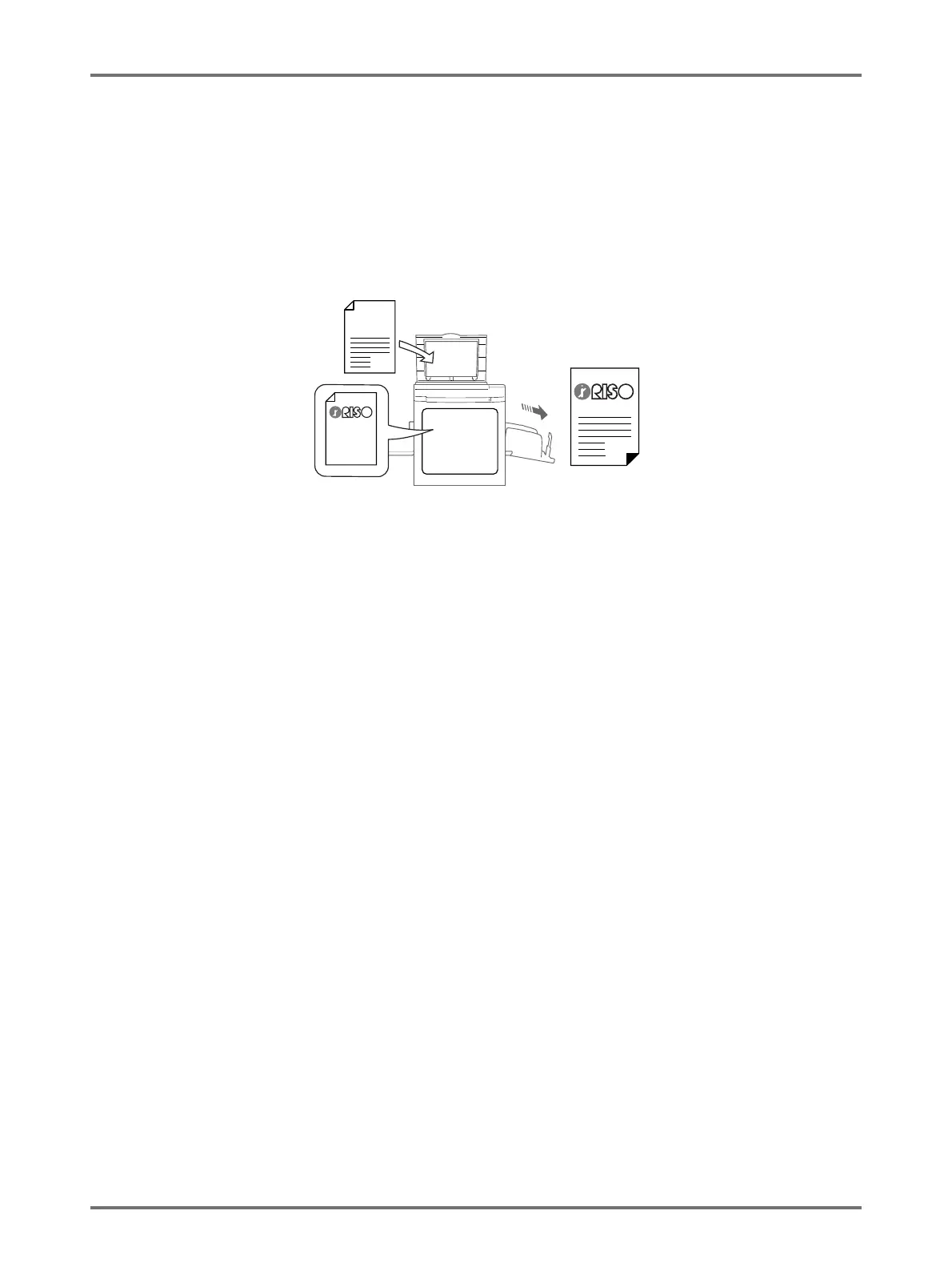
When 2-Colour printing, you can create a master of the hard-copy original on one Drum 1 and a master of the storage
data on Drum 2 in order to 2-Colour print.
For example, if you specify data for Company logo, etc., that colour insignia can be printed on consecutive pages.
Important!:
• When “Stamp” is used, the printer automatically scans the hard-copy original and creates a master on Drum 1 (the
black drum), and creates a master of the storage data on Drum 2 (the colour drum).
If both drums are colour drums, the original is automatically allocated to Drum 1 and the storage data to Drum 2.
You cannot set a specific drum.
This function cannot be used with the following functions.
• Easy 2Colour
• Storage Memory (“Stamp” images cannot be stored.)
• When sending original data from the computer
Original
Stamp
data



 To Next Page