Functions for Master-Making
Processing Photos with Dot Screen [Dot Process]
72
Processing Photos with Dot Screen
[Dot Process]
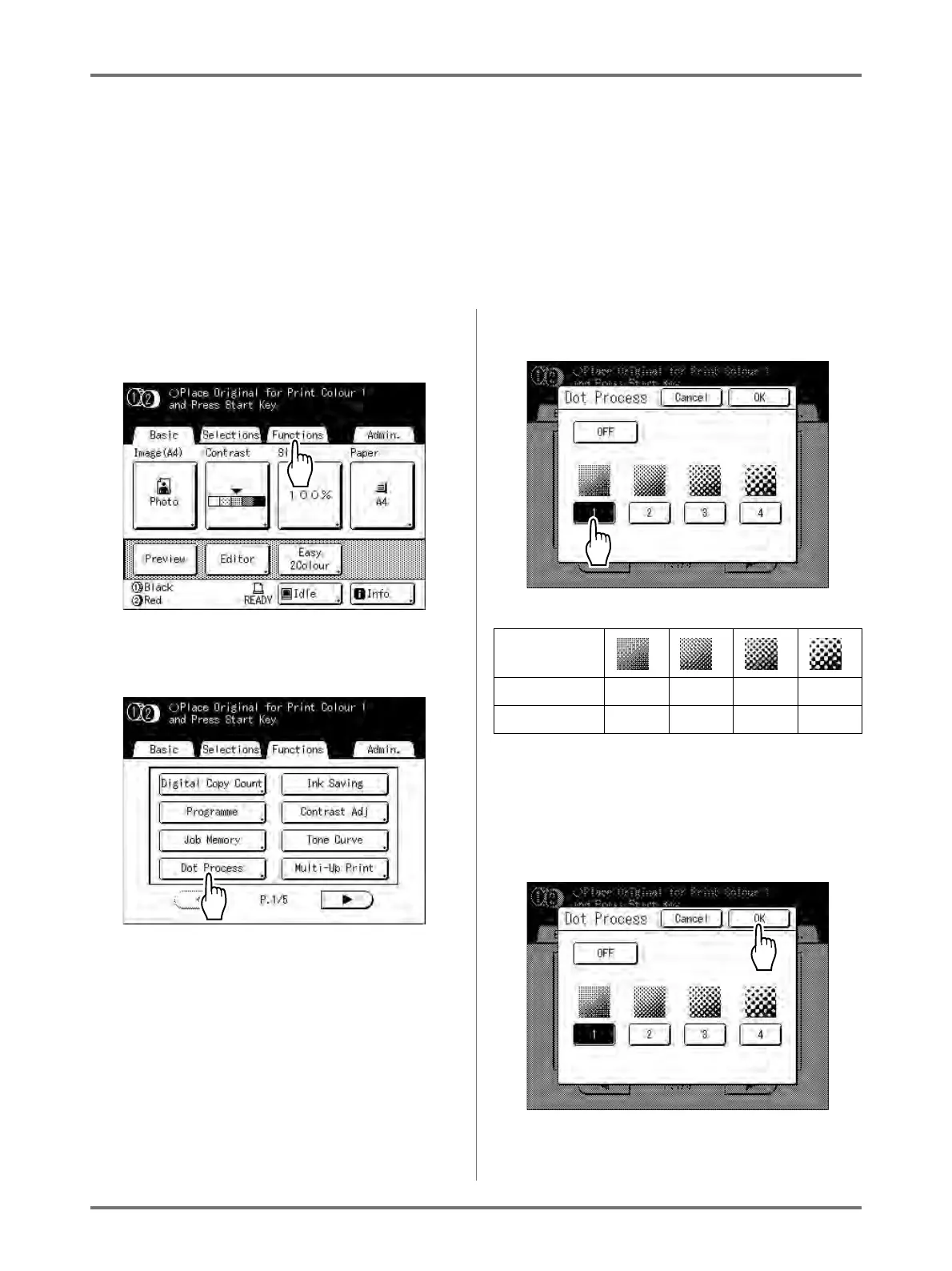
“Dot Process” function processes photo originals with dot screening in order to print more clearly.
Select from four types of dot patterns.
Note:
• “Dot Process” is not available when Image Processing mode has been set to “Line” or “Pencil”.
1
Touch [Functions] on the Master
Making Basic Screen.
2
Touch [Dot Process].
3
Select a dot pattern.
Note:
•Touch [OFF] to cancel the “Dot Process”.
4
Touch [OK].
Number 1234
Equivalent Lpi 106 71 53 34



 To Next Page