Functions for Master-Making
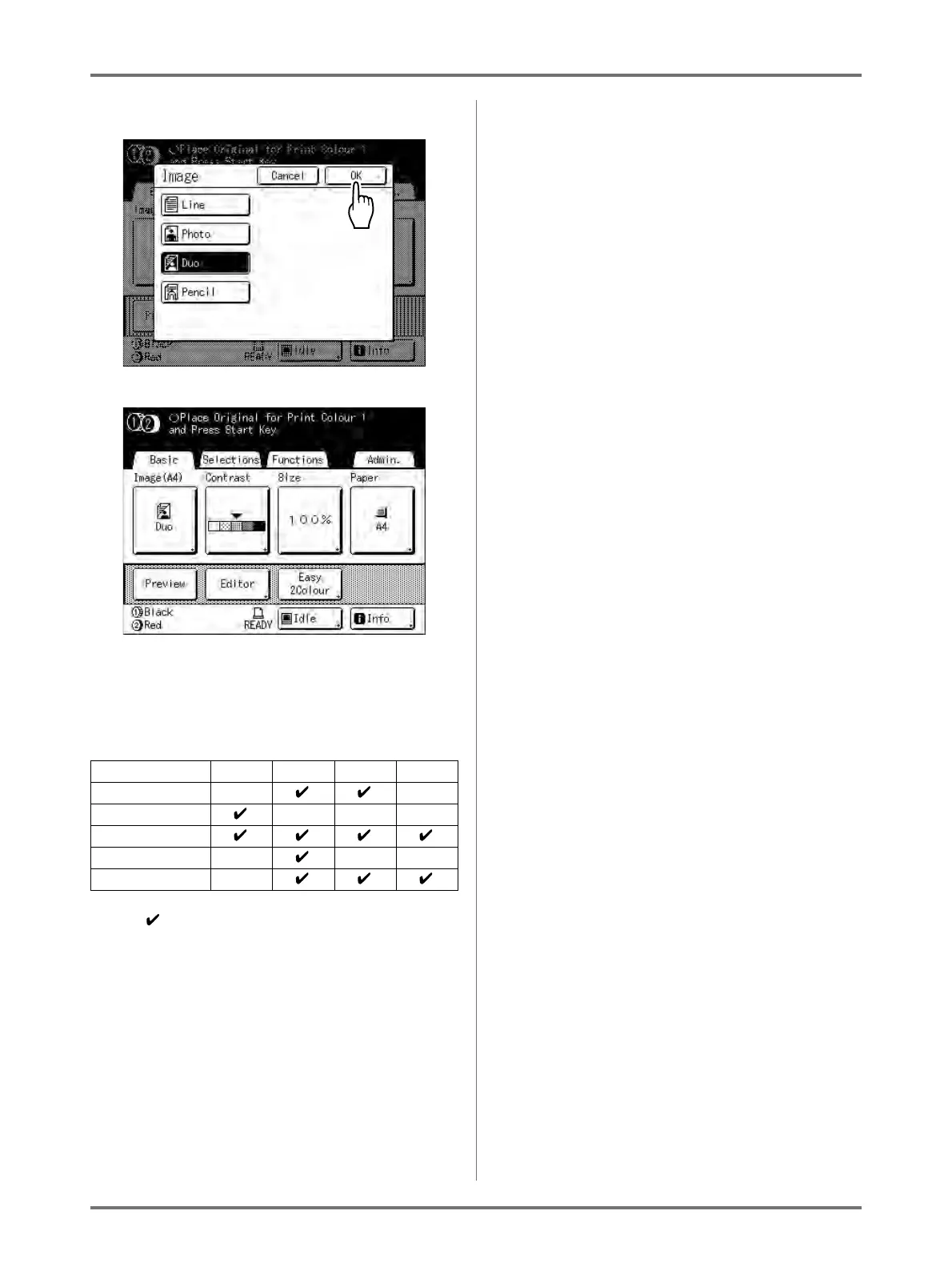
Selecting Image Processing Mode [Image]
71
3
Touch [OK].
The following screen appears.
Returns to the Master Making Basic Screen.
Image Processing mode is updated.
Note:
• Some functions are not available in certain
Image Processing mode settings.
: available — : not available
Line Photo Duo Pencil
Dot Process — —
Contrast (Auto) — — —
Contrast (1-5)
Contrast Adj — — —
Tone Curve —



 To Next Page