Basic Operations
2-Colour Printing with 1 Original [Easy 2Colour]
46
2-Colour Printing with 1 Original [Easy 2Colour]
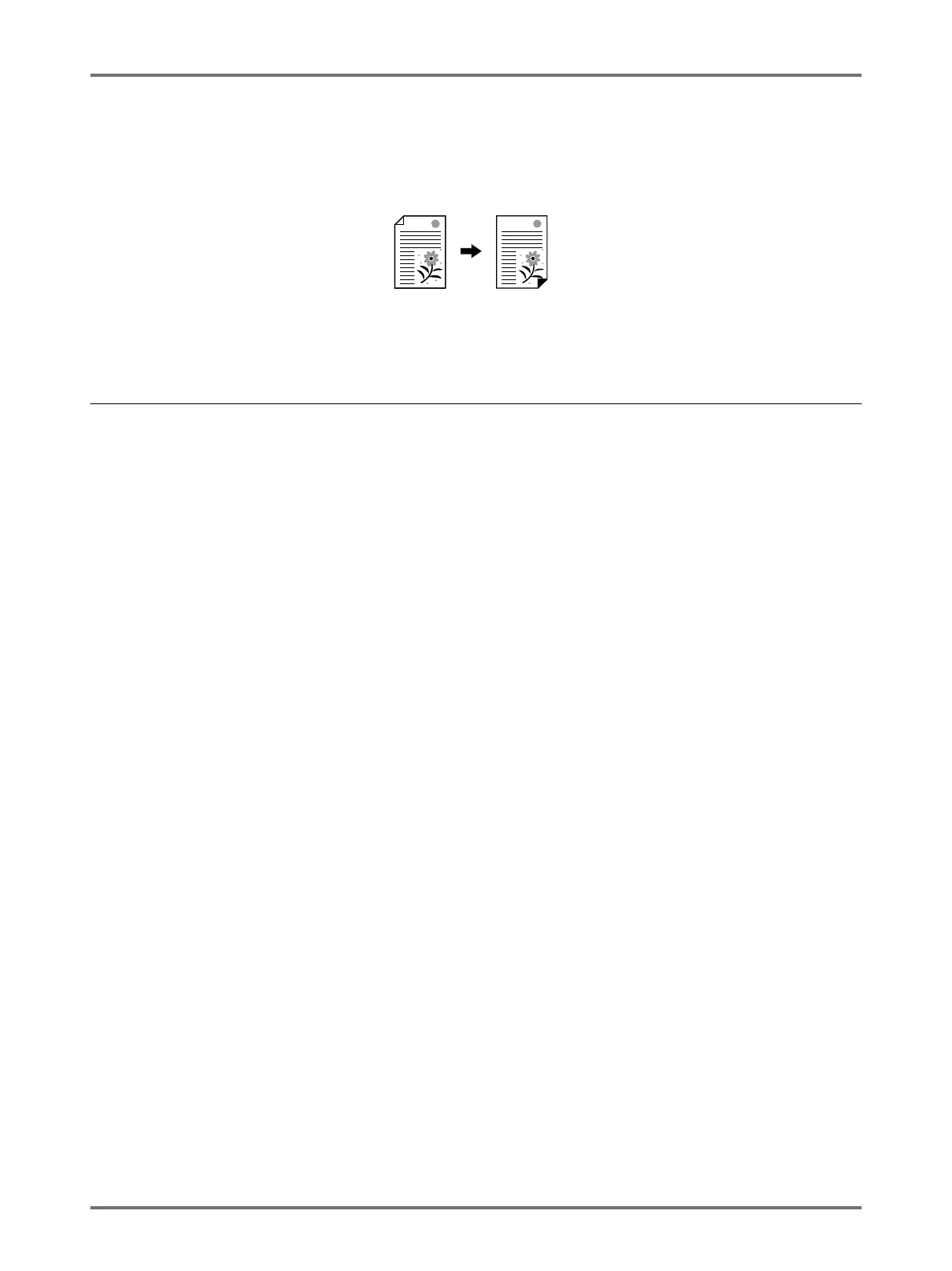
One original is scanned, is divided into Drum 1 and Drum 2, and a dual-colour print is made.
Important!:
• Use paper that is 182 mm × 257 mm (B5) or larger.
Easy 2Colour Types
There are two ways of separating colours for “Easy 2Colour”.
Separating by contrast of the original
In this separation method, the dark and light sections of the original are automatically detected.
You can use 3 functions with this method: “Red Colour”, “Hand Writing--1, and “Hand Writing--2”.
Separating by specified area
Draw around the part of the original that you want to separate by using a recommended pen.
You can use 2 functions with this method: “Specified Area” and “Separation Sheet”.
This function cannot be used with the following functions.
• Multi-Up Print
• Size (enlargement/reduction)
•Stamp
• OneSide MasterMake
• Printing from a computer data
•2 Up
• Book Shadow
• Auto-Link function
Important!:
• If you use “Red Colour”, “Hand Writing--1” or “Hand Writing--2”, “Contrast” is set to “Auto” and “Image” is set to
“Line”.
• If you use “Specified Area” or “Separation Sheet”, adjust the “Contrast”.
• If you use “Specified Area”, place the original on the platen glass.
Print ResultOriginal



 To Next Page