Troubleshooting
When a Message Displays
273
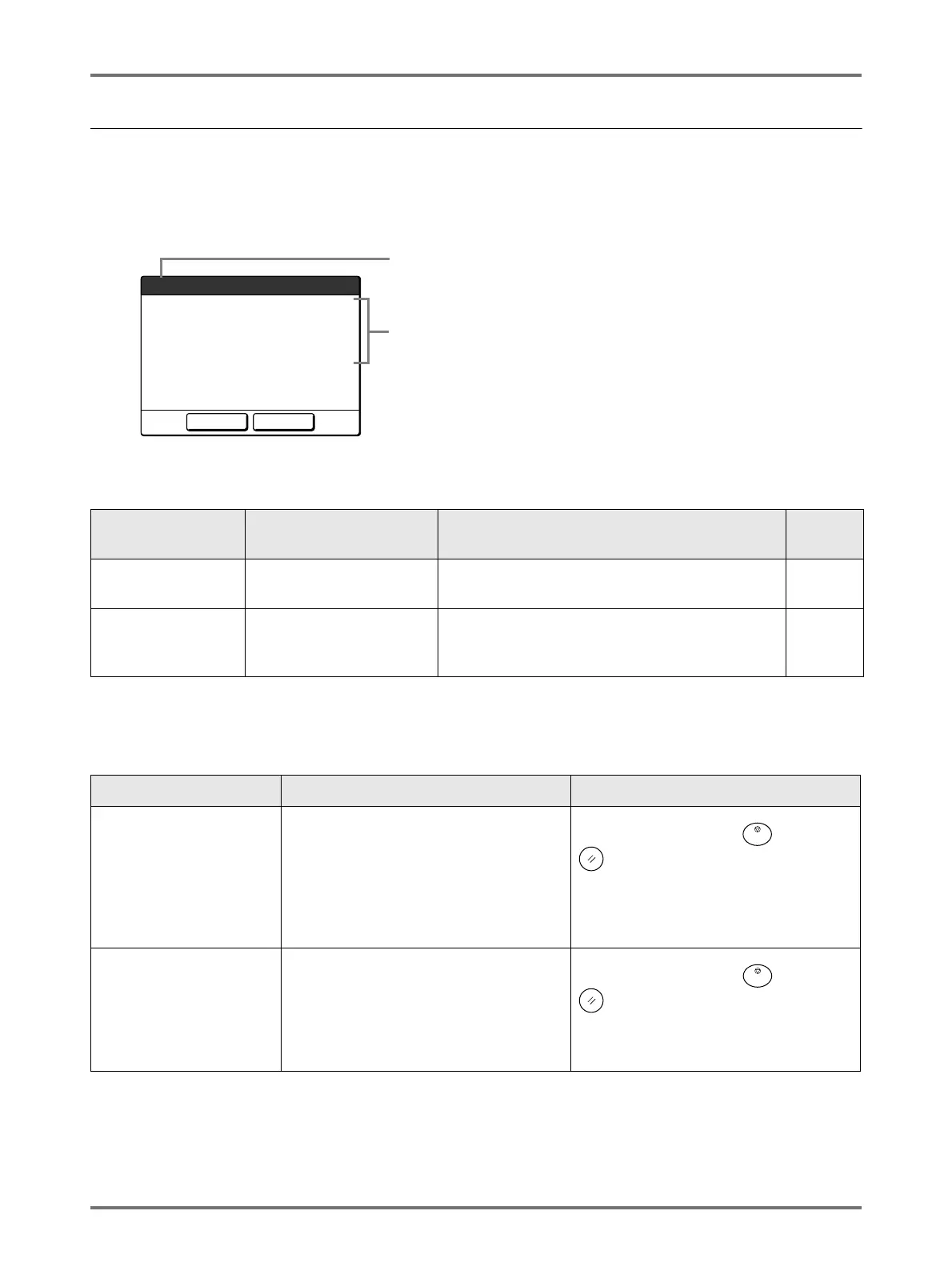
Pop-Up Message Layout
Pop-Up Messages communicates various operational statuses.
You can continue operation over some of them, but depending upon the context, others will require your action before
operations can be resumed.
E00-000:Maintenance Call (in alphabetical order)
1) Error Number
A reference letter (E/F) and an ID number.
2) Pop-Up Messages
Content of the message.
Error Number Error Types Description Referen
ce page
E00-000 Maintenance Call
Pops up when battery replacement or a routine
inspection by a service personnel is required.
)p.273
F00-000 Warning Messages
Pops up when printing job cannot proceed due to a
conflict between a Control Panel setting and the
status of the machine or the Linked Printer.
)p.274
Message Symptom Action
!!Low Battery!!
Call Service
Low battery. Touch [Close].
(Alternatively, press the key or the
key to clear.)
Contact your dealer (or authorised
service representative) and have the
battery replaced.
!!Maintenance!!
Call Service
Notifies user of need for a periodic
maintenance.
Touch [Close].
(Alternatively, press the key or the
key to clear.)
Consult your dealer (or authorised service
representative).
Continue
Page Format is Larger
than Paper Size
!! Possible Ink Smudges
on Prints !!
Cancel
F02
1
2



 To Next Page