Before Starting to Use
Originals
16
Originals
Size and Weight Restrictions
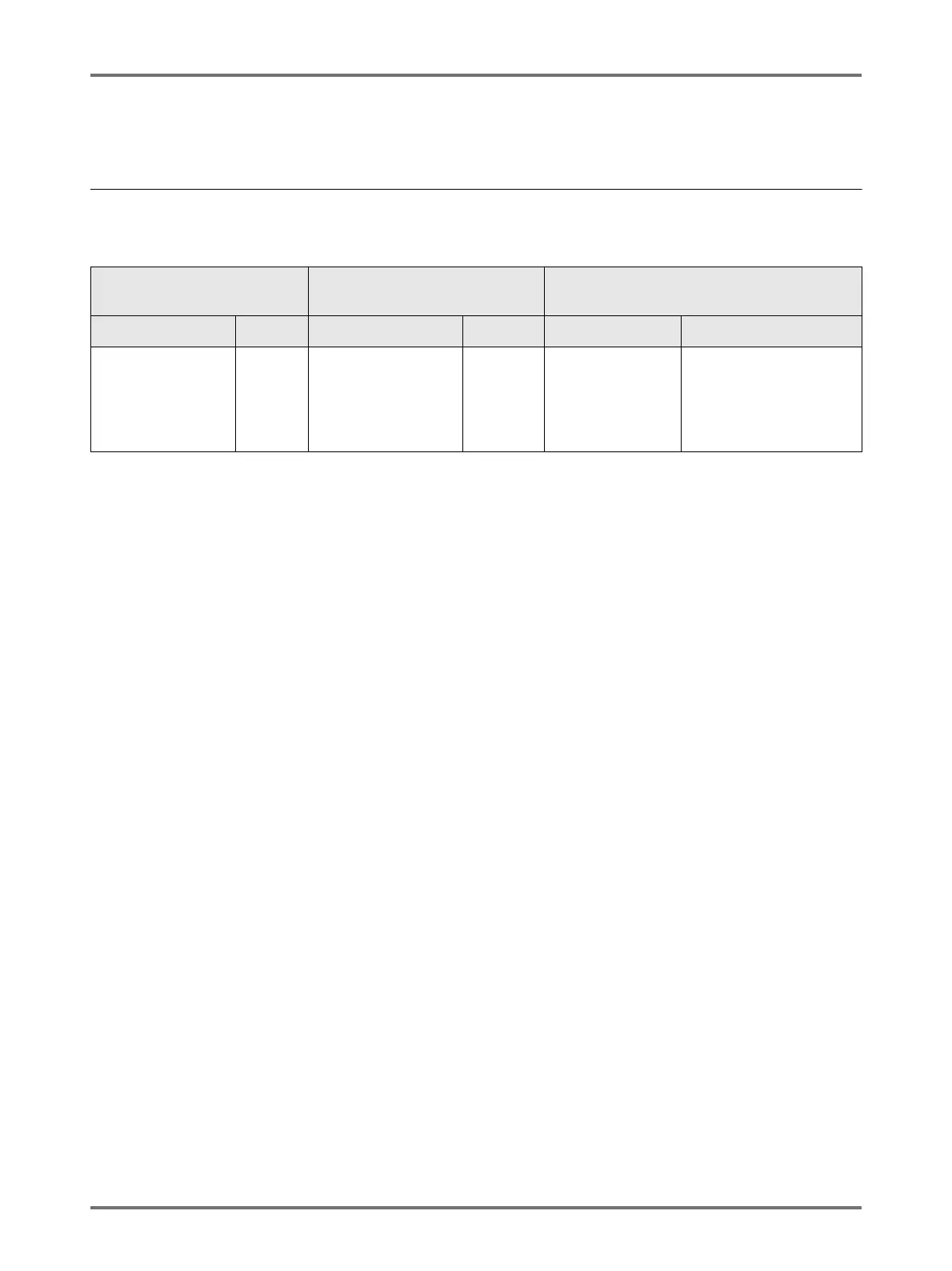
Usable originals are as follows.
*1 The paper weight limit differs depending on which sides of the original are scanned. Scanning sides can be spec-
ified using “Scanning Side -ADF”. )p.164
• Originals are scanned according to the size of paper placed on the Paper Feed Tray when masters are made; for
the same width, the positions of the Feed Tray Paper Guides.
When the placed paper is smaller than an original, not the entire original will be scanned.
When the placed paper is larger than an original, dirt on the glass or shade of the original, for example, may result
in unexpected dirt in the area beyond the size of the original.
• Bound originals can also be used on the Platen Glass.
• You can feed automatically up to 50 original sheets when using the optional ADF (Auto Document Feeder) unit.
Note:
• Use the Platen Glass when printing the following originals:
– Patched or worn originals
– Wrinkled, curled, folded, or torn originals
– Transparent originals (such as tracing paper or OHP transparencies)
– Chemically treated originals (such as thermal or carbon paper)
– Originals with correction fluid or glue
– Extremely thin originals
Using the optional Auto Document Feeder AF-VI:II: less than 50 g/m
2
Using the optional Auto Document Feeder DX-1:
less than 40 g/m
2
(Front Side -> Simplex) / less than 52 g/m
2
(Duplex -> Simplex)
– Extremely thick originals
Using the optional Auto Document Feeder AF-VI:II: greater than 128 g/m
2
Using the optional Auto Document Feeder DX-1:
greater than 128 g/m
2
(Front Side -> Simplex) / greater than 105 g/m
2
(Duplex -> Simplex)
– Heavy drawing paper
– Originals with staples or clips
• If an original is wrinkled, curled, or creased flatten it thoroughly so that the originals can be pressed directly onto
the Platen Glass during processing.
• If correction fluid or glue is used on an original, thoroughly dry it before placement.
• For an original patched with thick paper, the shade of the patched paper may also be printed.
Using the Platen Glass
Using the Optional
Document Feeder AF-VI:II
Using the Optional
Auto Document Feeder DX-1
Size Weight Size Weight Size Weight
50 mm × 90 mm
to
297 mm × 432 mm
Max.
10 kg
100 mm × 148 mm
to
297 mm × 432 mm
50 g/m
2
to
128 g/m
2
105 mm × 128 mm
to
297 mm × 432 mm
<
Front Side -> Simplex
>
*1
40 g/m
2
to 128 g/m
2
<
Back Side -> Simplex
or
Duplex -> Simplex
>
*1
52 g/m
2
to 105 g/m
2



 To Next Page