Functions for Printing
Adjusting the Print Position [Print Position Adjustment] [1=2 Alignment]
116
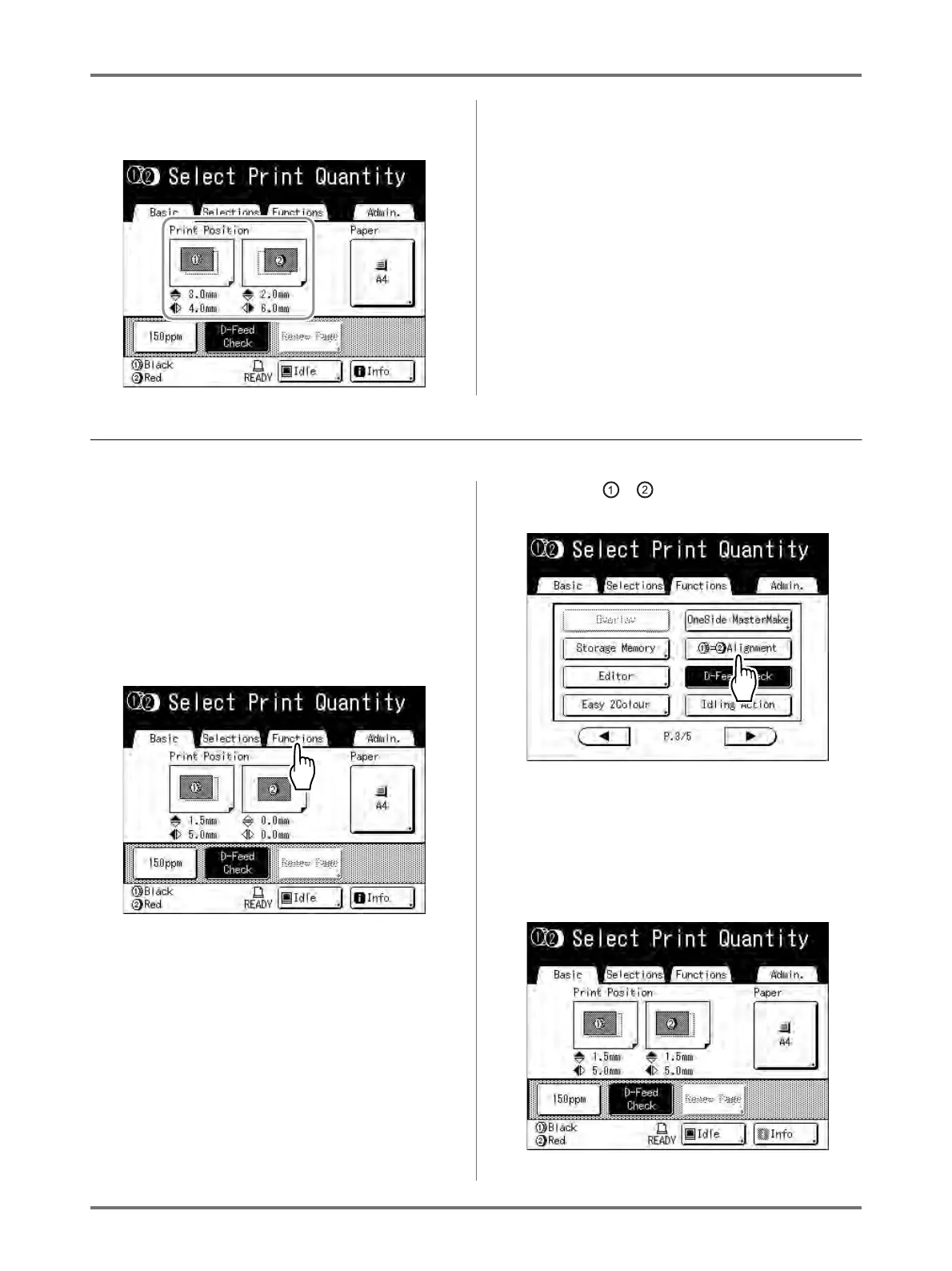
The Print Basic Screen shows current vertical/horizon-
tal adjustment.
Adjusting the Print Position of Both Drums Together
1
Adjust the print position of one of
the drums.
The adjustments display on the Print Basic
Screen.
2
Touch [Functions] on the Print Basic
Screen.
Ex: When adjusting Drum 1
3
Touch [ = Alignment].
The other drum is adjusted to the same print posi-
tion.
4
Touch [Basic] to check the Print
Basic Screen.



 To Next Page