Maintenance
Cleaning
260
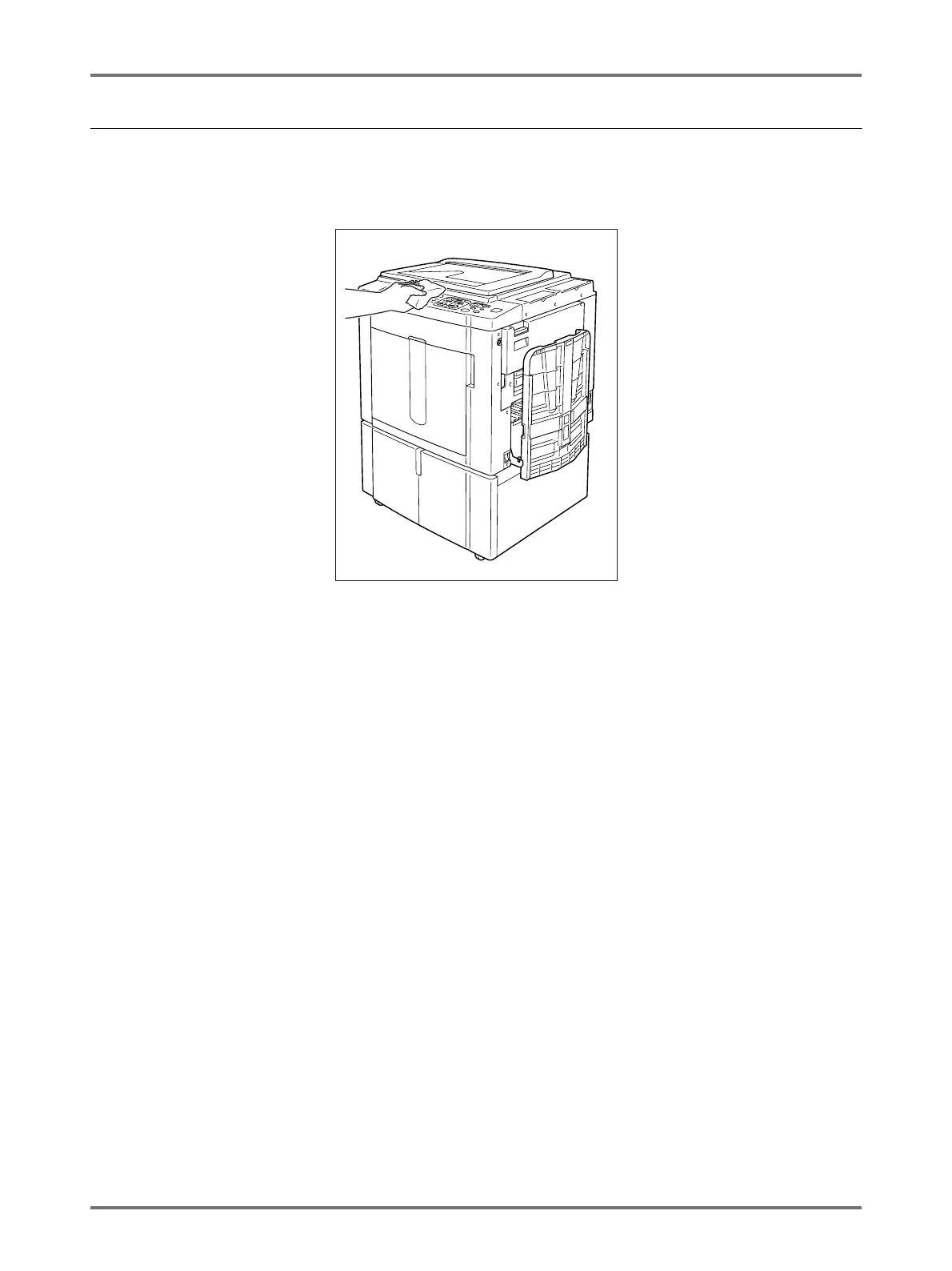
The Exterior
Use a soft cloth to gently wipe down the entire printer on a regular basis in order to prevent the exterior from getting
dirty.
If using a cleaning agent, use one recommended by your authorised service representative.
BCaution:
• Because the machine exterior is plastic, never use alcohol or solvent when cleaning.
• The Display may be cleaned by gently wiping with a dry cloth. Dampen a cloth with a small amount of cleaner and
gently wipe to remove any ink.
Do not spray or pour cleaner solution directly onto the display. Doing so can cause damage.



 To Next Page