Basic Operations
Printing from a Computer Data [Direct Print]
64
Printing from a Computer Data
[Direct Print]
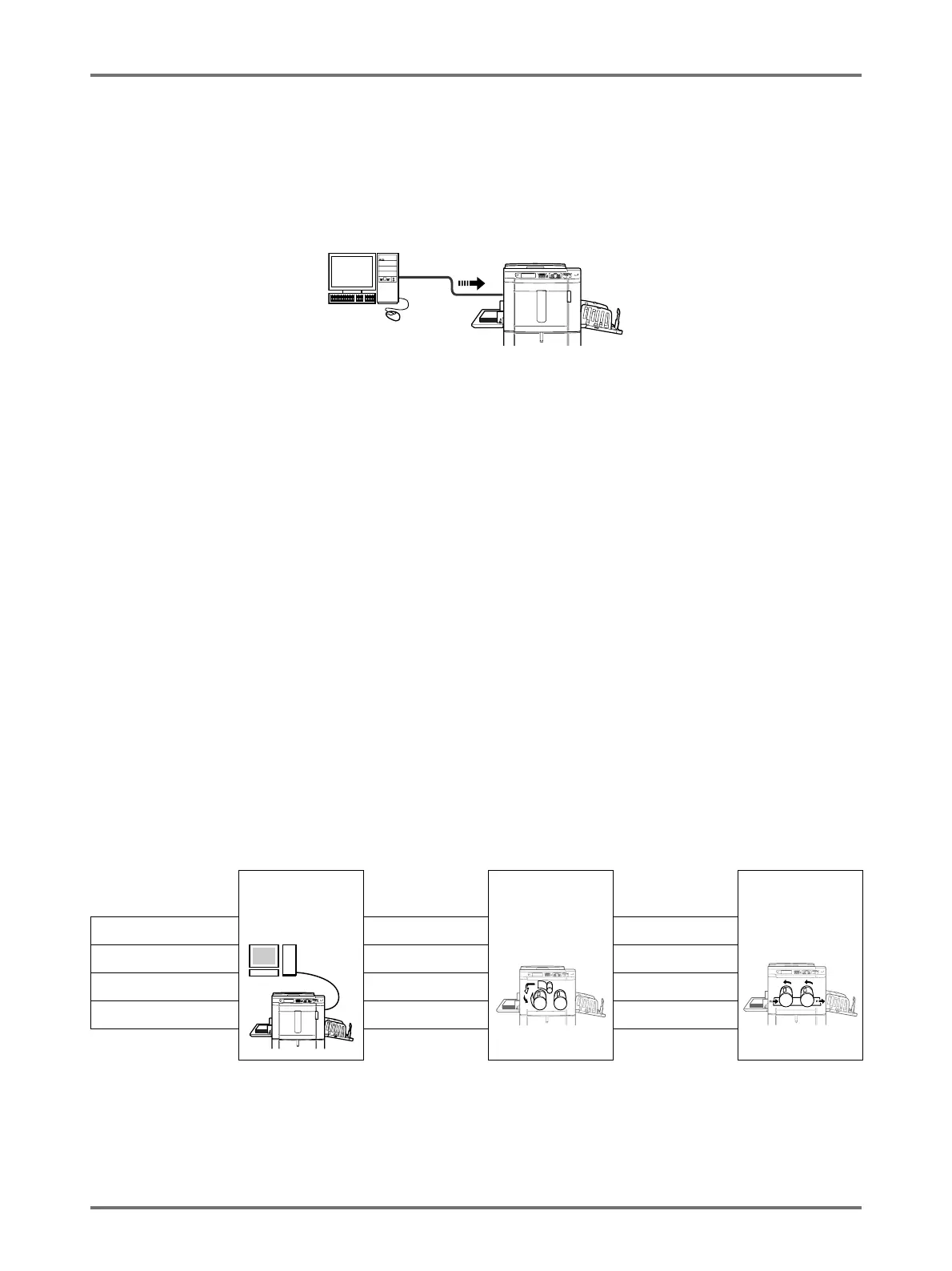
The machine can receive and print the original data created on a computer.
The data will be digitally processed, thus achieving high quality prints.
Important!:
• First, install a proper printer driver on your computer. See the RISO Printer Driver User’s Guide for installation
details.
Note:
• You can save original data created on a computer in the storage memory of the machine.
)p.194
Auto Process and Stop Timing
Auto Process: Auto Process is a combined automated steps of receiving data from the computer, making a master,
and printing.
Stop Timing: During each process, in order to adjust settings or to change paper, you can stop the operation.
To activate “Auto Process”, open the printer properties dialog box on the computer and select “Full Auto”. (When “Full
Auto” is activated, however, proof copy printing and subsequent adjustment steps will be disabled.)
To temporarily halt an operation during the creation of a master or during print process, select one of the following
three options for “Process” in the printer properties dialog box.
• Semi-Auto(Print)
Halts the operation before master-making:
To change settings, to change paper and to change Print Drum
• Semi-Auto(Master)
Halts the operation before printing:
To print proof copy, to adjust ink density, to adjust positioning and to change printing speed
• Manual
Stops twice; before making a master, and again before printing.
Note:
• The stop timing can also be specified from the machine.
)p.69
• This manual provides only a summary of functions available when printing from a computer.
See Riso Printer Driver User’s Guide for further details on sending data and other settings.
Receive data
from computer
Stop before
making a master
Master Making Stop before
printing
Printing
Full Auto --- ---
Semi-Auto(Print) Yes ---
Semi-Auto(Master) --- Yes
Manual Yes Yes



 To Next Page