Storage and Scan Modes (Option)
Overlaying Storage Data onto a 1-Colour Print Job [Overlay]
209
“Overlay” is set and the screen returns to the
Functions screen.
6
Print.
For subsequent operations, see step 6 of “1-Col-
our Printing” ()p.60).
Tip:
Overlaying Storage Data
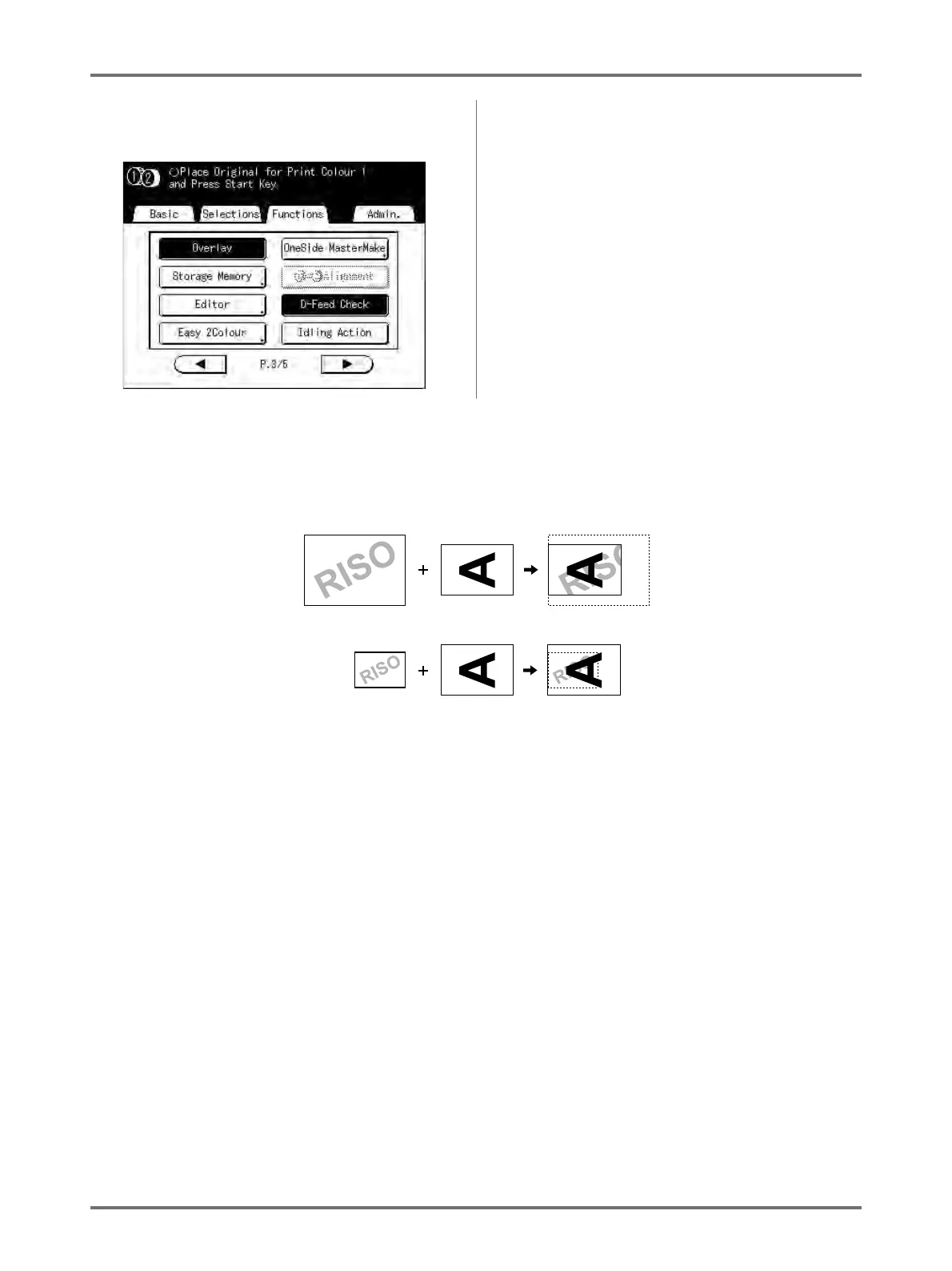
The stored data overlays at the size it was saved. You cannot magnify/decrease the size to match the original or
paper size.
The storage data is overlaid after being centred at the top of the original. You cannot adjust the overlay position.
Storage data Original
Original
Storage data



 To Next Page