Basic Operations
2-Colour Printing with 1 Original [Easy 2Colour]
56
Setting an Original with the Separation Sheet
For the “Separation Sheet”, you must scan the Area Specification Sheet prior to scanning the original.
1
Place the Area Specification Sheet.
When placing on the Platen Glass
Place the original face down on Platen Glass.
Align centre on the top edge, and close Platen
Cover.
Tip:
Using the Gauge Cover
The Gauge Cover allows you to align original
images precisely on the Platen Glass even if
they are not squared on the sheet. Shift the
original sheet along the grid lines printed on the
cover, touching it through the openings on the
cover.
When placing in the ADF unit
(Option)
Place originals and then adjust the ADF Origi-
nal Guides to the width of the originals. Insert
the originals as far into the ADF unit as possi-
ble. (“How to Set the Original” )p.41)
If you are using the ADF unit, you can set the
original and the Area Specification Sheet at the
same time. If you do so, place the sheet on top
of the original.
Important!:
• See “Originals” ()p.16) for the types of
paper that you can use with the ADF unit.
2
Select “Easy 2Colour”.
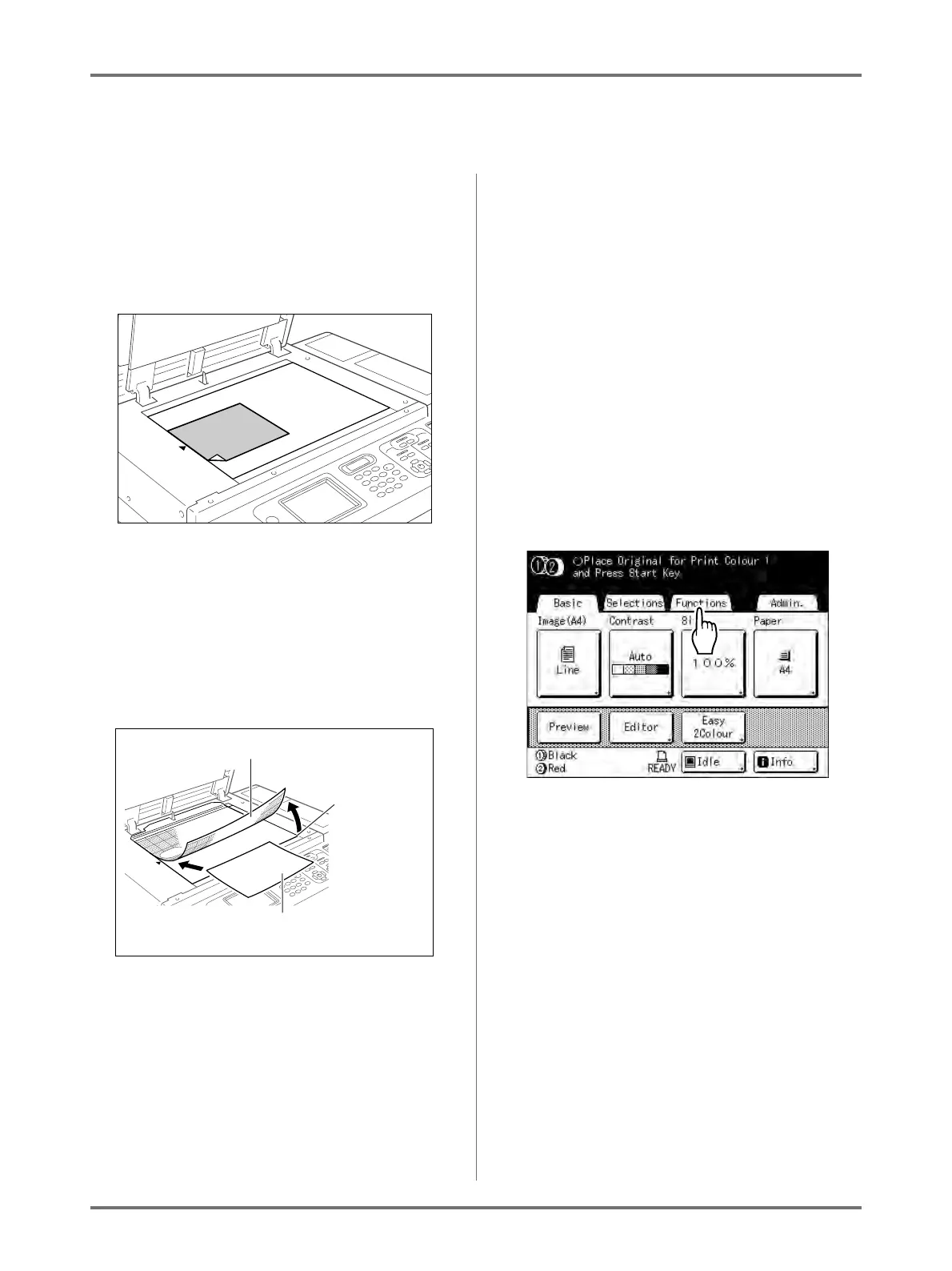
1) Touch [Functions].
The Functions screen appears.
Gauge Cover
Grasp here
and lift up the
gauge cover
Place the original
face-down



 To Next Page