Functions for Master-Making
Adjusting the Side Margins of the Master [Side Margin]
107
Note:
• Print Quantity Keys can also be used to enter a
value.
5
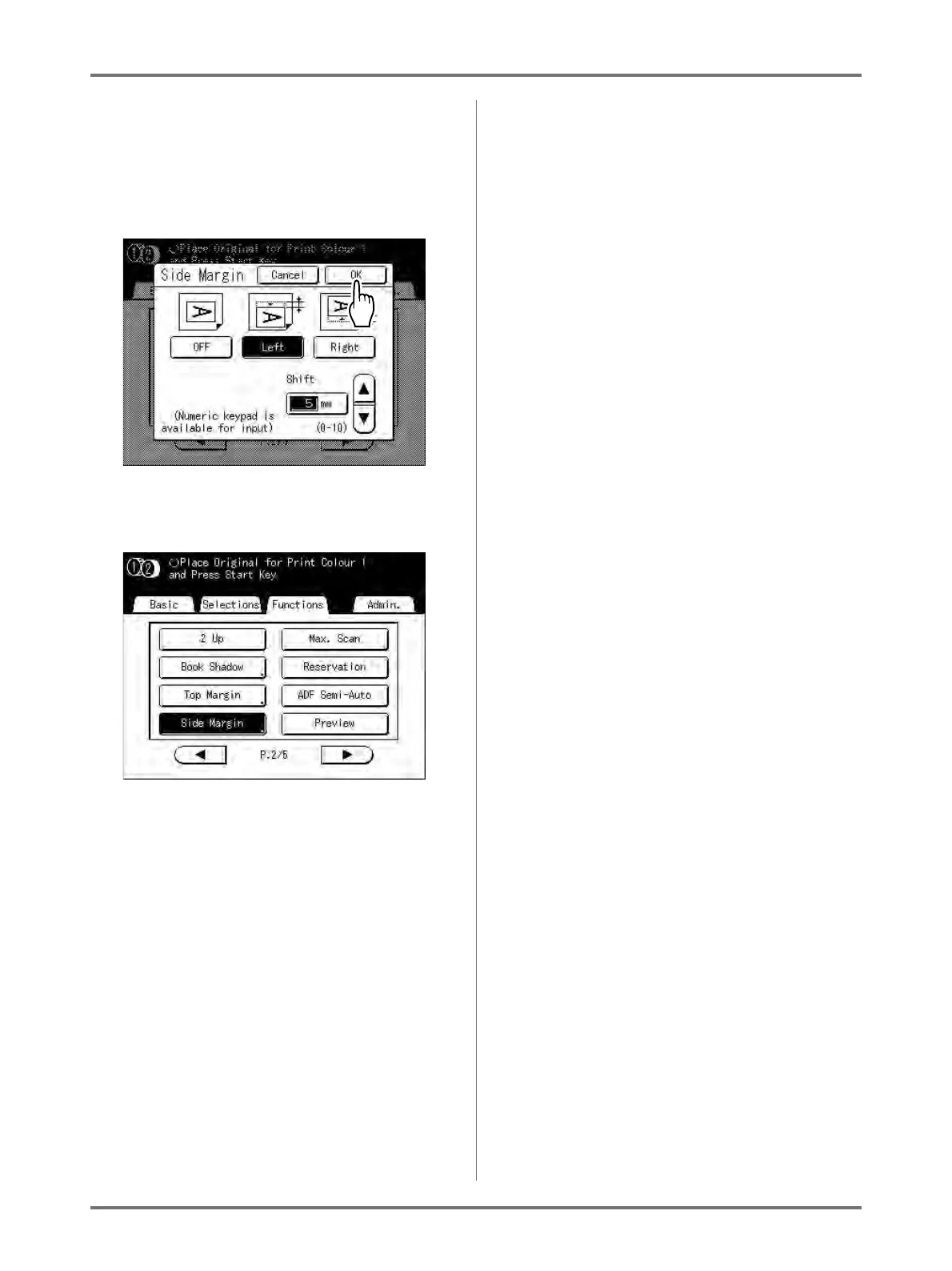
Touch [OK].
Returns to the Functions screen. Side Margin set-
ting is updated.
Important!:
• By using “Side Margin”, the opposite side of the
side margin may be pushed out of the print area
and not print. Check the margins of the original
prior to setting



 To Next Page