Functions for Master-Making
Checking the Print Image Prior to Making Master [Preview]
110
4
Make necessary settings.
You can configure print functions to apply to the
new original as needed.
5
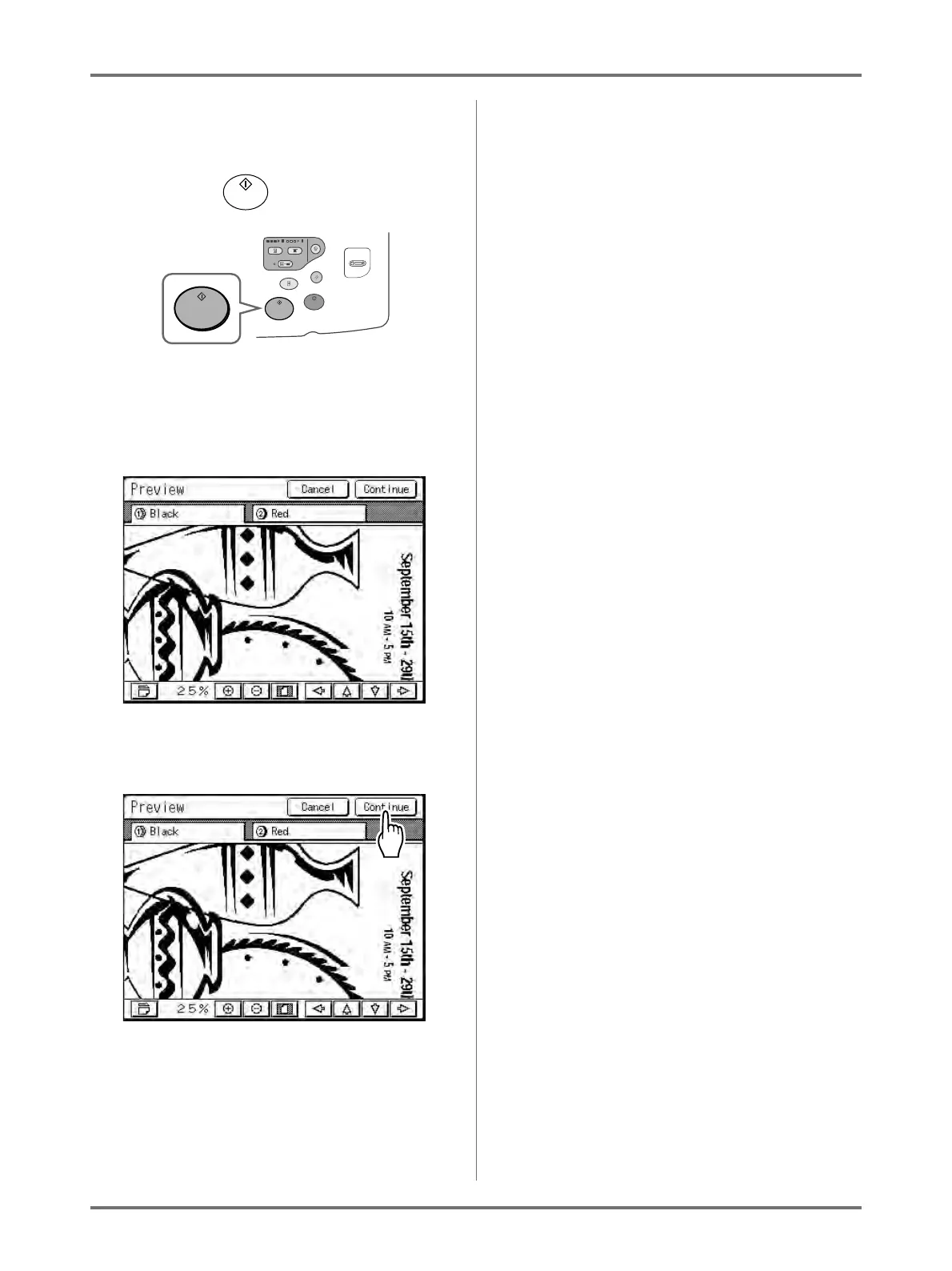
Press the key.
A scan of the original begins, and can be pre-
viewed on the Preview screen.
6
Check the preview image.
7
Touch [Continue].
A master is created using the settings configured
in step 4.
After this, please follow the same operations for
normally making a master for 1-Colour and 2-Col-
our mode.
Note:
• Touching [Cancel] will cancel the image,
returning to the Master Making Basic Screen.
To resume preview operation, repeat from
step 4.



 To Next Page