Advanced Features
Using Job Memory Functions [Job Memory]
156
6
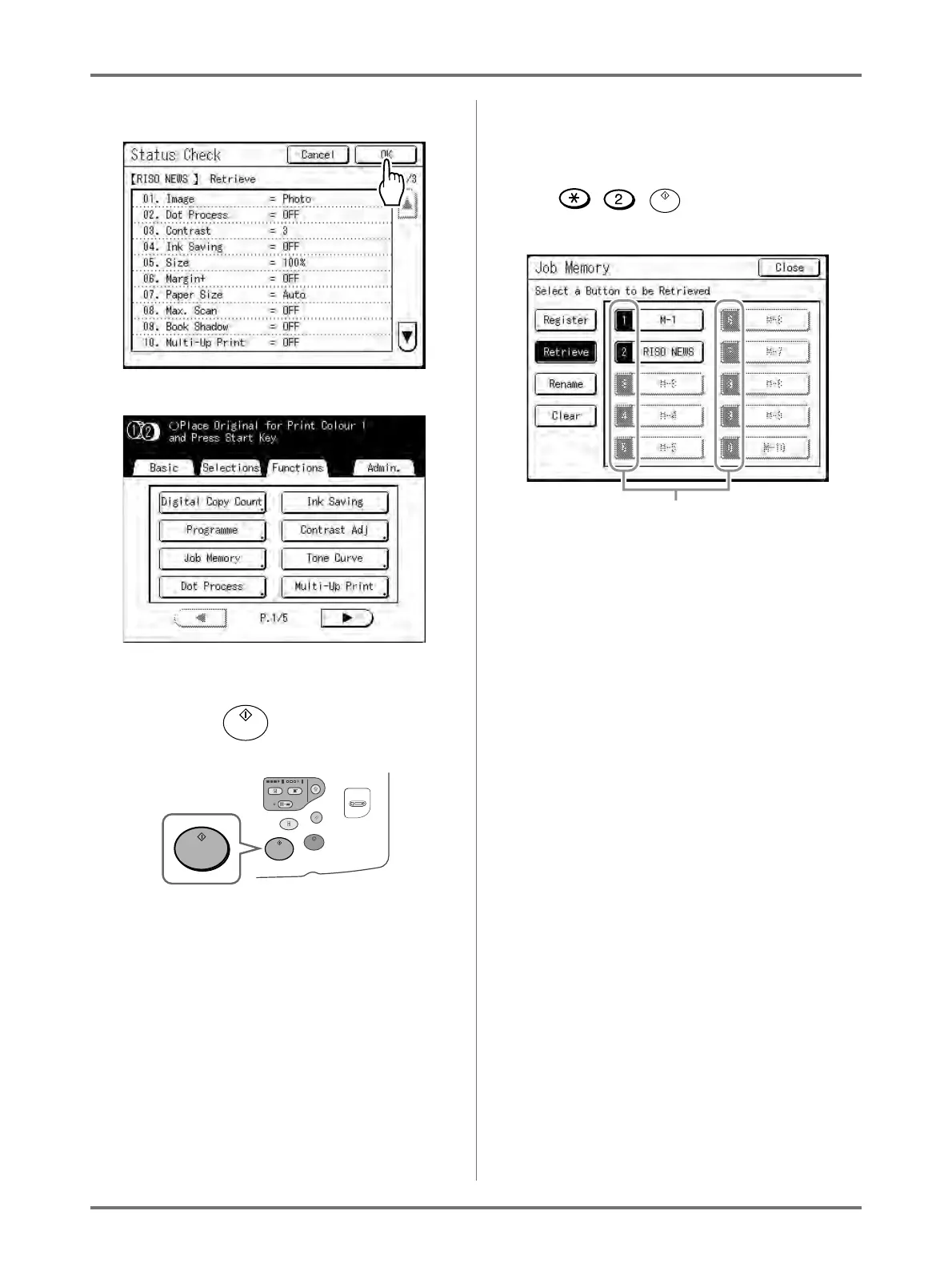
Confirm the settings and touch [OK].
The following screen appears.
Returns to the Functions screen. Ready to print
using the retrieved job settings.
7
Press the key.
The master is made and copies printed in accord-
ance with the Job Memory setting.
Tip:
Quick Retrieval
A job setting can be retrieved via hardware keys
without touching the Touch Screen.
For example, to retrieve and print job M-2, press
the , , key in that order. M-2 is
retrieved and starts the master-making process.
Registered Number



 To Next Page