Advanced Features
Keeping Masters Secure After Printing
192
Note:
• The
“-- Protect -- Discard Current Master”
mes-
sage is also displayed when printing from com-
puter data on a PC.
• If you select [Cancel] while the “Protect” setting
is active, the “-- Protect -- Discard Current Mas-
ter” message is on appears each time you
press key or key.
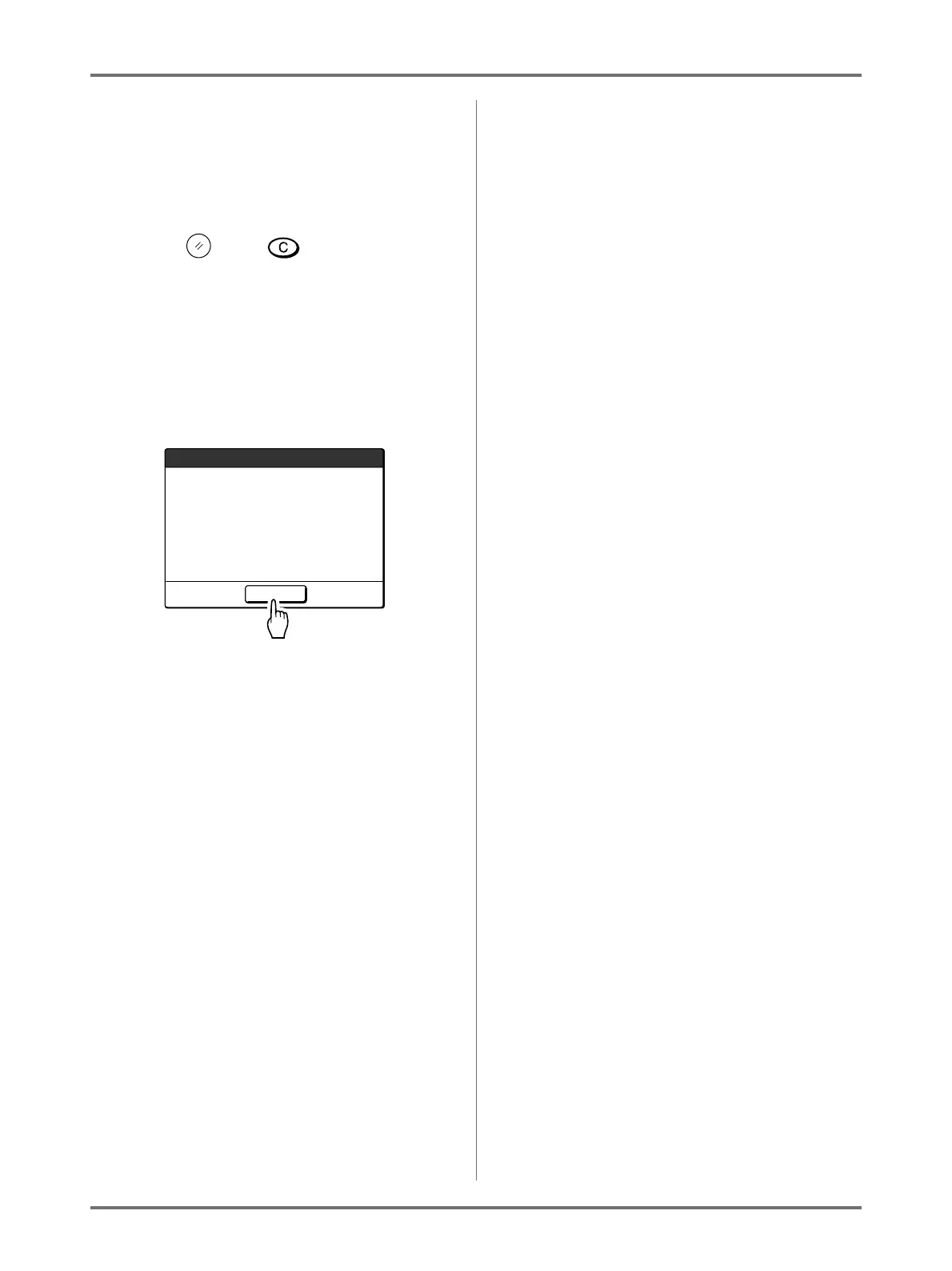
• The screen shows the message below when:
– setting the Print Drum that has been removed
without the “Confidential” operation, or
– the machine goes into the sleep mode after a
certain period of time has passed after the
confirmation message was displayed, and
then the sleep mode is cancelled (or the
power is turned ON).
Touch [OK] to discard the master remaining on
the Print Drum.
Discard Current Master
-- Protect --
OK
F94-007


 To Next Page