Storage and Scan Modes (Option)
2-Colour Printing with the Original and Storage Data [Stamp]
212
5
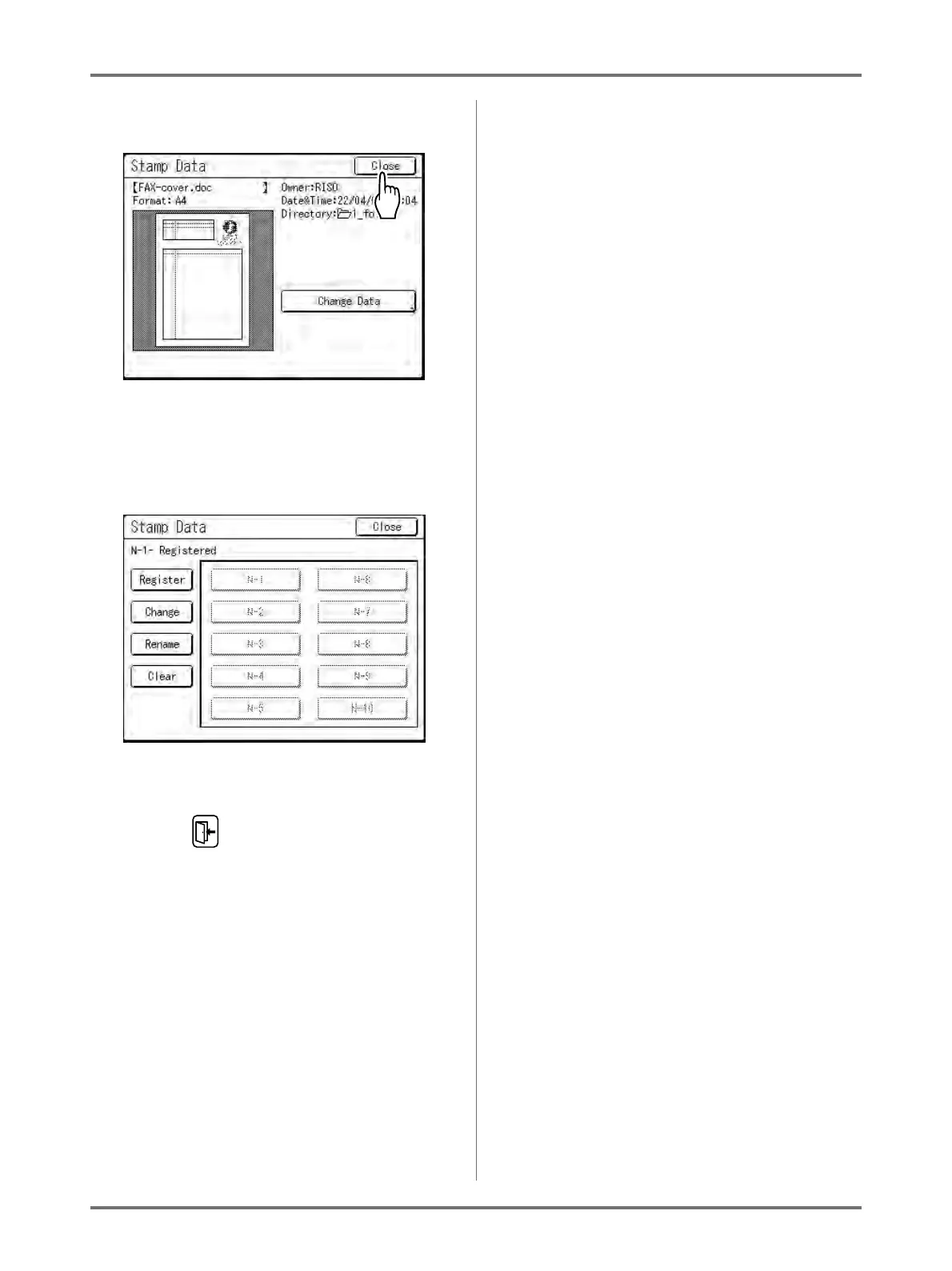
Touch [Close].
Note:
• To change the Stamp Data, touch [Change
Data].
The Stamp Data screen appears.
Proceed to the step 2 ()p.213) of “Renaming the
Stamp Data” if necessary.
6
Touch .



 To Next Page